Nike Men’s Fashion on Noon UAE: item availability — variant and model checks
Noon UAE variant and coupon Nike exact item or variant availability at purchase time: When you’re hunting for a specific Nike variant on Noon UAE and looking to
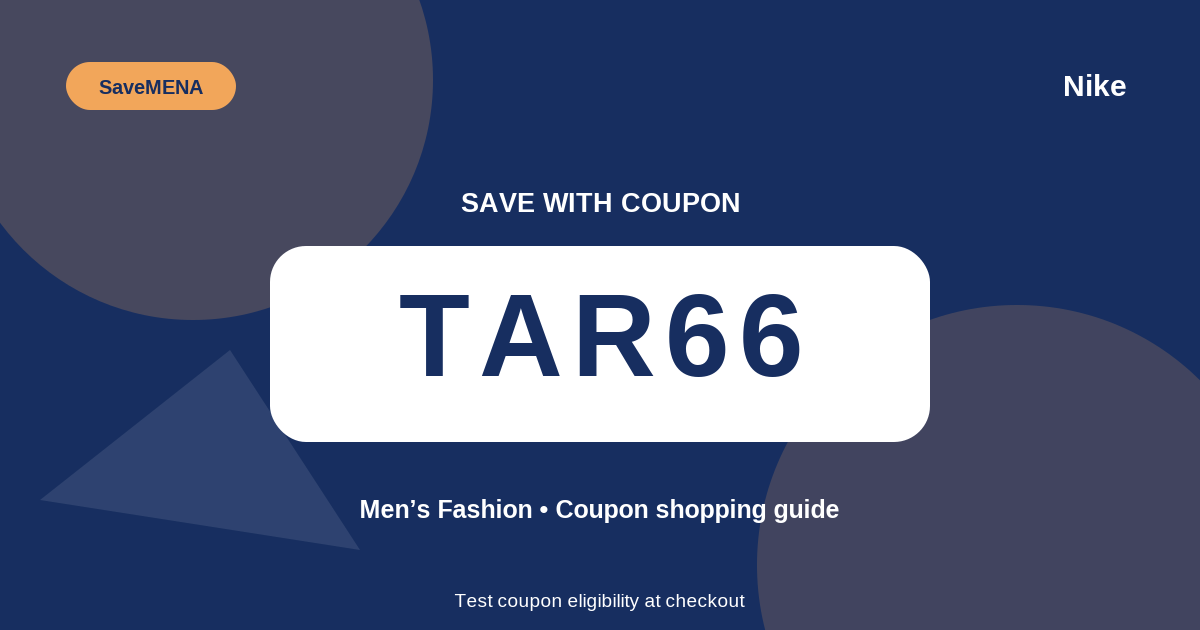
Codes available to try while comparing
These codes are not guaranteed for the article topic or listed brands; test them at checkout and use the live result.
Identify the coupon code Variant Through Product Filters
Start by selecting the Nike brand filter on Noon UAE to reduce clutter. Once the Nike catalogue loads, use the color, size, and design sub‑filters to narrow down the list to a single product. Pay special attention to the variant names and details; some listings list “Size M, Red” while others use “Medium, Scarlet.” By eye‑balling these filters, you’ll arrive at the exact Nike item you want without the risk of picking a similar but different SKU.
After the product list shrinks to one entry, click on the listing to open its detail page. The page will display a dropdown menu or swatch grid that lists every available variation. Verify that the exact color and size you seek are shown as active options. Checking this step guarantees that you aren’t inadvertently selecting an unavailable variant that will trigger a cart error later.
Confirm Variant Options Before Adding to Bag
On the product page, before clicking “Add to Cart,” double‑check the selected options against the product description. Confirm that the size and color displayed match the variant you filtered for. This final visual confirmation saves you from accidental order changes once the cart is confirmed.
Once you’re certain the correct variant is selected, proceed to add it to your cart. Noon UAE will confirm the added item with the variant name in the cart summary. Ensure the cart text reads exactly as the product page, indicating the true variant you intended to purchase. If the cart displays a different option, revisit the product page to correct the selection.
Review Seller Information and Delivery Terms
In the cart page, notice the listing’s “Seller” label. Some Nike variants come from multiple sellers; each may offer different shipping times or return policies. Click on the seller link to open their profile and confirm that they ship from a warehouse within the UAE, which often guarantees the same delivery timeframe you expect.
Next, review the “Delivery Options” section. Noon UAE typically shows promised delivery days and any associated shipping fees. Make sure the seller’s shipping cost appears before you head to checkout, as changes here can alter the coupon’s applicability if the total exceeds certain thresholds.
Inspect Pricing and Subtotal Details
On the cart summary, the unit price for the selected Nike variant will appear prominently. Compare this figure against the product page to confirm consistency. A mismatch can signal an issue with the variant you’re about to purchase, necessitating an earlier return to the product page.
Below the unit price, the subtotal reflects the total for the cart before any discounts or shipping fees. Verify that the subtotal includes exactly one instance of the Nike variant. Ensuring the subtotal’s integrity is critical; any deviation may mean the coupon code will not apply as intended during the next step.
Apply Coupon Code Smartly
When you are ready to proceed to checkout, scroll to the “Discount” section. Enter the coupon code TAR66 carefully, and click “Apply.” Noon UAE will instantly recalculate the total if the voucher is accepted. If the code does not apply, a brief notice will appear explaining why—most commonly if the item does not qualify for the coupon due to catalog restrictions.
Take note of the new total after the coupon has been applied. If the discount is not reflected, double‑check the variant status and final pricing again, as some vouchers only work on particular SKU ranges. Ensuring the final amount updates confirms the coupon served as intended.
Review Final Total and Checkout Policies
On the final checkout screen, confirm all figures: item price, any shipping fee, and the discount applied. The screen will list a “Final Total” that should reflect the coupon’s deduction. If the final total remains unchanged, the voucher may not be valid for this particular Nike variant.
Scroll through the terms and conditions displayed at the bottom. They typically outline whether the coupon applies to all purchase amounts, returns, or exchanges. Verify that the policy does not exclude the exact variant you’re buying. Knowing this helps prevent surprise refunds or order cancellations later.
Track Order and Verify Delivery
After completing the transaction, Noon UAE will send a confirmation email. It will include an order summary with the exact variant name, color, size, and seller details. Keep this for reference if you need to follow up or return the product.
Use the order tracking feature within Noon UAE’s app or website to monitor the package’s progress. As the shipment moves through the distribution centers, the status updates will show whether it is freshly dispatched, is on arrival, or delivered. This ensures you’re aware of actual delivery times, not just estimated ones.
Post‑Purchase Review and Satisfaction
Once you receive the Nike variant, inspect the physical item for quality and exact match to the online description. Check the color, size, and any celebratory packaging to confirm the variant matches what you purchased.
Afterwards, consider leaving a review of the product and seller on Noon UAE. Your feedback, including notes on variant accuracy and shipping experience, helps future shoppers make informed decisions and encourages sellers to maintain high reliability standards.
Related SaveMENA pages
Related articles
Official sources to check
Frequently asked questions
Will the coupon TAR66 always apply automatically to any Nike variant I purchase?
Coupon codes are tested at checkout; whether TAR66 applies depends on the variant’s eligibility set by Noon UAE. If the code does not apply, a brief message will indicate the reason.
Can I change the variant after adding it to the cart?
Yes, you can select a different size or color in the cart before proceeding to checkout. However, this may affect the coupon’s applicability, so reapply the code if needed.
What happens if the listed price changes after I add the item to my cart?
Check the cart’s price before checkout. If the price differs from the product page, replace the item or contact Noon UAE support for clarification.
How can I confirm that the seller’s delivery aligns with my schedule?
Seller shipping information appears in the cart. You can also view estimated delivery dates on the checkout page before final payment.