Puma Men’s Fashion on Noon UAE: item availability — variant and model checks
Noon UAE variant and coupon Puma exact item or variant availability at purchase time: Looking to snag a specific Puma model on Noon UAE?
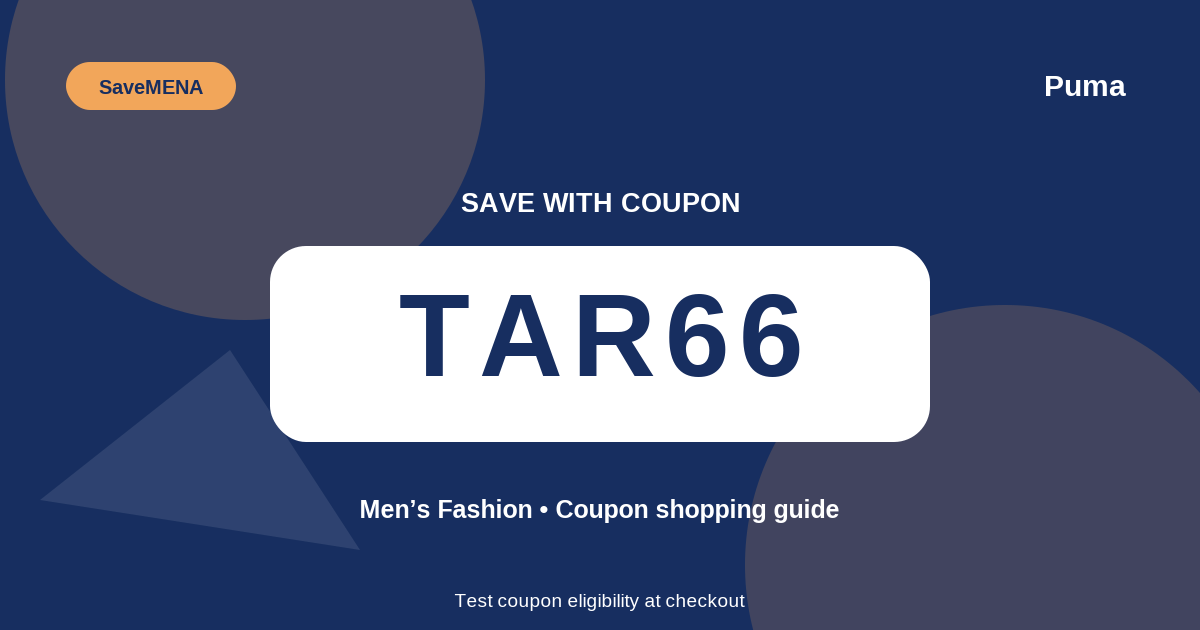
Codes available to try while comparing
These codes are not guaranteed for the article topic or listed brands; test them at checkout and use the live result.
1. Identifying the Exact Puma Variant on Noon UAE
When you first arrive on Noon UAE, use the search bar with the full product name—“Puma Men’s Motion Plus Sneaker” for instance—plus the exact colour or edition you want. Fine‑tune filters for size, material, and special tags that match the product description you’ve seen on the brand’s official site. The variant title on Noon should mirror your the coupon code variant’s wording, helping you avoid generic or overflow listings that differ only in subtle details.
Next check the variant description displayed under the product image. Look for the style code, any portion numbers, and the last modification date to confirm the listing is current. Pay close attention to color swatches; a click‑through preview often shows the exact hue you want, reducing the likelihood of receiving a color that only looks similar under different lighting.
2. Checking Variant Availability and Seller Trust
On Noon UAE, the variant’s availability status is shown in real time. A green indicator or "In Stock" label means the seller can deliver immediately. Remember that stock can change quickly, so note if you see a limited quantity hint. If the item shows “Out of Stock,” you may need to consider a similar variant or a different seller altogether.
Cross‑reference the seller’s rating and review quantity. Sellers with high thumbs‑up ratios and substantial reviews usually line up better logistics. However, a solid rating alone does not guarantee swift delivery; pairing it with a verified seller badge adds an extra layer of protection for your purchase.
3. Comparing Prices Across Noon and Other Sellers
Once your the coupon code variant is confirmed, gather price points from multiple Noon sellers and comparable platforms. Note that Noon’s frontend shows a single price, but sometimes 3rd‑party sellers on the platform may offer small price distinctions. A quick scroll through the seller list can reveal these differences, helping you decide if a slightly lower figure is worth a potential change in shipping terms.
Include shipping fees in your comparison. Noon often displays a separate line for delivery cost, which may vary between sellers, especially for international or express deliveries. Weigh the total cost carefully; a lower product price might be offset by a higher shipping charge.
4. Utilizing the TAR66 Coupon at Checkout
When you’re ready to add the chosen Puma variant to your cart, proceed to the checkout where you’ll encounter the discount code input field. Enter “TAR66” exactly as it appears, respecting any capitalization rules. The site will attempt to validate the code against your cart total, a step that’s transparent even if the coupon ultimately doesn’t apply.
If the code is accepted, Night UAE will deduct the discount from your final bill; if not, the checkout process continues normally, ensuring you still receive the product you selected. It’s essential to verify the discount’s applicability before you submit the order to avoid any post‑purchase surprises.
5. Understanding Delivery Options and Timelines
Noon UAE offers multiple shipping choices, ranging from standard to express. Each option has its own estimated delivery window displayed alongside the shipping fee. Pay attention to the “Delivery Estimate” notice; it will change if you select a different shipping speed or switch to another outlet.
Confirm that the delivery address appears exactly as you want the product to go. Uncheck any automatic “save for later” option that might delay shipping. Add any promotional notes in the “special instructions” field if you need a particular handler or packaging for your Puma shoes.
6. Payment Methods and Security on Noon UAE
Noon UAE accepts major credit cards, debit cards, and the local online payment portal. When you choose a card, the platform encrypts your data and provides a verification step that confirms the transaction before pulling funds. Each method has a distinct confirmation prompt, which appears before the final order status appears.
Keep an eye on security notices—there may be a requirement for OTP or other verification steps. The platform’s payment overlay also indicates whether your card is recognized as a “verified” issuer, which can impact the approval speed for larger orders.
7. Handling Returns and Exchanges for Puma Products
Most Puma items sold on Noon UAE come with a standard return policy that allows a window of days after delivery for a full refund or exchange. It’s prudent to note the refund method: usually the original payment method is credited back, and shipping for return is handled by Noon’s return center.
Should the received variant deviate from what you confirmed—say, a wrong color or size—initiate the return process from your order history. The returns page will list the exact steps to cancel or exchange the item, and you’ll receive a prepaid label if the seller’s return policy requires it.
8. Finalizing Purchase and Confirmation Procedures
Before you hit “Place Order,” double‑check every line item: variant name, size, color, shipping fee, total, and coupon status. A mis‑click on a slightly different color swatch or an overlooked quantity can change the total dramatically. Confirm that the listed carrier for delivery matches your expectation as well.
Upon confirmation, a receipt will be emailed and the order status updated to “Processing.” Monitor that email for any shipping updates; Noon UAE often sends a tracking number when the product ships. Keep that number handy if you decide to use a third‑party tracking tool.
Related SaveMENA pages
Related articles
Official sources to check
Frequently asked questions
How can I ensure I’m purchasing the exact Puma variant I want?
First, verify the variant title and description on Noon UAE carefully, then confirm the specific color and size details before adding to cart. Checking seller rating and stock status adds another layer of confirmation.
Will the TAR66 coupon be applied automatically if my order qualifies?
Enter the code “TAR66” at the discount field on checkout. If eligible, the platform will show the updated total; if not, you can still complete the purchase without the discount.
What should I do if my Puma shoes arrive in the wrong color?
Start a return through your Noon UAE order history and select “Return/Exchange” with the correct variant details. Follow the provided instructions and send the item back to the designated return address.
Does Noon UAE offer free shipping for Puma products?
Shipping fees are displayed separately during checkout. Occasionally, certain sellers or promotional periods may waive the fee, but this will be shown in real time before you finalize your order.