Dell Office on Noon UAE: item availability — variant and model checks
Noon UAE variant and coupon Office Dell exact item or variant availability at purchase time: Looking for the Dell office variant on Noon UAE and hoping to apply the
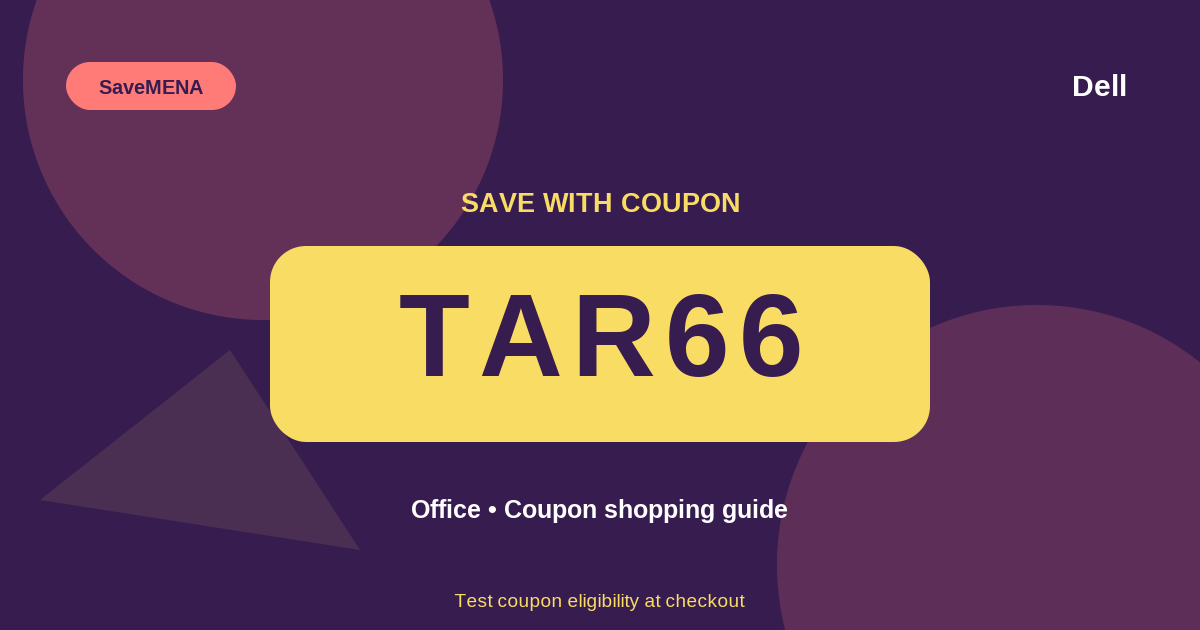
Codes available to try while comparing
These codes are not guaranteed for the article topic or listed brands; test them at checkout and use the live result.
1. Confirm the Exact Variant on Noon UAE
Before any search, define the exact Dell office model you want. This includes the full product name, specifications that matter to you, and any special editions. Use Noon UAE’s search bar and input the complete model title; avoid abbreviations or general keywords that might pull unrelated listings.
Once results populate, filter by brand "Dell" and cross‑check the product title with the model details you noted. The listing should display identical wording. If multiple similar items appear, keep track of their unique product IDs in a notepad for reference. This step guarantees you are looking at the inventory you truly need, preventing later confusion when comparing prices or applying coupons.
2. Validate Vendor Credibility Without Assumptions
After selecting the correct listing, note the seller’s name and any badges displayed. While badges suggest verification, they do not confirm store identity or guarantee quality. Instead, check the overall seller rating, number of completed orders, and customer reviews that mention recent purchases. These metrics give a practical overview of the seller’s performance on Noon UAE.
Do not rely solely on badge colors or listed “verified” status. Access the seller's profile page and examine the delivery methods they offer, especially for office equipment. The goal is to choose a seller whose logistics meet your time expectations and who has a solid track record with similar items.
3. Inspect Seller’s Return and Warranty Policies
Dell office variants often come with manufacturer warranties. On Noon UAE, sellers may also add store‑specific return conditions. On the product detail page, locate the return policy section and verify the return window, restocking fees if any, and conditions for a full refund versus a replacement. This information should be stated in clear terms before you add the item to your cart.
Verify that the warranty details align with Dell’s official coverage. Look for language that references Dell’s warranty terms or provides a link to their warranty information. If the seller’s return or warranty policy contradicts Dell’s, consider this a red flag and reassess your choice before proceeding.
4. Add the Correct Variant to Your Cart and Review
Click the “Add to Cart” button on the precise Dell office variant you have verified. Before moving to checkout, open the cart overview. Ensure the product listing shows the identical brand, model, and specifications, and confirm the quantity requested. The cart should reflect the exact SKU you inspected earlier.
Check for any additional fees that may appear in the cart, such as a surcharge for certain payment methods or delivery options. Some sellers display extra charges only at checkout. Keep a mental note of these potential additions so you can address them when the final total appears.
5. Attempt the TAR66 Coupon at Checkout
Proceed to the checkout page and locate the coupon code entry field. Input the code “TAR66” carefully; mistyping will cause it to reject. The platform will indicate whether the coupon is applied or rejected without providing a discount amount.
It is important to remember that the presence of a success message does not mean a discount will automatically apply. If the system flags the coupon as invalid, you’ll see an error message. In that case, skip this step and proceed to finalize your order as usual.
6. Verify Final Amount and Delivery Charges
At the final summary screen, review the subtotal, any taxes, and shipping fees. Compare these values to the earlier cart totals to confirm that no unexpected charges have appeared. The subtotal should match the price shown on the product page if no coupon was accepted.
Pay attention to the delivery window listed for your location in the UAE. While Noon UAE offers various shipping options, the final delivery estimate may differ from the earlier estimate if you choose a faster method or if additional fees apply. Ensure that the delivery date aligns with your office setup timeline.
7. Choose Your Preferred Payment Method
The checkout page displays accepted payment options: credit/debit cards, net banking, or Noon Wallet. Each method can have different processing times or fees. If you use a card, check that your card issuer in the UAE supports online payments for international merchants, as some banks may block them.
For purchased office equipment, you may want the buyer protection that Noon provides for card payments. If you prefer digital wallets, verify that the wallet’s history allows the transaction size and that the settlement period matches your office finance workflow.
8. Track The Parcel and Confirm Receipt
After completing payment, you will receive an order confirmation email and a tracking number on Noon UAE’s order history page. Enter the tracking number on Noon’s shipping portal or the carrier’s website if the shipper is identified. Tracking updates help you anticipate arrival and coordinate office installation.
Once the parcel arrives, inspect the product thoroughly. Verify that the Dell office variant matches the model you selected and that the packaging is intact. If any discrepancy appears, refer to the seller’s return policy and contact the seller via Noon UAE’s messaging system for resolution.
Related SaveMENA pages
Related articles
Official sources to check
Frequently asked questions
What does it mean if the TAR66 coupon is applied but shows no discount?
The coupon may have been accepted but not grant a monetary reduction. Noon UAE may change coupon applicability based on inventory or policy, so the code can be flagged as recognized yet ineffective for the selected item.
Can I use the TAR66 coupon together with Noon’s loyalty points?
Coupon codes and loyalty savings typically operate independently. Noon UAE’s system applies them sequentially; be sure to read the terms for each promotion as they may have interaction rules defined at checkout.
Will the Dell office variant shipped from Emirates have a different warranty?
Warranties usually cover all regions, but delivery specifics can affect the service center you must contact. Confirm Dell’s global warranty terms on their official website and review the seller’s return policy on Noon UAE for regional nuances.
What if the seller’s return temperature is short for office equipment?
Check the return policy details beforehand. If the return window is narrower than your needs, consider purchasing from a seller whose policy aligns with your office hardware procurement timeline.