Dell Computer Accessories on Noon UAE: basket contents — variant and model · TAR53
Looking for the perfect Dell accessory set on Noon UAE? Focus on the exact variant before you compare prices, and tune your basket to include monitors, keyboards
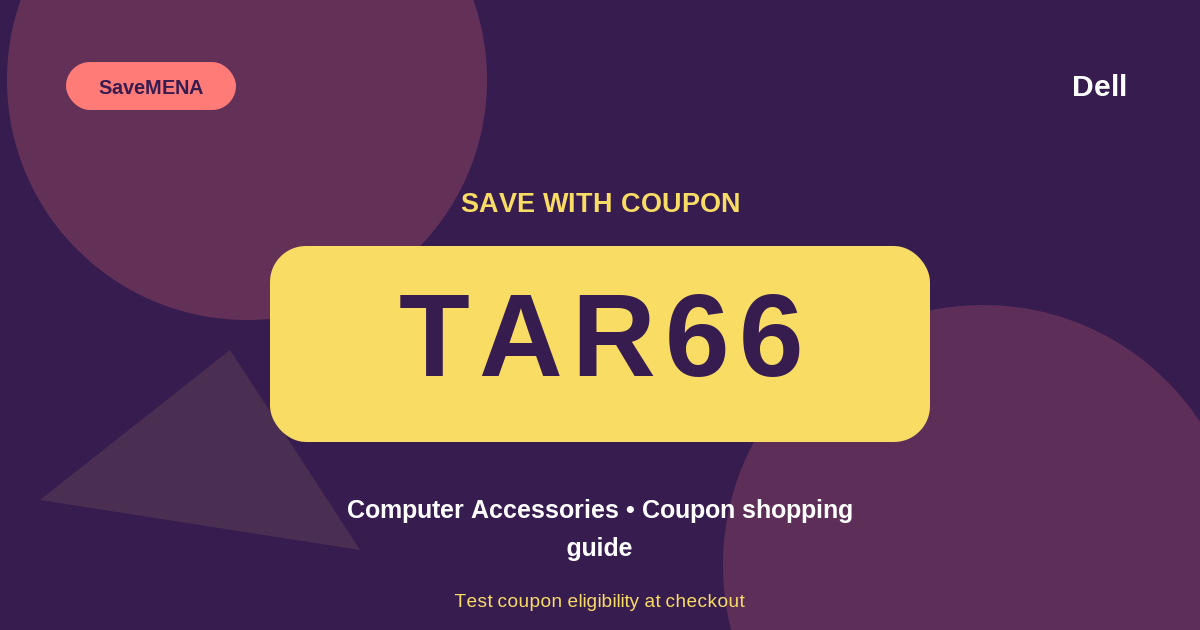
Codes available to try while comparing
These codes are not guaranteed for the article topic or listed brands; test them at checkout and use the live result.
1. Scoping Your Needs: Why Dell?
Dell’s portfolio of computer accessories is engineered to pair flawlessly with its PCs and laptops. From the crisp 4K visibility of an UltraSharp monitor to the ergonomic feel of a Dell vertical mouse, each item is designed to reduce cable clutter and improve efficiency. When you start building your basket, list the core functions you value: color accuracy, connectivity options, or touch capability. Knowing the role of each accessory early on helps you narrow down choices on Noon UAE without sifting through unrelated items.
Checking the exact variant is essential because Dell releases multiple versions of each accessory – for instance, a 27‑inch display in IPS or OLED, or a keyboard in full‑size or ten‑key‑less form. Misidentifying the variant can lead to incompatibility with your system, and you may end up canceling or returning a purchase. Therefore, before you add to cart, double‑check the SKU details on Noon, confirm the model number, and match it against your existing hardware configuration.
2. Tiered Finds: Monitors, Keyboards, and Mice – Building Your Basket
Start your basket with foundational displays. A Dell UltraSharp U2720Q offers 4K resolution and factory calibration, while a Dell S2721QS provides a cost‑effective 4K alternative. If you’re into gaming, a Dell G2720GF delivers high refresh rates. Once monitors are in place, plug in a dedicated Dell keyboard – options include the mechanical KB455 for tactile feedback or the wireless KB455 for cable freedom; pair it with a Dell mouse such as the vertical MW528 for ergonomic posture. Adding a USB hub can accommodate multiple peripherals.
Beyond core peripherals, consider accessories that enhance workflow: a Dell USB‑C hub for charging, a cable management kit to keep desks tidy, or a docking station for laptops to expand ports. Each of these items is stocked by Noon UAE sellers who support Dell hardware. While Price at Noon may vary by variant, a well‑structured basket balances performance with practical desk organization.
3. Material Matters: Choice of Crates, Cable Managers, and Adapters
Once primary devices are in your cart, focus on the secondary items that prevent clutter. Dell offers a range of cable organizers, from simple sleeve bundles to full wall‑mount kits. On Noon UAE, you can find Dell‑branded cable managers that match the aesthetic of your monitor or keyboard. Choosing quality cable bundles reduces wear and makes future upgrades smoother.
Adapters are also critical, especially if you rely on legacy connections. A Dell USB‑3.0 hub or an HDMI‑to‑DisplayPort adapter can bridge older monitors and modern laptops. Noon listings will state the supported ports and the connector type; use that to verify compatibility with your existing equipment. Maintaining a consistent vendor and variant ensures that each part fits the others, avoiding future surprises in your Bart basket composition.
4. Delivery Dynamics: How Noon UAE Handles Deliveries for Dell Accessories
On Noon UAE, delivery speed is variable based on seller location and the chosen shipping method. For Dell accessories, some sellers offer same‑day or next‑day delivery if you order before the cut‑off. Check each item’s “Delivery Details” before checkout; the page will show estimated arrival times and any expedited options available. For a large monitor, notice whether the item requires a hand‑lift or if a delivery professional will handle packaging.
Noon also allows tracking after dispatch. Once the sender confirms shipment, you’ll receive an order tracking number that updates status in real time. Tracking becomes particularly useful when you have a tightly scheduled project and need confirmation that your accessories arrive on time. Verify that the seller’s rating is high, as consistent on‑time delivery is often reflected in user reviews; though ratings are not guaranteed, they can guide you to reliable dispatchers.
5. Wallet Savvy: Using the TAR53 Coupon with Your Dell Basket
The TAR53 coupon is available to try, meaning you’ll see whether it applies at checkout. Check that the code is entered exactly as shown and that no spacing errors occur. If the coupon accepts the entire basket, it may reduce the total; if it’s limited to a subset or a single category, the system will indicate that on the checkout summary.
During checkout, review the “Discount” line that appears once the code is applied. If the coupon is invalid or not applicable to a particular Dell accessory variant, it will state the reason. At that point, you can decide whether to adjust the basket—perhaps remove a high‑priced item—or try a different coupon approach. Always keep the final payable total on screen; that figure reflects the stack of variant selections, Delivery fees, and any rebates from TAR53.
6. Compatibility Checks: Dell Accessories and System Requirements
Dell accessories rely on system specifications for optimum performance. A 64‑bit Windows OS is usually required for many Dell monitors and docking stations, while older legacy devices may require specific driver versions. On Noon’s product pages, each Dell accessory lists compatible operating systems and required cables. Cross‑checking these specifications against your own hardware helps avoid mismatches that could render a device inoperative.
If you’re uncertain about the compatibility of a new Dell monitor with your aging laptop, contact the seller or refer to Dell’s support site. Keep each purchased item’s model number handy; that way, when you receive the order, you can confirm that the part matches your system’s ports and input options. A consistency check at the moment of receipt cuts out the shock of an incompatible or dead device.
7. Future‑Proofing: Planning for Upgrades and Expansions
When designing your Dell basket, think beyond current needs. Choose accessories that scale; a high‑refresh‑rate monitor stays useful as your laptop’s GPU improves. Similarly, a USB‑C hub that supports multiple ports ensures that new peripherals can plug into your desk ecosystem without requiring a new dock. This forward‑thinking approach is especially useful in the UAE, where electronics prices oscillate and it’s savvy to avoid early upgrades that become obsolete.
Consider incremental purchases if the budget is tight. Noon UAE allows you to add items later; injecting a new peripheral one month after the initial purchase can spread cost and let you evaluate the performance of earlier items. Also, monitor Dell’s seasonal promotions at Noon, which sometimes coincide with new product releases. Planning and ordering ahead during such windows might align future expansions with existing accessories, making the entire basket coherent.
8. Final Feast: Summarizing Your Dell Basket Composition on Noon UAE
A well‑crafted Dell accessories basket on Noon UAE typically contains a monitor, a keyboard, a mouse, a cable management system, and an adapter or hub. Each element should be the exact variant you need, verified before you sort items into the shopping cart. Double‑check that the SKU, model number and destination port types line up with your system.
Before clicking “Place Order,” run through the checklist: confirm the variant of every item, review the shipping details, apply the TAR53 coupon, and read the final total. If everything aligns, your Dell set is ready to boost productivity and comfort across your workspace. Enjoy a tidy desk, sharper visuals, and reliable connectivity—all prepared with the right selection of Dell accessories from Noon UAE.
Related SaveMENA pages
Related articles
Official sources to check
Frequently asked questions
How do I verify that the variant I’ve chosen is the right one for my Dell device?
You can confirm the exact variant by looking at the model number on Noon’s product page and cross‑checking it against your laptop or desktop specifications. Pair it with your system’s port types and ensure they match.
Will the TAR53 coupon apply to all Dell accessories in my basket?
The coupon may or may not be valid for every item. After applying TAR53, the checkout summary will display whether the discount is accepted for each product or if it’s limited to specific categories.
Can I change my order after I’ve added accessories to my Dell basket?
You can modify quantities or remove items before finalizing the purchase. Once the order is placed, changes are generally only possible via ATP or partial refunds if the item hasn’t shipped.
What should I do if a Dell accessory shows up with a different variant than I ordered?
Contact Noon’s customer service and provide your order number and the specific variant you originally selected. They’ll guide you on return or exchange procedures to match your intended item.