Puma Shoes on Noon UAE: basket contents — variant and model checks · TAR92
Your goal is to match the exact Puma shoe variant on Noon UAE before comparing price. By reviewing the Noon UAE variant and coupon details for Shoes Puma basket
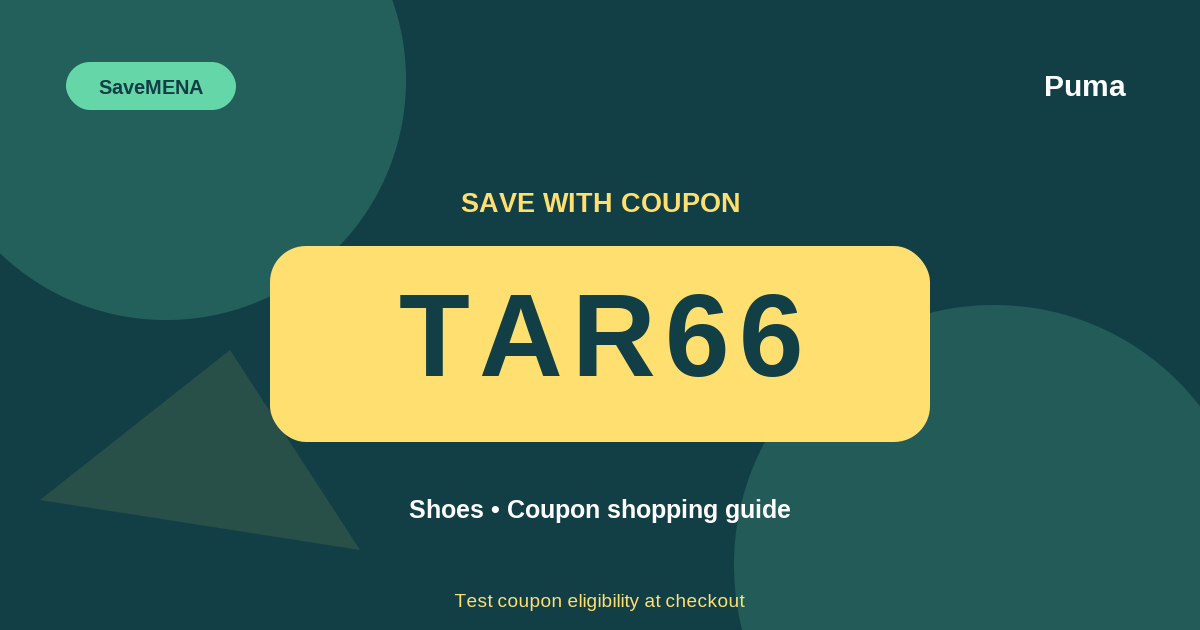
Codes available to try while comparing
These codes are not guaranteed for the article topic or listed brands; test them at checkout and use the live result.
1. Understanding the Variant Landscape on Noon UAE
The first step in perfecting your basket is to know how variants are displayed on Noon UAE. Each Puma shoe you find will list several options: color, size, width, and sometimes special edition tags. Variants are not merely cosmetic; a slim‑fit versus a wide‑fit can differ in functionality and pricing. Click “Select” next to the feature that matches your preference, and the page will refresh to show exactly that variation for purchase. Ensure the color swatch looks identical to the image in the description and that the size number matches your foot measurement.
Once you have confirmed the visual and size details, read the variant description carefully. Some models come with optional accessories—like a lace set or tongue protection—that can appear as separate add‑ons. The price displayed beneath the variant is specific to that selection, so any change in color or size will alter the cost. Without locking the right variant in your basket, you risk ending up with an unintended shoe or a higher price point that makes comparison with other retailers meaningless.
2. Checking Seller Credentials and Product Authenticity
On Noon UAE, multiple sellers may offer the same Puma variant. Use the seller badge visible beside the product name to gauge credibility. Gold or Platinum badges indicate official partners, which usually guarantee authenticity and reliable shipping.Check the seller details directly; do not infer identity verification or reliability from a badge. Be wary of independent vendors with limited ratings, as their offer might be a later listing or non‑official variant.
Before adding a product to your basket, compare the seller’s average rating and number of reviews. A high rating coupled with many reviews often signals stable performance. Also, examine the seller’s return policy—look for a clause that guarantees replacement for counterfeit goods. If you feel uncertain, you can hover over the “Questions & Answers” tab, where other buyers may have clarified authenticity concerns for that specific variant.
3. Verifying Quantities, Sizes, and Numbers in Your Basket
After selecting the correct variant, double‑check the quantity and size fields on the product page. The default quantity is usually one, but you can increase it by clicking the “+” button. If you’re shopping for a pair, make sure you specify the correct left and right sizes—some sellers allow separate sizing in the basket. Keep the basket at the center of your mind; it’s the direct reflection of what you’ll pay, so any mistakes here can mislead price comparisons.
Open the basket icon after adding the item to see a summary: product name, variant details, unit price, quantity, and subtotal. Cross‑reference this summary against the product page to confirm the variant string—e.g., “PUMA RS-X Couche S “Red” 42 (EU)” matches exactly. Unmatched details may indicate you inadvertently added a similar but distinct variant, which could also have a different price.
4. Navigating Delivery Options and Associated Fees for Shoes
Delivery in the UAE can vary by seller, product weight, and your location. Once you click “Proceed to Checkout,” the platform displays available options: standard, expedited, or same‑day where applicable. Some sellers provide free delivery for shoes above a certain basket value; others charge a flat fee. Carefully read the fee description to understand whether it’s a per‑item fee, if it applies only to certain regions, and whether any promotions apply.
Check the estimated delivery window: Noon usually offers delivery within 10-20 business days for most UAE locations, though this can extend during peak periods. Recognize that shipping fees can affect price comparison—as certain competitors might include shipping in the listed price or offer free shipping by default. Record the shipping cost from Noon before you lock in your purchase, so you can later compare a truly equivalent total cost elsewhere.
5. Applying Coupon TAR92 in Your Basket Composition
With your basket ready, look for an option to enter a coupon code. The code “TAR92” is available to try, but its eligibility depends on the seller’s policies and the specific product line. Enter it into the designated field and press “Apply.” If the coupon is valid, the discount will appear immediately in the basket summary, reducing the item subtotal or total, depending on the seller’s structure.
It is essential to note that coupon eligibility may vary by product version or seller. If “TAR92” does not apply to your variant, the platform will inform you of the reason (e.g., “Coupon not applicable for this item”). Do not be discouraged; you can still proceed with the purchase and revisit the coupon if you add a different product or if the seller releases a new discount period.
6. Calculating the Final Payable Total Right Before Checkout
When you reach the checkout page, the system compiles all the components: unit price, quantity, shipping fee, taxes (if applicable), and any discounts like the TAR92 coupon. The final total is displayed prominently. Carefully verify that the variant string remains consistent, especially if you’re purchasing multiple different variants. A mismatch could point to a hidden change in the product you’re about to pay for.
Use the “Review Order” step before confirming payment to cross‑check every line item. If your combination of sneakers, shipping, and discount does not match your expectations, you can adjust quantities or remove the coupon and reapply it after verification. Once you are satisfied, proceed to payment: choose your preferred method (credit card, digital wallet, or net banking). The order confirmation will show the same final amount, giving you a clear record for future reference.
7. Common Oversights When Comparing Prices of Puma Shoes
A frequent mistake is to compare list prices without factoring in shipping or discount eligibility. Noon’s listed price often excludes delivery, whereas competitors may include it by default. Neglecting to apply available coupons, such as TAR92, can also skew the comparison. Some variations of a model have slightly different sizes or infrastructure—misidentifying these as the same can lead to unexpected price differences.
Another pitfall is ignoring seller-specific return policies. A lower price today may lead to higher cost later if returns are complicated or not covered. Always look for a seller that offers a clear, straightforward return window. Additionally, monitor whether the variant is in-stock; a low price advertised on an out‑of‑stock listing may not be actionable until restocked.
8. Putting It All Together: A Checklist for Your Shopping Journey
Before you hit the “Add to Cart” button, tick the following: 1) Variant confirmed (color and size match your needs); 2) Seller verified as reputable; 3) Quantity set correctly; 4) Shipping method and fee noted; 5) Coupon code (TAR92) tested for applicability; 6) Basket summary matches expectations; 7) Final total confirmed. Afterwards, double‑check the order summary at checkout for any discrepancies. This structured approach reduces the risk of surprises and ensures you truly see whether the Puma shoe variant on Noon UAE offers competitive value.
Keep a simple notebook or a digital note to jot down each variable: product name, SKU, price, shipping, discount. Once your purchase is complete, allow the order confirmation to serve as a backup. If you wish to compare the same variant on another platform, you’ll have all the key data points at hand, unburdened by guessing or misinterpretation.
Related SaveMENA pages
Related articles
Official sources to check
Frequently asked questions
How can I verify that I’ve chosen the correct variant of a Puma shoe on Noon UAE?
Check the variant selector on the product page, confirm the color swatch and size number, and then view the basket summary to ensure the variant string matches exactly what you selected.
Is the TAR92 coupon valid for all Puma shoe variants on Noon UAE?
Coupon eligibility depends on the seller and specific product line; the platform will notify you if TAR92 does not apply to the selected variant during the checkout process.
What happens if I add more than one pair of the same Puma shoe variant to my basket?
Adding multiple quantities automatically updates the subtotal and applies any valid discount per item. Verify the updated total before proceeding to ensure it reflects the intended pricing.
How do I track my delivery once I have placed the order?
After checkout, you’ll receive a confirmation email with a tracking number. Use Noon’s app or website under “My Orders” to view real‑time delivery status and estimated arrival dates.