Laptops on Noon UAE: bundle contents — variant and model checks
If you’re looking to match the exact Noon UAE variant before comparing the price for a laptop bundle and accessories, start by reviewing the product title and
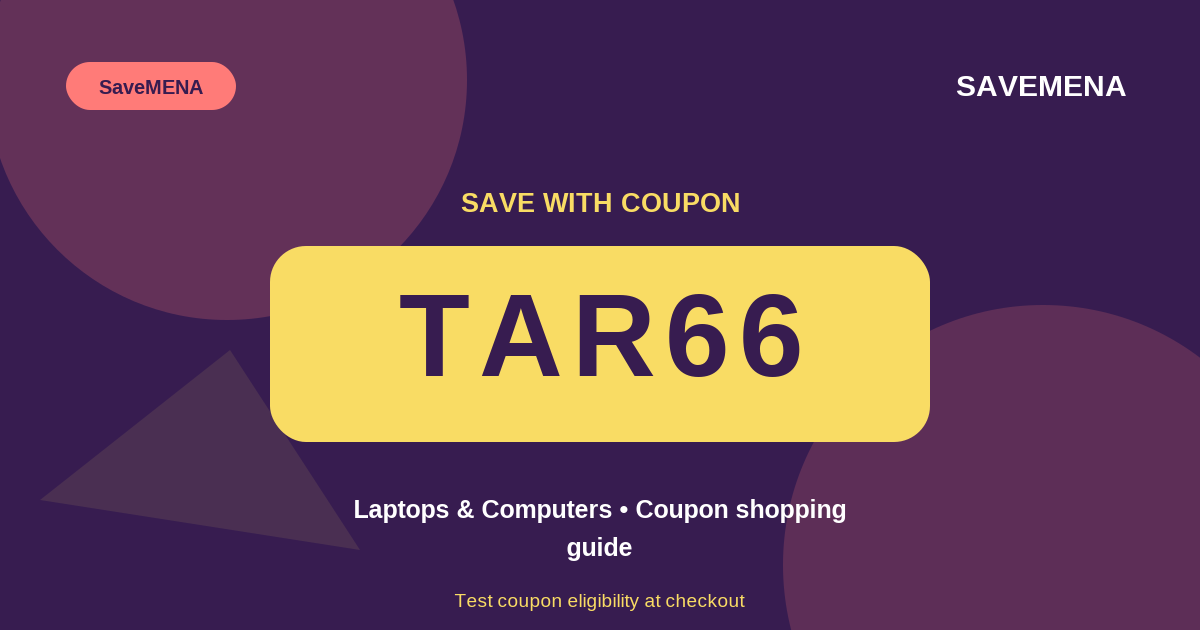
Codes available to try while comparing
These codes are not guaranteed for the article topic or listed brands; test them at checkout and use the live result.
1. Verify the Noon UAE Variant Before Price Comparison
If you’re looking to match the exact Noon UAE variant before comparing the price for a laptop bundle and accessories, start by reviewing the product title and description on Noon’s UAE site. Look for explicit mentions of region, storage, RAM, and processor. These indicators confirm that the variant is tailored for UAE customers, ensuring any promotional offers or regional warranties apply. This verification prevents the accidental purchase of a model with differing specifications that could affect performance or return eligibility.
After confirming the variant, note any distinct features such as cooling systems or display types. These attributes can influence the perceived value of a bundle. Include this information in a simple checklist for easy reference during the comparison stage. Carry this checklist as you explore alternative listings to keep your focus on the exact variant you need.
2. Compare Bundle Contents Across Sellers
Collect the accessory list from each bundle’s product page, ensuring you compare items such as power adapters, protective cases, or peripheral devices. Read the bullet points carefully; some sellers bundle non‑standard accessories that may add convenience but also unnecessary cost. Pay attention to the quantity of each item offered, especially when bundles include multiple chargers or adapters for different ports.
To streamline decisions, create a spreadsheet or use an app to mark each accessory and its description. This visual comparison helps you spot redundancies or missing essentials. Note which bundles include warranty extensions or maintenance services, as these can sway the overall value proposition beyond the obvious price point.
3. Assess Accessory Compatibility with Your Laptop
Before finalizing a bundle, verify that the accessories match your laptop’s model and build. Check the connector type for charging cables, ensuring USB‑type, USB‑C, or proprietary plugs match the laptop’s ports. The same applies to storage expansion accessories or docking stations; incompatibility can render the accessories useless. Ensure the protective case fits your exact laptop dimensions, including thickness and keyboard space.
On Noon, accessory pages often list compatibility, so look for that information in the product description. If details are vague, consider reaching out to the seller via the platform’s messaging tool for clarification. Confirming compatibility reduces risk and guarantees that each component in the bundle serves its intended purpose.
4. Evaluate Warranty and Return Policies
Examine each seller’s warranty terms, focusing on cover duration, type of support, and regional acceptance. Some bundles offer an extended warranty on the laptop or accessories, while others provide basic coverage. Knowing the scope will help you determine whether a higher upfront bundle price is worth the long‑term protection.
Check the return policy, including the time frame and conditions for returns or exchanges. Pay close attention to whether the policy covers defective accessories separately or only the primary laptop. A generous return window can offset any initial bundle cost if the package does not meet expectations.
5. Confirm Delivery and Shipping Details
Review each seller’s shipping options, noting delivery times and any service tiers. Some listings may promise same‑day delivery within UAE cities, while others offer standard shipping. Verify whether the seller includes shipping fees in the bundle price or charges them separately.
Look for any special handling requirements, such as fragile packaging notices. If the bundle includes heavy peripherals, confirm that the shipping method accommodates larger items. Understanding delivery logistics prevents unexpected delays and allows you to schedule the arrival around your usage plans.
6. Test the TAR66 Coupon Application
When you are ready to checkout, select the bundle and proceed to the cart page. Enter the coupon code TAR66 in the designated field before final payment. Observe whether the platform applies a discount, and note any messages indicating eligibility or restrictions. If the coupon does not apply, revisit the terms or check other tabs for updated promo information.
Since the coupon’s eligibility is not guaranteed, the only definitive confirmation comes from the checkout screen. Record the final payable amount displayed after the coupon is applied. This figure will help you compare the ultimate cost of the bundle versus a single‑item purchase without accessories or coupons.
7. Weigh Total Cost Against Perceived Value
Once the coupon has been tested, calculate your overall spending by adding the bundle price and any shipping, and subtracting the coupon impact if it applied. Compare this figure to the order of a bare laptop plus individual accessories you might purchase separately. Consider the convenience of buying bundled items, which often saves time in assembly and setup.
A bundle’s true value lies not only in cost but also in reducing compatibility worries and potential future maintenance. Use this comparative snapshot to decide if a bundled offer aligns with your budget and needs. If the bundle offers superior value despite a higher sticker price, it may still be the preferable option.
8. Final Checklist Before Purchase
Before confirming your order, recap the steps: verify the Noon UAE variant, confirm accessory compatibility, review warranty and return terms, check delivery timelines, test the TAR66 coupon, and reassess the total cost. Having a signed‑off checklist ensures you’ve addressed every critical factor that could impact satisfaction.
Once the checklist is complete, proceed to payment. Keep a record of all confirmation emails or receipt screenshots. Should any issues arise, such as shipping delays or accessory mismatches, you can reference the documentation to streamline customer support interactions with Noon or the seller.
Related SaveMENA pages
Related articles
Official sources to check
Frequently asked questions
How can I be sure the Noon variant I choose matches my region?
Look for explicit regional tags or specifications mentioning “UAE” in the product title and description. Check the SKU and confirm it aligns with local retail models. When in doubt, contact the seller directly on Noon for confirmation.
Will the TAR66 coupon apply automatically during checkout?
The coupon’s application depends on the seller’s promotion settings. Enter TAR66 during checkout; if eligible, the discount will appear. If not, the platform will show a message explaining the ineligibility.
Can I return individual accessories from a bundle if one doesn’t work?
Return policies vary by seller. Some allow returns for any defective accessory, while others require the entire bundle to be returned. Check the seller’s return section or contact their support for clarification.
Is the bundle’s warranty valid across the Gulf?
Warranty coverage often depends on the seller’s service network. Verify the geographic scope in the warranty terms or ask the seller directly if Gulf‑wide coverage is included.