Apple Mobile Accessories on Noon UAE: bundle contents — variant and model checks
Noon UAE variant and coupon Mobile Accessories Apple bundle and accessories: If you’re looking for a specific Noon UAE variant of mobile accessories to pair with
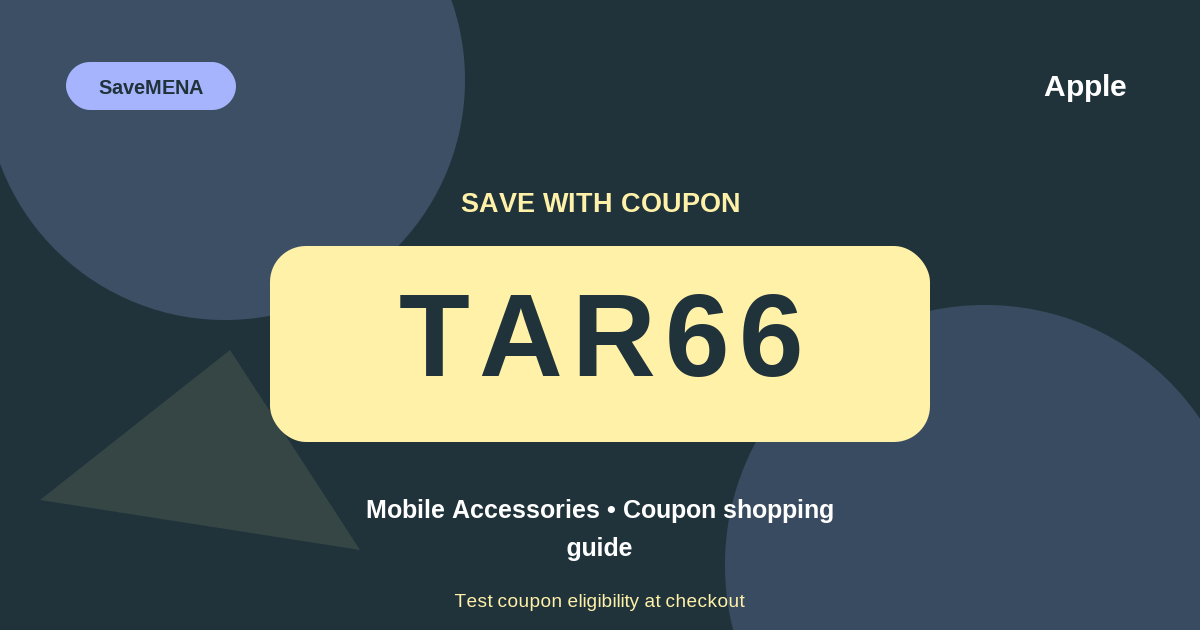
Codes available to try while comparing
These codes are not guaranteed for the article topic or listed brands; test them at checkout and use the live result.
1. Verify Noon UAE Variant Availability
Begin by accessing the Noon UAE website or app and entering the exact model number of the accessory you need. The search results should list items with the specific variant identifier, which helps confirm that you’re looking at the right product. Pay close attention to the product title, item description, and seller in the listing; these details confirm whether the listing truly matches your required variant and if it includes the Apple bundle you intend to purchase.
After locating the variant, verify that the bundle contains all the components you expect—such as charger, case, cable, and any complimentary accessories declared in the Apple bundle. Review the listed features, connectivity options, and any mention of Apple certification or compatibility. If the bundle description is vague or missing key components, consider searching for a more detailed listing or contacting the seller for clarification before proceeding to the next step.
2. Compare Bundle Offers Across Sellers
Once the variant is confirmed, gather the same product from multiple sellers within Noon UAE. Note the price, shipping details, and seller rating for each listing. This comparison helps you identify which seller offers the most value for the Apple bundle plus accessories, and it also highlights any hidden costs such as delivery fees that may affect the final price.
Different sellers may bundle accessories differently, even if they are selling the same core variant. For example, some sellers might add extra cables or adapters, while others keep the bundle lean. Because your decision lens focuses on bundles, tally the total number of items each bundle offers and assess whether the added accessories align with your needs. This systematic comparison ensures you do not overlook a potentially better bundle simply because the price appears slightly higher at first glance.
3. Check Compatibility and Accessories
Compatibility is central when purchasing Apple bundles. Confirm that the listed accessories are officially Apple‑approved or compatible with your specific iOS device model. This can be done by reading the product specifications for certification marks or by verifying the compatibility key words, such as “S-Print” or “MFi” designation, within the listing. Ensuring compatibility protects you from purchasing accessories that may not work with your Apple hardware or that could compromise device performance.
When reviewing the bundle, verify that the accessories meet your usage scenario—whether you need a fast charger, a sturdier case, or multiple cable lengths. If the bundle lacks an element critical to your workflow, you might need to add it separately. Keep an eye on how each bundle’s value proposition matches your personal compatibility needs, and prioritize bundles that meet or exceed your technical requirements without unnecessary extras.
4. Evaluate Shipping and Returns Policies
Shipping terms can differ significantly between sellers, even on the same platform. Examine the delivery timeframe and associated costs listed in each bundle offer. Since no specific numeric delivery fee is provided, you must note that details such as “Free Shipping” or “Standard Delivery” are indicated in the listing. When shipping is free, the seller automatically absorbs the cost, whereas pay‑per‑delivery may add an unseen figure to your total. This transparency is crucial for making an informed bundle decision.
Returns policy is equally important. Read the seller’s return window, restocking charge information, and conditions for returning bundled accessories. A lenient return policy can be a decisive factor if you later discover an accessory is defective or not compatible. Comparing these policies across sellers ensures you select a bundle that not only delivers value but also offers flexibility should circumstances change.
5. Apply Coupon Code TAR66 Safely
When you add the verified bundle to your cart, proceed to the checkout stage before applying any coupons. The coupon code “TAR66” is available for you to try, but its application depends on the seller’s active promotion status. Input the code in the designated field and observe whether a discount appears in the cart summary. Note that the availability of this coupon for the bundle is not guaranteed; you must check for confirmation at checkout.
Since the coupon can only be tested during checkout, record any change in subtotal or final amount. If the code has no effect, the seller may not have applied it to this specific bundle, or it could be limited to other categories or brands. In such case, keep the coupon saved for future purchases where it may be valid.
6. Monitor Checkout for Final Pricing
At checkout, you will see the final payable total, including any taxes, shipping fees, and the applied coupon discount if available. Verify that the subtotal matches the price shown for the bundle on the product page. This step confirms that no hidden charges have been added or that an unexpected discount has been applied. If the total diverges from expectations, review the applied taxes or fees to determine the source of the difference.
Further, the checkout page provides the last opportunity to confirm the product variant and bundle contents. Double‑check that the listed items match the bundle you selected, and that the seller’s name and shipping information reflect what you approved earlier. This verification solidifies your decision, ensuring you proceed with the correct bundle and expected accessories.
7. Track Order Status and Delivery Details
Once the purchase is confirmed, you should receive an order confirmation with a tracking number. Access Noon’s tracking portal or app to monitor the shipment. Tracking information will provide estimated delivery dates and show any delays that might affect the arrival of the bundle. This step helps maintain confidence that your chosen Apple bundle will arrive on time and in perfect condition.
In addition to tracking, you may be presented with a customer service portal or contact details for the seller. If the bundle’s delivery is delayed or if any accessories are missing, contact the seller through the designated channel for prompt resolution. Maintaining a clear record of communications ensures you can resolve such issues efficiently before the order’s final receipt.
8. Post‑Purchase Care and Support
Once you receive the bundle, inspect each accessory carefully. Check that all items listed in the bundle description are present and that no defects are visible. This inspection confirms that the bundle you purchased matches the vendor’s promise and that each accessory functions correctly with your Apple device.
Should you find any missing or defective items, refer back to the seller’s returns policy and initiate a return or claim through Noon’s support system. Maintain the original packaging and receipt for this step. By completing the post‑purchase review, you secure your investment in the bundle and protect future support negotiations.
Related SaveMENA pages
Related articles
Official sources to check
Frequently asked questions
How do I know if the Noon UAE variant matches my Apple device?
Check the variant’s exact model number, compatibility statements, and Apple certification in the product description. Verify that the bundle includes all accessories listed in the specification ledger to ensure proper fit for your device.
Will coupon code TAR66 automatically apply to the bundle?
The best way to confirm is to enter TAR66 during checkout. The code’s effect will appear in the total if the seller has it enabled for the bundle. Otherwise, the coupon may not be valid for this purchase.
Can I return a bundle if an accessory is missing?
If the bundle arrives with missing or defective components, use Noon’s return portal referencing the order ID. The seller’s return policy will guide you through the process of sending back the incomplete bundle for a refund or replacement.
Does the seller’s rating affect refund policies?
Sellers with higher ratings often have clearer return processes, but rating alone does not guarantee a smooth refund. Always read the specific seller’s return policy included in the product listing before finalizing your purchase.