Calvin Klein Women’s Fashion on Noon UAE: bundle contents — variant and model checks
Noon UAE variant and coupon Women’s Fashion Calvin Klein bundle and accessories: For UAE shoppers looking for a convenient way to buy a Calvin Klein “Women’s
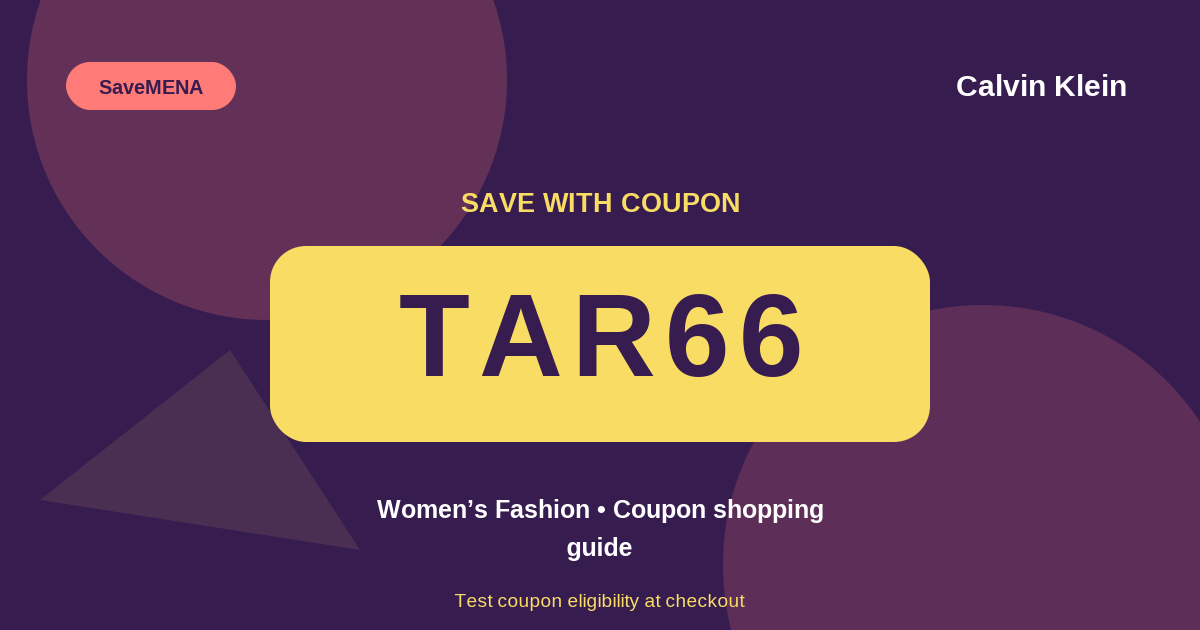
Codes available to try while comparing
These codes are not guaranteed for the article topic or listed brands; test them at checkout and use the live result.
1. Locking in the Exact Noon UAE Variant for Calvin Klein Women’s Fashion
The first practical step is confirming the Noon UAE variant for the Calvin Klein product you wish to buy. Variants differ by size, color, and sometimes fabric. On Noon’s product page, the variant selector typically shows all available options. Make sure the selection matches the style and fit you prefer; for example, a size 8 in a navy blue sheath design. This ensures you won’t accidentally order a different shade or fit that may not be replaceable at checkout.
Once you’ve chosen your variant, add it to your cart. The cart page will display the exact size, color, and any bundle add‑ons you selected. Double‑check that the bundle items appear, including any matching accessories like belts or scarves. If an accessory is unavailable for the variant, look for a similar item in the same collection that complements the main piece. This verification step prevents surprises later when the bundle is displayed during payment.
2. Dissecting the Bundle: What Comes Together in the Calvin Klein Collection
The bundle’s value is derived from its composition. Typically, a Calvin Klein Women’s Fashion bundle includes a main garment—such as a shirt or dress—paired with at least one accessory. On Noon, bundles often list the accessories explicitly in the product description. Reading that description helps you understand exactly what you’ll receive and whether the accessory complements the primary item’s style.
Check any included care instructions or dimensions for each component. Accessories such as a silk scarf or a leather belt should match the color palette of the main garment. If the bundle lists a “matching” accessory but the description is vague, consider contacting Noon customer support or reviewing user discussion threads on the product page to confirm fit and compatibility. This clarity supports an informed purchase decision before finalizing.
3. Augmenting the Bundle with Extra Accessories for a Cohesive Look
Beyond the bundled items, you may want to add supportive accessories like a pocket square, a statement necklace, or a clutch. Noon’s “Accessory” category can streamline this process. Search for items that coordinate with the Calvin Klein bundle; look for similar fabric or color tones mentioned in the bundle’s description.
Before adding these extras, balance your budget and wardrobe needs. Check each accessory’s return policy and delivery lead time on the product page. Recording the SKU or barcode for your lightweight accessories helps you track them later in case of any issues. This proactive step guarantees you curate a look that stays true to the bundle while filling the gaps your style requires.
4. Evaluating Seller Credibility and Amazon‑style Verification on Noon
When shopping on Noon for bundle deals and accessories, sellers vary from Noon’s own retail unit to third‑party providers. Lemon‑light mention that no seller badge automatically guarantees authenticity. Investigate seller ratings, reviews, and the number of completed orders to gauge reliability. A seller’s profile often lists their return policies, response times, and product quality statements.
For items that are high‑value or brand‑specific, consider the seller’s reputation. If the seller has multiple positive reviews, that can provide reassurance. Where the product page displays a manufacturer’s logo or certification, use that as an additional indicator of product legitimacy. This verification lies at the heart of deciding whether the bundle and accessories align with your expectations.
5. Constructing the Pre‑Coupon Cost Overview with Delivery Fees
Before using the TAR66 coupon, calculate the base price of the bundle, any added accessories, and Noon’s delivery charges. On Noon’s cart page, you’ll see the subtotal side‑by‑side with shipping fees, typically displayed as “Estimated Delivery Charge.” This fee varies by your address and chosen shipping speed.
It is a good practice to note these figures in a small spreadsheet or notebook. This record allows you to compare the post‑coupon total if available. Remember, Noon will recalculate shipping if your order surpasses a free‑shipping threshold, so confirm whether bundle waivers exist and how they might adjust your overall cost before applying the coupon.
6. Applying the TAR66 Coupon at Checkout – A Step‑by‑Step Guide
Once you have verified all items in your cart and have your pre‑coupon total recorded, proceed to the checkout phase. The Noon checkout interface typically offers a field labeled “Promo Code” or “Coupon.” Enter the code TAR66 at this point. The system will validate the coupon and apply any eligible discount.
After applying, review the new total displayed. If the code is accepted, the price adjustment appears instantly. Verify the updated subtotal, taxes, and final shipping cost. If the coupon isn’t accepted, re‑check the field for typos and confirm that the coupon is still active at the time of checkout. If you encounter issues, contact Noon’s customer support for clarification.
7. Verifying the Final Order Before Payment
Before you complete payment, double‑check every component: the bundle items, any added accessories, shipping address, and the calculated price after the TAR66 coupon. Confirm that the variant details—size, color, style—match your intended purchase. Use the “Review Order” page of Noon to see each line item, its unit price, and the applied discount.
Contact information, such as preferred payment method and delivery instructions, should be verified as well. If any details differ from what you expected, cancel or modify the order before authorizing the transaction. This final check ensures the bundle and accessories you’re about to pay for match your original choice.
8. Tracking the Shipment and Understanding Noon’s Return Policy
After payment, Noon will provide a tracking number tied to your order. Navigating to the “Order History” section enables you to monitor the package’s shipping status in real time, from dispatch to delivery. If a discrepancy arises—such as missing accessories—report the issue through Noon’s support portal as soon as possible.
Understand the return window for bundles and accessories. Noon typically offers a standard return period, but the exact days may vary by seller or product type. Note that bundle returns often require the entire set to return in original condition. Recording the return policy on your receipt or the product page helps protect your rights if changes are needed after delivery.
Related SaveMENA pages
Related articles
Official sources to check
Frequently asked questions
Can I apply the TAR66 coupon to a bundle that includes accessories?
The coupon code TAR66 can be entered during checkout for the bundle and any additional accessories combined in the same purchase. Validation occurs after you’ve added all items to the cart. Confirm the discount by checking the adjusted total before payment. If the code doesn’t apply, re‑enter carefully or contact Noon support for assistance.
Is the Noon UAE variant guaranteed to be available at the same price as other regions?
Availability and pricing can differ between Noon regions. The Noon UAE variant may display a price in AED and a delivery fee unique to UAE shoppers. Cross‑verify the final total on checkout to ensure the bundle’s items and accessories match what you selected in the cart before the transaction is completed.
What happens if one accessory in the bundle is out of stock?
If an accessory listed in your bundle is out of stock, Noon usually marks the list as “unavailable.” In that case, you may remove it or choose a substitute accessory from the same collection. Ensure the replacement fits the bundle’s style and that you note any price differences before proceeding to payment.
Do I need to pay for shipping separately after applying the coupon?
Shipping fees are calculated separately from the coupon discount. Even after applying TAR66, the shipping amount remains unchanged unless a free‑shipping threshold is met. Check your final order summary to see the subtotal, discount, taxes, and shipping before confirming payment.