Apple Headphones on Noon UAE: checkout message — variant and model checks
Noon UAE variant and coupon Headphones Apple the live coupon message at checkout: If you’re hunting for the perfect Apple headphones on Noon UAE, the first crucial
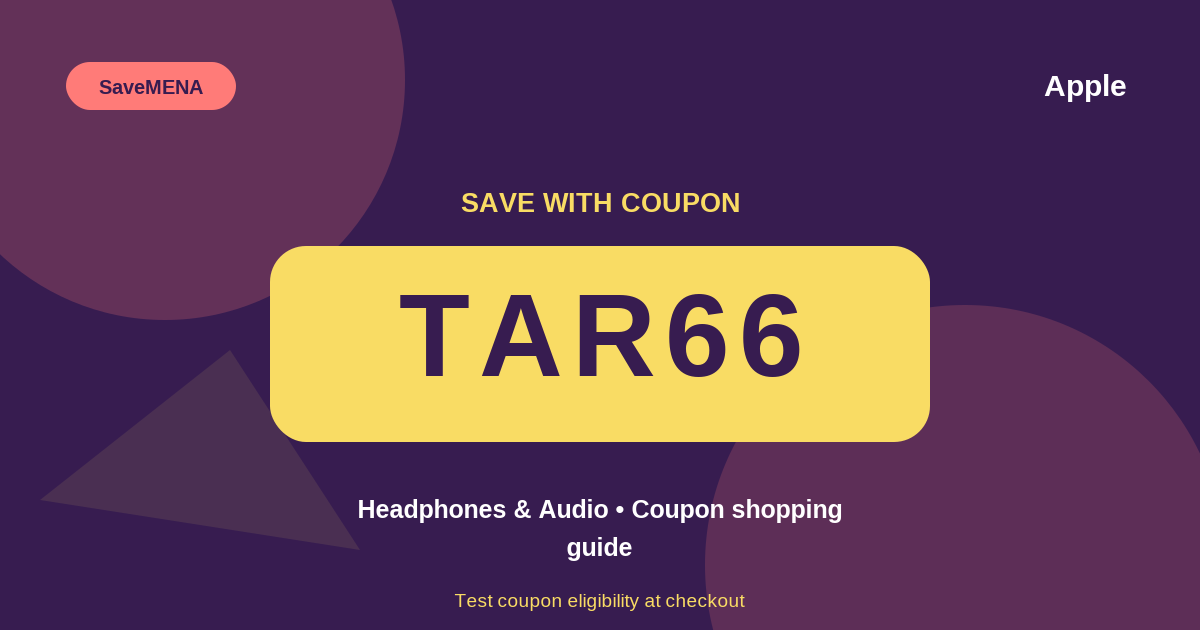
Codes available to try while comparing
These codes are not guaranteed for the article topic or listed brands; test them at checkout and use the live result.
1. Verify Exact Variant Before Comparing Prices
In Noon’s product page, scroll to the “Select Size & Color” section and note the official variant name displayed. Write this variant down or take a screenshot to avoid confusion later. The search results may list identical-looking headphones, but small differences – such as white vs black, or 2.5mm vs 3.5mm jack – can change the price significantly. By fixing the variant early, you prevent accidental purchase of a different model and streamline your price comparison across sellers.
Once the variant is confirmed, check the price offsets, seller ratings, and shipping options. Make a simple list of the two or three highest-rated sellers offering the same variant. This step ensures you are aware of any price discrepancies that Noon might have across different sellers, which is crucial before you rely on a live coupon to reduce the final payable amount.
2. Confirm Headphones are Apple Brand and Match Desired Specifications
Apple headphones come in various line‑ups – from AirPods Pro to Beats Studio. In Noon’s listing, confirm the brand explicitly states “Apple”. The description, photos, and seller notes will reinforce whether the product is genuine. Always look for the Apple logo on images and verify any serial number or Apple ID in the product description to reassure authenticity.
After confirming the brand, read the specifications. Look for details about wireless connectivity, battery life, and any special features such as noise cancellation or spatial audio. Cross‑check these against your personal requirements. This scrutiny is essential because even within the same brand, different models may offer distinct feature sets that could influence whether a coupon is worth the purchase.
3. Assess Seller Reputation and Return Policies for Headphones
Seller reputation affects post‑purchase experience. Noon displays a star rating and the number of completed orders for each seller. If a seller has fewer ratings, read the reviews carefully for mentions of authenticity or return convenience. A higher rating often correlates with smoother service, which is vital if the headphones need to be returned or replaced.
Verify the return policy attached to the listing. Look for conditions such as a 15‑day return window, requirements for original packaging, or whether the seller accepts returns at their own expense. Knowing these details beforehand helps you gauge how risk‑free the purchase will be, especially when you might apply a live coupon that could reduce the total amount paid.
4. Add Product to Cart and Monitor Live Coupon Eligibility Prompt
With the variant selected and seller vetted, add the headphones to your cart. At this stage, Noon may display a banner or a small pop‑up asking if you want to apply a coupon. Even if you don’t have a coupon yet, this notification indicates that the platform checks for applicable coupons, which includes TAR66.
Do not proceed to checkout immediately. Instead, keep an eye on the cart page to confirm that the coupon field remains active. If it redirects or shows a “No coupons available” notice, you’ll know that the coupon cannot be applied at this point and must wait until checkout where the live message appears.
5. Observe Live Coupon Message During Checkout Process
Proceeding to the checkout page triggers Noon’s dynamic coupon evaluation engine. Here you will notice a live message displaying whether a coupon is eligible for the current cart. Look for the phrase “TAR66” or a notification that the coupon is available to apply. This is the precise moment that confirms whether your the coupon code code will reduce the final price.
If the live message appears, confirm that the code “TAR66” is indeed the one shown. At checkout, Ton may require you to manually enter the coupon code or tap an automated button if it’s auto‑applied. Confirm that the desired discount is reflected in the final amount before you commit to purchase.
6. Evaluate Payment Method Implications on Coupon Application
Payment options can influence coupon eligibility. Noon allows credit cards, debit cards, and local digital wallets. Some sellers or coupons apply only to specific payment methods. Check the payment method options presented during checkout, and note any restrictions indicated beside each card type.
Before final confirmation, double‑check that the chosen payment method will not invalidate the live coupon message. If the coupon was applied successfully, the discount should still be visible after selecting a different payment method; if the discount disappears, you will need to revert to the original method or try a different coupon code.
7. Review Final Payable Total and Any Additional Fees Before Confirmation
Right before confirming the order, Noon lists the final payable amount, including the coupons applied, any delivery fees, and taxes. This is the exact amount you will be charged after checkout. Verify that the total matches your expectations based on earlier price comparison and coupon inference.
Also, check for potential extra fees—particularly if your payment method is a credit card with an additional service charge. Since the coupon is applied at checkout and the final amount is displayed, you can see whether the coupon has offset any of these possible fees or if it only reduces the product price.
8. Keep Savings Record and Track Coupon Performance Post Purchase
After completing the order, download or save your receipt. The receipt will show the original price, the discount applied from the live coupon, and the final charge. This record is useful for future reference, should you need to report an issue or simply track how effective the TAR66 coupon was for similar purchases.
For future buying decisions, share your experience with other Noon users or via your shopping network. Calling attention to the live coupon message you saw will help others understand when and how to best utilize such codes, fostering a community of informed spenders in the UAE marketplace.
Related SaveMENA pages
Related articles
Official sources to check
Frequently asked questions
How do I know if the TAR66 coupon is applied correctly?
During checkout, look for a live message that acknowledges the coupon code and displays the reduced amount. If you see a discount reflected next to the product subtotal, it indicates the coupon applied successfully.
Can I use the TAR66 coupon for multiple orders?
The coupon is applied once during a single transaction. For separate purchases, you may enter the code again during each checkout if Noon permits reuse of the coupon.
What should I do if the coupon doesn't show at checkout?
Check that the cart matches the exact variant and that you’re using a compatible payment method. If still absent, review the coupon terms or contact Noon support for clarification.
Will declaring the coupon reduce shipping costs?
Typically, shipping costs are calculated separately. The coupon usually affects only the product price, so it may not alter the delivery fee unless the listing specifies otherwise.