Adidas Women’s Fashion on Noon UAE: checkout message — variant and model checks
Start by selecting the precise women’s Adidas product you’re after. Notice the size, color, and any distinguishing features such as logo placement or material
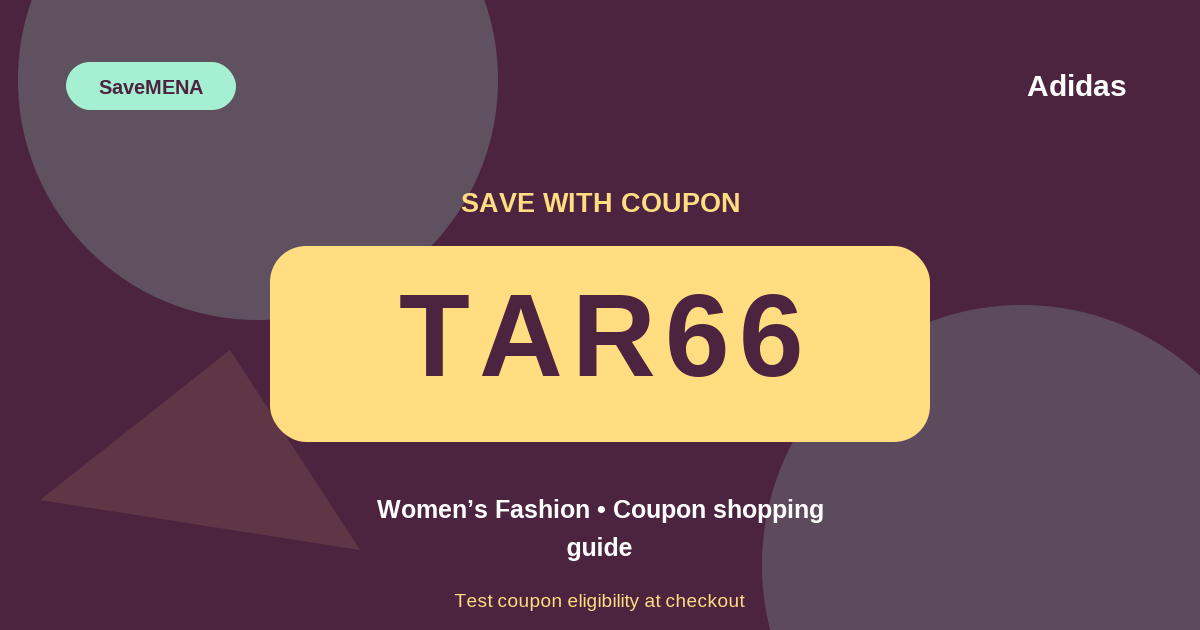
Codes available to try while comparing
These codes are not guaranteed for the article topic or listed brands; test them at checkout and use the live result.
Identify the Exact Variant on Noon UAE
Start by selecting the precise women’s Adidas product you’re after. Notice the size, color, and any distinguishing features such as logo placement or material description. Listing titles sometimes blur these details, so cross‑check the product description box for full specifications. When browsing, filter by the size you need to see the stock that directly matches your preference.
Once the variant is chosen, add it to your cart and note the product ID or SKU that Noon assigns. This number is uniquely tied to the exact combination of style and size and will be the reference point when the coupon is applied. Ignoring this detail may lead to the wrong item being shown in your checkout, which can invalidate the coupon or leave you with an unintended product.
Verify Product Availability and Seller Credibility
Check the seller information displayed on the product page. Noon aggregates listings from multiple sellers, and availability can vary among them. A seller’s 5‑star rating is a quick visual cue, but always read a few recent reviews to understand potential issues like delayed shipping or altered packaging.
Confirm that the seller has a return policy acceptable to you. In case the variant comes with a stock warning or a limited‑time availability indicator, it may be prudent to purchase sooner rather than later, as the same variant might disappear from the market if it becomes a hot seller.
Assess Price Comparisons Across Noon Listings
Slide over to the “Compare prices” section commonly found beneath the product description. This area lists the same variant sold by different sellers and shows the varying prices they charge. Use this data to gauge whether the item’s price falls within the market range for its size and style.
Dynamics like bulk or seasonal promotions can affect each seller’s price. Because each listing is a distinct SKU, pick the one that strikes the best balance of price, seller rating, and delivery timeframe before moving to your cart.
Check the Cart for TAR66 Applicability during Checkout
When you’re ready to proceed, open your cart, and carefully review the summary. The cart totals appear alongside any pre‑applied coupons. At this stage, a coupon may not yet be visible; Noon only displays the coupon’s effect once you reach the payment step.
Some sellers might embed their own promotional codes that cannot be combined with mall‑wide offers. Verify that the TAR66 code is listed as eligible for “All items” or specifically for women’s Adidas, because this determines if it can be entered later. If the cart indicates a conflict, you will need to switch listings or remove the problematic code before checkout.
Review Payment Options and Implicit Fees
Choosing the payment method can affect the final payable amount, especially if the method carries processing fees. Some cards or wallets may have a small fee when used for larger purchases. During checkout, examine the fee line item if present.
Check whether your selected method offers a “no fee” subsidy for Noon‑approved merchants. When the TAR66 coupon is applied, the platform shows a live discount in the “Live coupon message” area; any fee applied afterward remains untouched, so ensure the card used doesn't add to the subtotal.
Scan for Delivery Terms Linked to the Variant
Directly under the price details in the checkout, Noon indicates the expected delivery window. Such windows can differ even among the same variant if different sellers handle logistics. A tighter delivery might be worth a marginal price increase or a seller with slightly lower rating.
Concurrent with the delivery window, a shipping fee label will appear. If the shipping cost differs across sellers, double‑check that the chosen variant shares the same fee structure to prevent any surprise additions once the TAR66 coupon is executed.
Confirm the Promo Code Entry in the Checkout Flow
After confirming your shipping and payment information, reach the “Apply Promo Code” input field. Type “TAR66” and hit apply. Noon will process the code immediately, but the result will only finalize during the last confirmation screen.
Pay close attention to the “Live coupon message” that appears after applying the code. This message outlines the discount applied—or if the code is not eligible—and it will enable or disable the coupon for that order. Do not proceed until you see the live message confirm the coupon’s effect.
Final Verification: Read the Total Payable Summary
When the live coupon message appears, the final subtotal, tax, shipping, and discounted total must all be visible. Verify that the total matches the sum after the TAR66 reduction. No assumptions should be made about savings without reviewing the displayed numbers.
Only once you’ve confirmed each line item—including the live coupon discount—should you click the “Place Order” button. After that, the order status will proceed outside the review scope, so a thorough check at checkout is essential for an accurate, final payment.
Related SaveMENA pages
Related articles
Official sources to check
Frequently asked questions
Must I use a specific seller to apply the TAR66 coupon?
No single seller requirement is indicated for the TAR66 coupon. As long as the coupon is eligible for women’s Adidas within your cart, you can apply it at checkout regardless of the seller chosen. The coupon’s applicability remains contingent on the live coupon message generated during payment.
Will the TAR66 coupon reduce my shipping fee?
Coupons typically apply only to product prices. Shipping fees, if any, are displayed separately in the live coupon message. If a discount shows a reduced total, it is the net result after all fees have been accounted for, but the coupon itself does not directly alter shipping costs.
What happens if the TAR66 coupon doesn’t apply?
If the live coupon message shows “Coupon not applicable” or no change in total, the code was either not accepted or is restricted for that particular variant. In such cases, review the eligibility notes on the promo code history or contact Noon’s support for clarification.
Can I combine TAR66 with other on‑site promotions?
On Noon, most promotions are exclusive. The coupon’s live message will indicate if it can stack with other offers. If stacking is disallowed, the cart will either prevent you from entering the code or adjust the total accordingly.