Electronics on Noon UAE: delivery fees — variant and model checks · TAR98
Finding the exact variant of an electronic item on Noon UAE and using a coupon requires careful attention to the variant details before comparing prices and
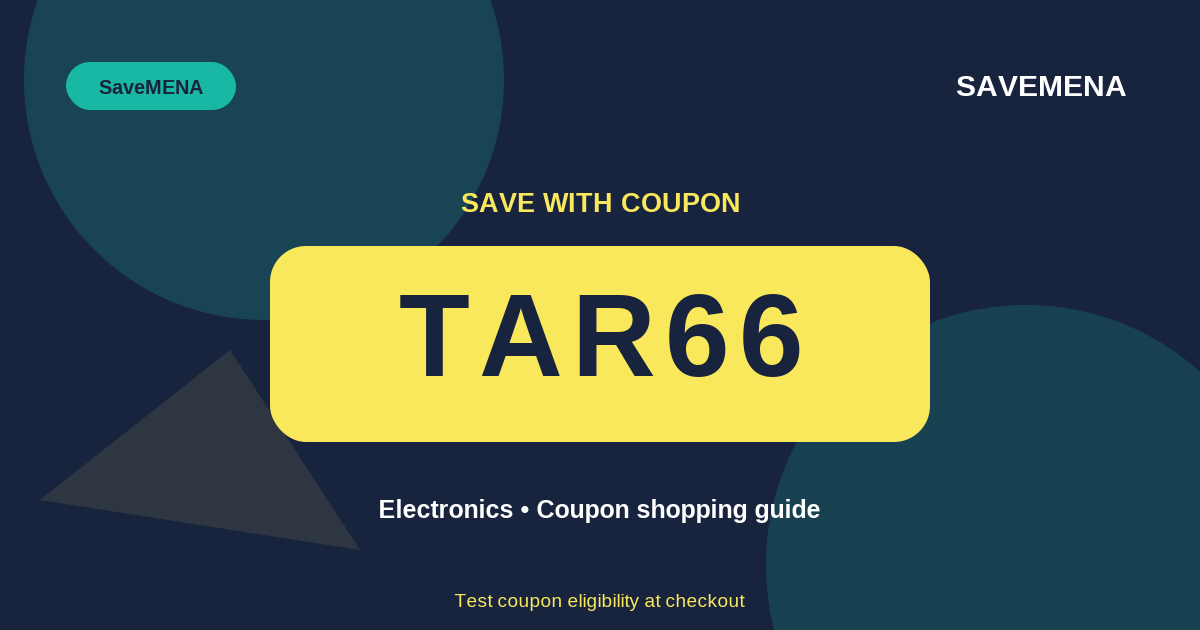
Codes available to try while comparing
These codes are not guaranteed for the article topic or listed brands; test them at checkout and use the live result.
Step 1: Identify the Exact Variant on Noon UAE
Start by searching the product name in Noon’s search bar and narrowing filters to “Electronics”. Pay close attention to the variant list that appears—color, storage capacity, battery size or additional features. The variant heading should read, for example, “Model XYZ – 64GB – Black”. Selecting the wrong variant leads to price mismatches and may invalidate a coupon at checkout. Double‑check the details displayed on the product page and compare them to your expectations before adding the item to the cart.
Because Noon UAE presents variants as separate listings, the pricing can differ between them. Therefore, it is essential to note the exact SKU or variant identifier.A coupon is not guaranteed; verify its result at the retailer checkout. Keeping a clear record of the variant you chose will also help if you encounter confusion during return or warranty processes.
Step 2: Add the Verified Variant to Your Cart
Once the correct variant is selected, click “Add to Cart” and review the cart summary to confirm that the item details match the variant you intended to purchase. Noon’s cart interface usually lists the variant name, price and quantity. Verify that no other products are mistakenly added and that the shipping address is correctly displayed. Any discrepancy in the variant at this stage can propagate to the final checkout calculation.
After confirming the cart contents, you can proceed to the “Checkout” button. Noon will prompt you for login or guest checkout, followed by payment method selection. At this point, the system still has not applied any coupons. Keep the cart open as you explore the next section on coupon applicability.
Step 3: Apply the TAR98 Coupon in Noon UAE
On the checkout screen, locate the “Apply Coupon” field. Enter the single token code TAR98 exactly as shown, then submit. Noon’s system will indicate whether the coupon is accepted and show any discount applied. Because the coupon is available to try, it may or may not provide a benefit—this depends on promotions active at checkout time. If the coupon is accepted, the new subtotal will reflect the applied discount; if not, you will see an error message and the original price remains.
In either case, refrain from assuming a fixed discount percentage or value. The subtotal you see at checkout is your sole reference for the coupon’s effect. If the coupon offers no discount, check whether you might qualify for alternative promotions or wait for a sale. Note that Noon UAE may restrict certain coupons to specific categories or sellers, which will be communicated at this step.
Step 4: Review Delivery Options and Fees
Noon UAE generates a list of available delivery methods for each product. These may include standard shipping, express delivery or pickup at a local store. Each option will display an estimated delivery time. Verify that the chosen shipper is the one you prefer and that its delivery fee is acceptable, as this fee may differ by location, product size and seller.
Delivery fees are updated just before final payment. If you see a new fee added, it will now influence the final payable amount. There is no fixed monetary value to state here; simply check the total displayed at checkout. Ensure you are comfortable with the chosen option and its cost before proceeding, as changing it after payment is less straightforward.
Step 5: Confirm Taxes and Final Fees
In the UAE, electronic goods may be subject to Goods and Services Tax (GST) or a value‑added tax of the discount shown at checkout. Noon calculates such tax automatically during checkout and includes it in the final amount. Look for a line item labelled “Tax” or “GST” and verify that it matches the current rate. Keep in mind that taxes are applied after discounts and before delivery fees.
Additionally, some sellers might impose a “processing” or “handling” fee, especially for electronics. This fee will appear as a separate line in the checkout summary. Ensure you review it carefully; although optional lines can sometimes be toggled off, most processing fees are mandatory. The final figure shown before payment is your definitive cost.
Step 6: Choose a Secure Payment Method
Noon UAE offers multiple payment methods such as credit/debit cards, NetBanking or digital wallets. When selecting a card, ensure it is active and has sufficient credit for the total amount, including coupons, taxes, delivery and any additional fees. The platform will also prompt for a CVV, expiry date and sometimes a one‑time password (OTP) for security.
After completing the payment details, you will see a confirmation screen that reiterates the exact amount charged. If the amount includes unexpected fees, revisit earlier steps to confirm the selected delivery option, coupon validity and any added seller fees. No refunds will be processed for misapplied coupons or incorrectly chosen variants.
Step 7: Verify Order Confirmation and Tracking
Once payment succeeds, Noon will send you an order confirmation via email and a notification in the app. This confirmation includes the order number, purchased variant, total cost, payment method and expected delivery window. Keep this document for future reference; it is the official receipt of your transaction.
To track the package, use the provided tracking link or search the order number in Noon’s tracking app. The tracking details will update between shipment and delivery, indicating any delays, additional charges or delivery attempts. If an unexpected fee appears after shipping, contact Noon’s customer support promptly for clarification.
Step 8: Post‑Purchase Actions and Returns
Upon receipt, inspect the electronic item for any visible defects or mismatches in variant. If any issue arises, you can initiate a return referral through Noon’s returns portal, up to the allowable window. Be sure to reference the exact variant and any delivery fee applied, as return shipping might vary.
In some circumstances, Noon may request photographic evidence or a video demonstration of the issue. Provide these promptly to support your return claim. Should the return qualify, the refund will reflect the original payment method, including the original delivery fee you paid.
Related SaveMENA pages
Related articles
Official sources to check
Frequently asked questions
Can I use the TAR98 coupon for multiple orders on Noon UAE?
Each coupon code is typically issued for a single use. Noon will notify you if the code succeeds or fails during checkout, so you can check the applicability against each order individually.
Does Noon UAE charge separate fees for electronics compared to other categories?
Noon applies the same general categories of fees—such as delivery, handling and tax—to all products. Specific sellers may add unique handling fees, which are always displayed during checkout.
If I change my delivery address after checkout, will fees change?
In most cases, Noon recalculates delivery fees after the address is updated. Check the updated total before finalizing payment to ensure no unexpected changes.
Is there a difference in delivery fees between express and standard shipping on Noon UAE?
Delivery fees often vary between standard and express options, reflecting the speed and logistics involved. The exact amount will be listed on the checkout screen when you select a shipping method.