Nike Men’s Fashion on Noon UAE: delivery fees — variant and model checks · TAR98
Finding the right variant of a Nike item on Noon UAE is crucial for a satisfying shopping experience, especially when delivery and fees can alter the effective price
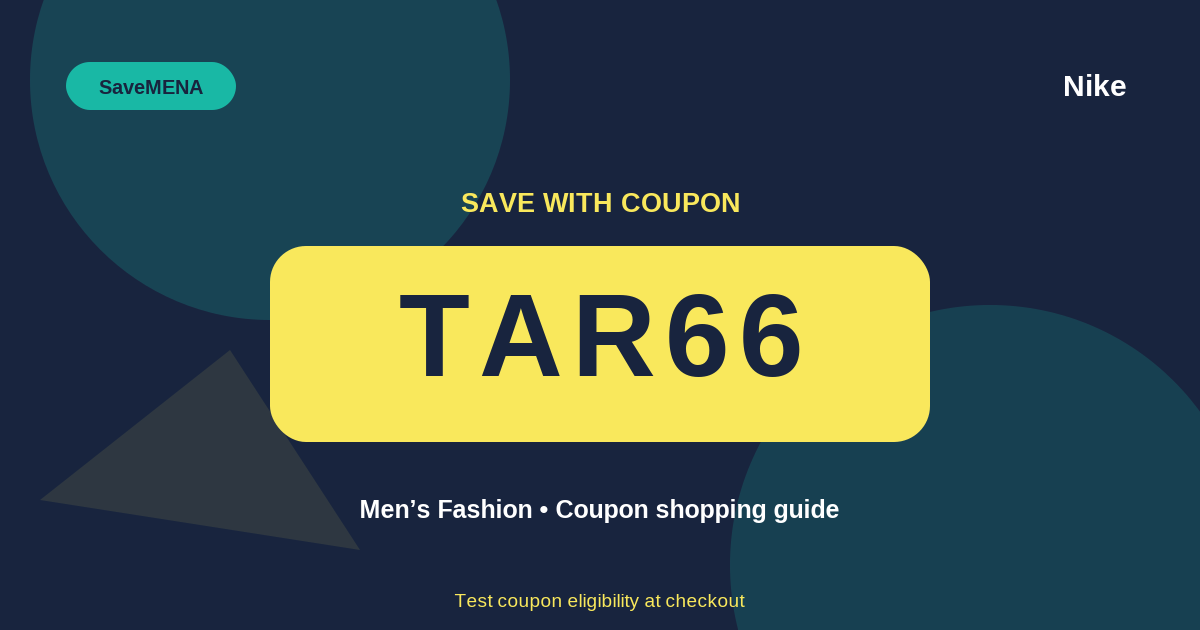
Codes available to try while comparing
These codes are not guaranteed for the article topic or listed brands; test them at checkout and use the live result.
Identifying the Precise Nike Variant on Noon UAE
When you search "Men’s Fashion Nike" on Noon UAE, the platform presents multiple SKUs differentiated by color, size, and sometimes style. It is essential to read the product title and pictures carefully to confirm these details. Using filters like size and color can help narrow down the options, but it is best to double‑check the SKU number displayed in the product description to guarantee you are viewing the same variant you intend to purchase. This step ensures that the item you plan to buy matches exactly the attributes you need, preventing post‑purchase confusion or return complications.
After confirming the variant, note down its reference code or SKU, as this identifier will help when you want to compare prices across different load‑in points or revisit the item later. Some sellers list multiple Nike variants under a single product page; in such cases, scroll to the “Available Sizes” or “Variants” section to see all options. The goal is to avoid accidentally adding a different color or shoe size to your cart, which could affect the calculation of shipping and handling fees.
Understanding Noon UAE’s Delivery Policy for Nike Items
Noon UAE’s delivery policy applies uniformly across its marketplace, but certain categories, like men’s fashion, may have dedicated shipping partners. Delivery fees are typically tiered based on the product price, delivery speed, and delivery region. The checkout page will display the exact delivery fee for each item before you finalize the order. It is advisable to review the delivery option that offers the best balance between speed and cost, especially if you are purchasing multiple units of the same Nike variant.
Be sure to read any additional service charges that might apply, such as handling fees for oversized apparel or special packaging for footwear. These charges can be visible only during the final checkout stage. If you plan to combine this Nike purchase with other items, keep an eye on the cumulative delivery cost, as some sellers offer free shipping thresholds that could reduce the overall fee.
Exploring Seller‑Related Shipping Fees for Nike Products
Certain Nike items on Noon are sold by third‑party sellers, each with its own shipping policy. While Noon's platform aggregates the costs, you should still verify whether the seller has open a separate “Seller Shipping” field. Sometimes sellers charge a fixed delivery fee that is added to the base price, and these fees can differ from the platform‑wide rates. This nuance is particularly relevant if you’re looking for cheaper shipping since a lower base price might be offset by higher seller shipping fees.
Check the order summary for any “Seller Shipping” line item. If it appears, compare it with the platform’s standard rates by navigating to Noon’s “FAQs” or contacting Noon’s customer support. The bold transition between sellers’ shipping and Noon’s service charges often influences the final payable total, so consider the variation before finalizing your purchase decision.
Applying the TAR98 Coupon and Verifying Eligibility
The TAR98 code is listed as a coupon available for use at checkout on Noon UAE. Enter the code in the designated field during the payment process and observe the resulting discount applied to the final subtotal. Note that the coupon does not guarantee a reduction; its effectiveness depends on the current promotion terms, the total amount in the cart, and the selected shipping options. It is common for such codes to activate only if the order meets specific criteria, which the checkout page will clarify.
Once the discount is applied, double‑check the new subtotal compared to the original price. If the code fails to produce a visible reduction, try clearing the browser cache or use a different device, as some promotional codes prefer a particular device or app channel. If the code remains inactive, it suggests that either the conditions are unmet or the coupon is no longer active. In these cases, proceed without it or wait for an updated code from Noon or third parties.
Calculating the Final Payable Total Including Fees
The checkout screen consolidates all elements: product price, delivery fee, any seller shipping cost, applicable tax, and coupon discount. After applying TAR98, recalculate the sum to ensure the final payable amount matches your budget. The total must incorporate any variable charges, e.g., if the delivery fee changes due to a shift in the shipping region or an updated price for the item. Noon’s interface typically lists a "Payment Summary" that breaks down each cost component for transparency.
Take note of the payment method options, as some methods (e.g., cash on delivery) may add an extra fee or waiver. Additionally, if the selected installment plan involves a service fee, that fee will be appended to the final amount after the coupon deduction. Check that the final figure includes all possible charges before confirming the order, because once the transaction is processed, adjustments are rarely possible.
Timing Your Purchase to Avoid Fee Increases
Noon UAE sometimes modifies delivery fees based on inventory changes, promotional periods, or logistics constraints. If you are waiting for a particular product variant, monitor sales events or stock notifications, as these can affect both price and shipping cost. For instance, a new product arrival might trigger an initial delay or increased handling fee, which subsequently normalizes after a few days. Staying aware of such timing nuances can help you secure a lower effective price.
If you anticipate a high season or a public holiday, consider placing the order earlier. Shipping partners may impose higher fees during peak demand periods. Checking the estimated delivery window on the product page will also inform you whether a premium shipping option could be necessary, and how much that premium might add to your final fee structure.
Using the Checkout Page to Validate Final Fees
Before finalizing, glance through the checkout page’s final summary, ensuring that every line item matches your expectations. Pay particular attention to any hidden or additional costs that could appear after applying the coupon or selecting a particular delivery option. The highest value items are usually those that trigger the largest changes, such as new shipping rates or seller fees.
If you find any discrepancies, use the platform’s “Edit Order” function to adjust or remove items, or contact Noon’s customer support for clarification. Once you are satisfied that the displayed total truly reflects all applicable fees, proceed to the payment gateway. This last verification step reduces the chance of surprise charges after the order has gone through.
Post‑Purchase Monitoring for Fee Adjustments
After confirming the order, Noon UAE often sends an email confirmation that includes the final cost breakdown, delivery estimate, and a tracking link. Keep this email handy, as it’s a reference point for any future disputes. If you notice that a fee appears to have changed—say, a higher shipping charge—compare the email’s figures with the values presented in the app, because sometimes dynamic pricing adjustments occur before the final settlement.
Should you encounter a discrepancy, trigger the support ticket via Noon’s app or website. A prompt resolution typically involves updating the booking with exact fee details. Recording the issue at the point you see it ensures that the support team can act quickly and keep the total accurate.
Related SaveMENA pages
Related articles
Official sources to check
Frequently asked questions
A coupon is not guaranteed; verify its result at the retailer checkout.
The coupon code is available to try, but its effectiveness depends on Noon’s current promotion rules. If the discount does not appear, the code might not meet the criteria or could be inactive.
Can I change the shipping option after applying the coupon?
Yes. Review the final payment summary after selecting a new shipping option. The coupon discount recalculates based on the new subtotal and fees, so the final amount might change.
Will an additional fee apply if I select cash on delivery?
Cash on delivery may incur an extra service fee, which appears only after choosing that payment method. Verify the updated total before confirming the order.
Is there a way to compare Nike variants’ prices before purchasing?
Use Noon’s “Compare” function or open multiple tabs for each SKU to compare prices and fees side‑by‑side. Focus on exact variants, as price varies with color and size.