Huawei Mobiles on Noon UAE: delivery fees — variant and model checks · TAR84
When you begin a search on Noon, the first step is to confirm that the phone’s technical data matches the UAE variant you intend to buy.
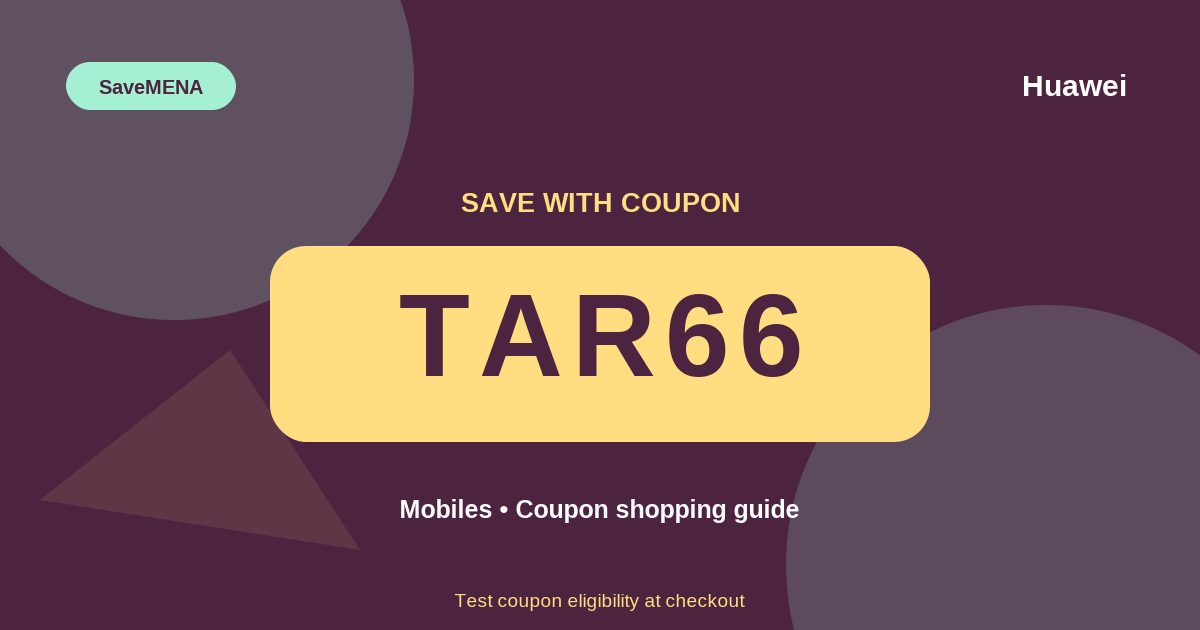
Codes available to try while comparing
These codes are not guaranteed for the article topic or listed brands; test them at checkout and use the live result.
1. Ensuring the Exact Noon UAE Variant Is Selected
When you begin a search on Noon, the first step is to confirm that the phone’s technical data matches the UAE variant you intend to buy. Pay particular attention to details such as network bands, color options, storage capacity, and the “Noon UAE” identifier that separates it from variants sold in other regions. If the listed model includes features that are tailored to Gulf carriers—like support for 5G NR n71/n78/n261—this is a clear sign that it’s the correct variant for UAE use.
If discrepancy arises—such as the variant lacking local carrier compatibility or listing an international model—use Noon’s filter or the product description checklist to narrow the options. You can also look for seller notes or buyer’s questions that discuss regional differences. Once you’ve verified the variant, bookmark the product Page to make sure you return to the exact model when you’re ready to purchase, protecting yourself from accidentally selecting a similar but incompatible version.
2. Comparing Prices Across Sellers on Noon
Noon aggregates listings from multiple sellers, each possibly offering different prices for the same Huawei mobile. To make a fair comparison, start by reading the seller’s rating, return policy, and any listed shipping timeframes. Sellers with certified condition tags or “Verified Seller” status are typically more reliable, though price differences can still occur based on inventory and promotions.
After locating the model, use the “Price” filter to sort listings from cheapest to most expensive. Note that price displayed on the list page doesn’t include potential delivery charges or coupon benefits; this will become clearer at checkout. Pay attention to any additional “bundle” offers that include accessories, as these can alter the overall cost even if the base phone price appears lower.
3. Delivery Fees – The Hidden Variable in Mobile Shopping
Delivery fees on Noon can vary depending on the seller, your delivery address, and the product’s weight or size. Some sellers offer free shipping, but others may impose a flat fee or a threshold-based charge. If you’re ordering a heavier smartphone case or a power bank alongside the mobile, check whether the combined shipment triggers a higher fee.
Because the lender the coupon code “delivery and fees” as the key decision lens, always double‑check the estimated delivery cost before you add the phone to your cart. This figure usually appears in the product detail section or during the “Place Order” flow. If you’re shipping to a location in a remote area, the fee might increase; verify this in advance so you can weigh the total cost against the alternative of a different seller or a different delivery option.
4. Noon’s Shipping Process and Timeframes
Noon typically processes orders within 1–2 business days after payment confirmation. The car return window—usually 10 days—allows you to cancel if you notice a discrepancy or unexpected fee before re‑pending. Know that high‑value items like Huawei mobiles may be shipped via courier partners (e.g., Aramex or DHL) and could be subject to customs checks if you’re buying through an international seller.
Track your order through the "My Orders" section. The courier‑provided tracker should display real‑time status updates, including any delays or additional customs clearance steps that might affect delivery timing. Keep an eye on any remarks about “special handling” or “transportation insurance,” which can add subtle costs or indicate a higher level of protection.
5. Employing the TAR84 Coupon During Checkout
When you reach the payment page, look for the optional code field marked “Promotional Code.” Input TAR84 and confirm the discount. The coupon is "available to try," meaning the attempt is encouraged, but no automatic guarantee of acceptance exists. Some sellers might honor it immediately; others may apply it only if the order meets certain conditions internally.
If the code does not apply, the platform will usually prompt you with a message explaining the failure reason—such as inapplicability to the selected seller or a minimum spend not met. In such cases, consider removing the coupon and re‑applying it after adjusting the cart quantity or swapping to a different seller where the coupon might be accepted.
6. Choosing a Payment Method That Honors Fees
Noon supports multiple payment options, including credit and debit cards, Apple Pay, and UDE (UAE Digital Enterprise) wallets. Each method can affect the final payable amount in subtle ways, particularly if additional processing fees or currency conversion charges apply. Credit cards might add a small surcharge for international transactions, which could offset small savings from coupons.
During checkout, review the “Total Amount” breakdown. This section should separately list the product price, any delivery charge, the coupon discount, and the final payable amount. Confirm that no hidden service fee appears. Selecting a payment method that aligns with your bank’s fee structure can keep the final cost as low as possible.
7. Tracking the Order and Accessing Customer Support
After confirming payment, Noon sends a confirmation email containing an order number and a link to the tracking portal. Clicking the link takes you to a real‑time dashboard that shows the item’s journey from the seller’s warehouse to the courier and, ultimately, to your doorstep. Pay close attention to any service providers highlighted—such as “Noon Internal Delivery” or third‑party carriers—and the estimated delivery window.
If you encounter any discrepancies—like a missing delivery fee or an unexpected delay—contact Noon’s customer support via the in‑app chat or the contact details on their website. Since the decision lens is delivery and fees, documenting the conversation and any updates keeps you informed and protects your right to a refund or exchange if the shipment does not match the confirmed terms.
Related SaveMENA pages
Related articles
Official sources to check
Frequently asked questions
Does the TAR84 coupon work on all Huawei mobile listings?
No, the coupon is “available to try” and may not apply to every Samsung or Apple listing. If it does not work, try applying it again after adjusting the cart or pick a seller that accepts the coupon.
Will I see the delivery fee before I finalize my payment?
Yes, Noon usually displays the delivery fee in the cart summary before payment. If you’re unsure, check the “Order Summary” section to confirm before placing the order.
Can I cancel my order if I notice a wrong delivery fee?
Orders can typically be canceled within a few hours of checkout. Use the “Cancel Order” option in “My Orders” before the order is shipped, and verify any applicable cancellation policy.