HP Office on Noon UAE: delivery fees — variant and model checks · TAR98
Finding the exact Noon UAE variant for an HP office device can be tricky, but the key lies in matching the variant name before diving into price comparisons.
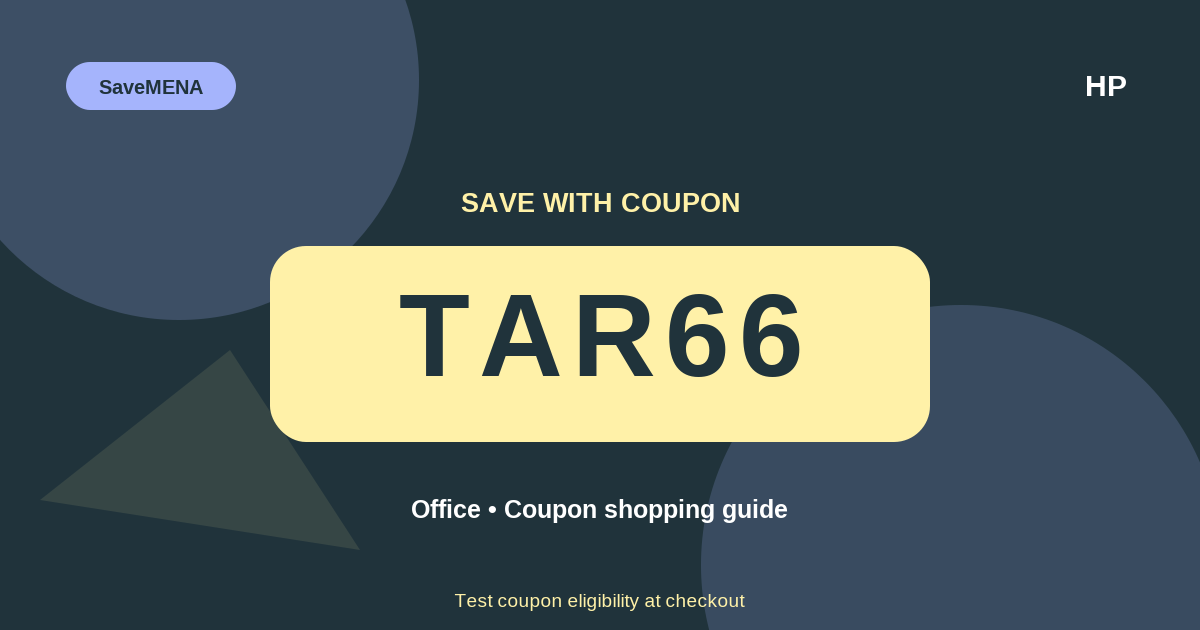
Codes available to try while comparing
These codes are not guaranteed for the article topic or listed brands; test them at checkout and use the live result.
Pinpoint the Noon Variant – It Must Match the Exact Name
Start by searching the product name exactly as listed on Noon’s UAE site. Even a minor difference in wording or model number can trigger a different variant, which in turn might have a separate stock status or shipping window. Use the search box and read each listing title carefully to ensure it aligns with the HP office model you intend to purchase. Misidentifying a variant can lead to delayed delivery or unexpected fees, so confirming the name early eliminates a common source of confusion for UAE buyers.
Once you locate the matching variant, double‑check the product details section for the SKU, color, memory, or any special features listed. These specifics will be your reference when comparing against competitors or confirming the coupon eligibility. Capturing the exact variant information helps prevent accidental substitution, particularly when you later review the cart totals or apply promotional codes that may or may not be offered for that exact listing.
Explore HP Office Options on Noon UAE – Brand‑Specific Insights
HP’s portfolio covers printers, laptops, and accessories, each with dedicated “Office” tags on Noon. Browse the brand filters to narrow down devices suited for workplace productivity. Pay attention to the model numbers disclosed in the description, as they often correspond to HP’s support and warranty portals. Knowing the official model helps you verify updates or firmware releases that could affect performance—a consideration often overlooked by shoppers who skip detailed brand research.
When you view a HP Office product, the seller badge indicates whether it’s a Noon‑direct or a third‑party seller. Seller ratings, return policies, and available customer support are provided in the product page; these factors influence potential delivery times and post‑purchase assistance. Always compare the seller’s profile with the listed variant to ensure you’re getting the official HP model rather than a generic replica that might claim to be the same but deliver a different experience.
Check Variant Availability, Stock, and Lead Time
On a detailed product page, look for the “Availability” status. A “In Stock” flag means the variant can be shipped immediately, whereas a “Pre‑Order” or “Out of Stock” notice implies a waiting period. This status influences whether you can rely on Noon’s “Same‑Day” or “Next‑Day” delivery promises, which vary by seller and currency. Checking availability before adding to cart prevents surprises during checkout and aligns with the decision lens that prioritises timely delivery.
Be mindful that Noon’s stock levels can fluctuate, especially during promotional periods. If a variant shows limited stock, consider adding it to a wishlist or contacting the seller via the website’s communication channel. Prompt confirmation from the seller reinforces the reliability of the variant’s availability and gives you a clearer timeline for when the device will be dispatched to your address.
Attempt the TAR98 Coupon – Use, Don’t Assume
The TAR98 coupon can be entered during checkout in the coupon code field. Although the discount is not guaranteed for every HP Office variant, it remains worth testing. Input the code and observe whether a discount appears, keeping in mind that confirmation is reflected only after the calculation step. If the coupon is valid, you will see a reduction; if not, the field will remain unchanged or display an “invalid code” notice.
Because Noon’s policies allow the coupon only for the final payable total, it won’t affect shipping calculations or the initial cart total displayed on the product page. Verify that the coupon load is reflected after the last tax and shipping line is added. Once the discount is applied, double‑check the overall sum and confirm you are still within the acceptable price for your office requirements.
Delivery Fees – When Do They Apply?
Noon UAE calculates delivery charges based on the total purchase amount, the seller’s location relative to your address, and the chosen shipping speed. While the site may display a flat fee or “Free shipping” flag, the true cost is confirmed only at checkout after the cart total, in‑stock status, and your pick‑up location are considered. Thus, double‑check that the final payable figure incorporates any potential delivery fee before positive commitment.
If a operator‑level deal offers “Free shipping” for orders above a designated threshold, validate that requirement is met once the coupon (if valid) has been applied. Conversely, if the order falls below the threshold, expect the fee to be appended. Such transparency is vital, as hidden shipping costs can alter the perceived affordability of the HP Office variant you selected.
Shipping Timeframes – Same‑Day vs. Etc
Noon UAE promotes various shipping options ranging from “Same‑Day” to “Standard” delivery, each tied to geographic coordinates and seller fulfillment status. Verify the overnight window on the payment page, as some sellers can dispatch orders shortly after midnight. The eventual arrival time is influenced by the chosen option, so compare the schedule presented for the variant’s seller with your office’s reference deadlines.
The shipping exchange between Noon and the seller is influenced by the variant’s stock quantity. If the product is high demand, a standardized delivery window is usually applied. Conversely for low‑volume items, a “Standard” window of up to a few days may be active. You can view this information under the “Shipping” summary area on the checkout page before final confirmation.
Payment Methods and Final Checkout Confirmation
Noon UAE accepts multiple payment methods, including Visa, Mastercard, and local wallets. Selecting a payment method may influence the last payment security checks, which also affect the final checkout timestamp. Always ensure that the chosen method is functional for your card or wallet before submitting the order, especially if your card has restrictions on high‑value transactions.
At the final summary stage, confirm the cart total, applied coupon deduction, delivery fee, and any tax are accurately reflected. When the number doesn’t match your expectations, double‑check each line item.A coupon is not guaranteed; verify its result at the retailer checkout.
Post‑Purchase: Tracking and Customer Support
After completing the checkout, Noon UAE provides a tracking number that usually updates daily. Logging into your Noon account and navigating to “Order History” keeps you informed about shipment progress and anticipated arrival. If the tracking status changes one day, you can follow up with the seller by contacting them through the Noon portal or via any listed customer support number.
Should any issues arise—delivery delay, wrong item, or defective product—the next step is to open a complaint in the Noon app within the accepted timeframe. The seller’s resolution process and Noon’s buyer protection policies will guide the dispute, ensuring that UM office device problems are resolved transparently. Keeping the conversation within the site’s interface helps you reference the exact variant, coupon usage, and fee details for a smooth resolution.
Related SaveMENA pages
Related articles
Official sources to check
Frequently asked questions
How can I confirm that the Noon variant I’ve chosen is the exact HP Office model I need?
Check the product title, SKU, and specifications listed on the Noon page. Compare these details with HP’s official model list or your internal requirement sheet to ensure they match before adding to the cart.
Will the TAR98 coupon automatically apply to the HP Office variant if I enter it during checkout?
Enter TAR98 in the coupon box at checkout. If the coupon supports the product, the discount will appear after tax and shipping calculations; otherwise, you’ll receive an “invalid” notice.
What if Noon shows me “Free shipping” but then adds a fee at checkout?
Delivery costs can shift after cart total and location validations. Confirm the final delivery fee in the payment summary before placing the order to avoid surprise charges.
Can I change the delivery speed after placing the order on Noon UAE?
Delivery speed adjustments usually aren’t available post‑order. Verify the chosen shipping option in the checkout summary, and if needed, cancel the order and re‑order with a different option inside the permitted cancellation window.