Samsung Tablets on Noon UAE: delivery timing — variant and model checks
The Search intent demands a precise match: “Noon UAE variant and coupon Tablets Samsung estimated delivery timing.” Finding the exact model and opening the door to
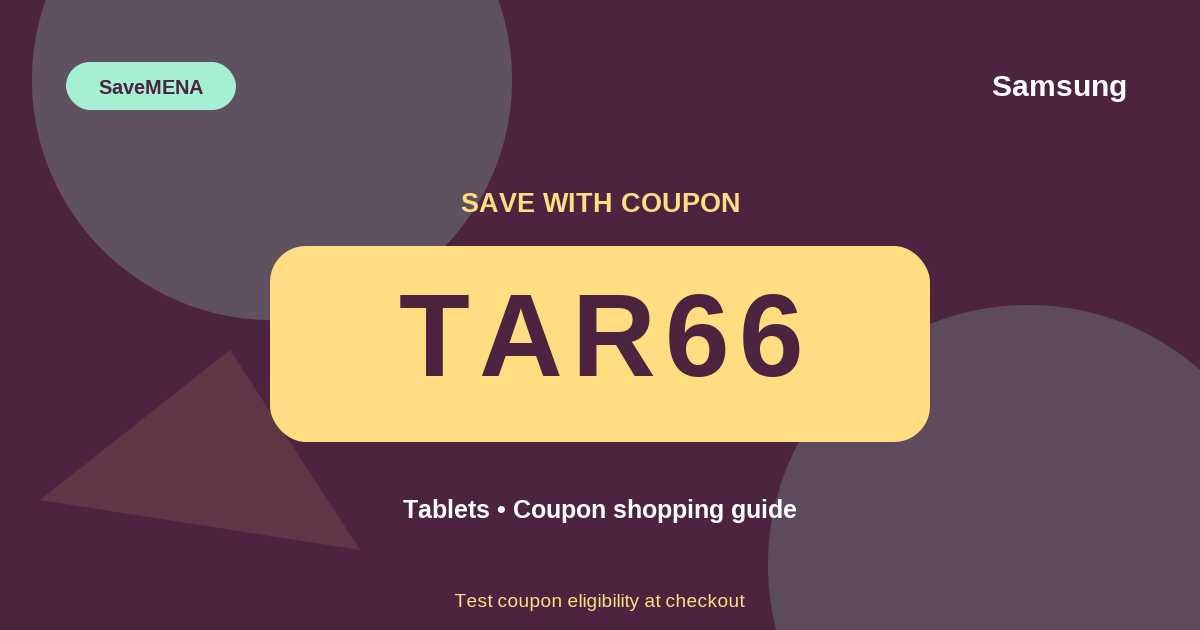
Codes available to try while comparing
These codes are not guaranteed for the article topic or listed brands; test them at checkout and use the live result.
Confirm the Exact Noon UAE Variant Before Adding to Cart
Search for the Samsung tablet on Noon, and scroll down to the “Specifications” or “Variant” section. The platform lists all available configurations—processor, RAM, storage, and sometimes color. Verify each attribute matches the model you intend to buy. If you click on an alternative variant earlier, you may be directed to a different product page, which could change the expected shipping time. Double‑check the model number or SKU if it is displayed, as Noon typically lists it in the product details.
Only after matching every detail should you add the cart. A mis‑matched variant often leads to a different shipment drawer at checkout, and the estimated delivery window shown on the cart may become outdated. By locking the exact variant early, you prevent a late discovery that the delivery time you expected is not applicable to that model. This foundational step protects you from an inconvenient delay once the order is processed.
Use the TAR66 Coupon Code Early In The Checkout Process
Proceed to checkout, and look for a “Apply Coupon” or “Use Discount Code” field before confirming payment. Enter TAR66 in that field, then submit. The platform will recalculate any possible savings, though the code may or may not apply. Remember, the coupon is a trial opportunity and does not guarantee a discount. Always verify the final amount on the payment summary screen; some sellers might exclude certain variants from coupon eligibility.
Even if the coupon does not lower the price, it remains a useful tool for testing the purchasing flow. At this point, review the projected delivery timing, which often updates after the coupon is applied. A coupon can sometimes adjust timelines if it triggers a special promotion with expedited shipping. If such changes appear, note them before moving forward; this will keep you informed about any shifts in the expected arrival date.
Check the Estimated Delivery Timing From Noon for That Variant
After applying the coupon, the checkout page displays the estimated delivery window for the chosen variant. Noon usually lists a range—e.g., “Delivery 3–5 days.” Treat this estimate as a guideline, not a guarantee. If the laptop appears ready for dispatch in the same city, the expected time may shorten. Keep the date at the top of your order confirmation as a reference when you track the shipment.
If the estimated window stretches beyond your comfort zone, you can either pause the purchase, seek an alternative variant, or contact Noon support. A delay beyond one week may indicate stock or logistics issues. Always validate the delivery timing by comparing it with the current shipping policy stated on Noon’s help center, then decide whether to proceed or explore alternatives that match your schedule.
Verify Shipping Fees and Possible Exclusions
Some sellers on Noon add a separate shipping fee that can affect how quickly your tablet arrives. Check the “Shipping Charges” section of your order summary; it may vary by location and seller. Be sure the fee wording reflects the delivery window indicated. A higher fee often correlates with faster shipping or priority handling, which could reduce the delivery time.
When you see a free shipping promise, double‑check if it applies only to the Samsung tablet or is a general offer for all items in the order. Occasionally, promotional shipping benefits do not extend to every product on the list, which can trigger a later arrival. Keeping an eye on the shipping fee at each step guarantees the delivery timing remains accurate as the final cost is calculated.
Choose the Right Seller for Samsung Tablet Noon UAE Variant
On Noon, multiple sellers might offer the same Samsung tablet model. Examine each seller’s ratings and the shipping details provided. Sellers with higher overall scores and transparent timelines are less likely to have unexpected delays. Look for a seller who lists an exact dispatch date rather than a generic “within X days” phrase, as that gives a clearer gauge for your planning.
If a seller's profile indicates a shorter dispatch timeframe, check whether that aligns with the estimated delivery window on the checkout page. Any mismatch suggests a potential shipping issue. Stick with sellers who present consistent information between product details, seller metrics, and the checkout estimate to avoid confusion about when your tablet will arrive.
Plan Payment Method to Avoid Late Charges
Paying via the correct method can influence order processing speed. Some payment options on Noon process payments instantly, while others may undergo a verification period before the order is confirmed. Ideal payment methods for the fastest delivery are credit or debit cards processed through the platform’s secure gateway.
When selecting your preferred payment, review the “Payment Status” on the final checkout screen. Immediate payment confirmation typically triggers the earliest dispatch date. If you choose a method that takes longer to settle, the estimated delivery window on Noon may shift to a later range. Capturing this detail helps ensure the delivery timing you expect remains unchanged post‑payment.
Track Your Order and Expect Delivery Windows
Once the order is placed, Noon’s order history page lists an order number and a tracking link. By regularly checking the tracker, you can see real‑time updates on the shipment’s progress—dispatch, transit, and arrival. These updates often note any delays or changes that could alter the original timing estimate provided at checkout.
If the tracking status indicates that the tablet is out for delivery or in the final hours, you can plan accordingly for pickup or receipt. Conversely, if the status stalls or shows a pending dispatch, consider reaching out to Noon support for clarification. Staying proactive with the tracking feed can help you maintain accurate expectations about your tablet’s arrival time.
Evaluate Post‑Delivery Support and Warranty on Samsung Tablets
After you receive your Samsung tablet, verify the warranty information provided with the device. Noon typically includes a warranty card or digital confirmation that outlines eligible repairs or replacements. Samsung brand tablets generally carry a manufacturer warranty, but service terms may vary based on the seller.
If you anticipate needing support soon after delivery, having a clear understanding of the warranty timing helps you align any service requests with the estimated delivery window. Should you encounter a defect or need assistance quickly, use the supplied warranty documentation and store contact details to expedite the process. This proactive step ensures any potential post‑delivery issues are addressed without delaying your device usage.
Related SaveMENA pages
Related articles
Official sources to check
Frequently asked questions
What happens if the TAR66 coupon does not apply to the Samsung tablet variant?
TAR66 is available to try; however, it may not affect the final price for every variant. If the code is not accepted, the checkout will show no discount. Check the final payment screen for confirmation.
Can I change the delivery timing after placing an order?
Once the order is confirmed, changing the delivery window is limited. You may contact Noon support for adjustments, but they may reschedule within the policy limits. Verify the new timing during the conversation.
Is the estimated delivery timing the same for all sellers on Noon?
No. Each seller may have different processing times. Compare the seller’s listed shipping details with the checkout estimate to ensure consistency before buying.
Does applying the TAR66 coupon affect shipping fees?
It could, if the seller’s promotion includes expedited shipping when the coupon is used. Review the shipping fee section after entering the code to see any changes.