Huawei Mobiles on Noon UAE: shipping responsibility — variant and model checks
Begin by searching the Huawei model list on Noon’s UAE site, ensuring you select the variant that matches your regional specifications—be it network bands, storage
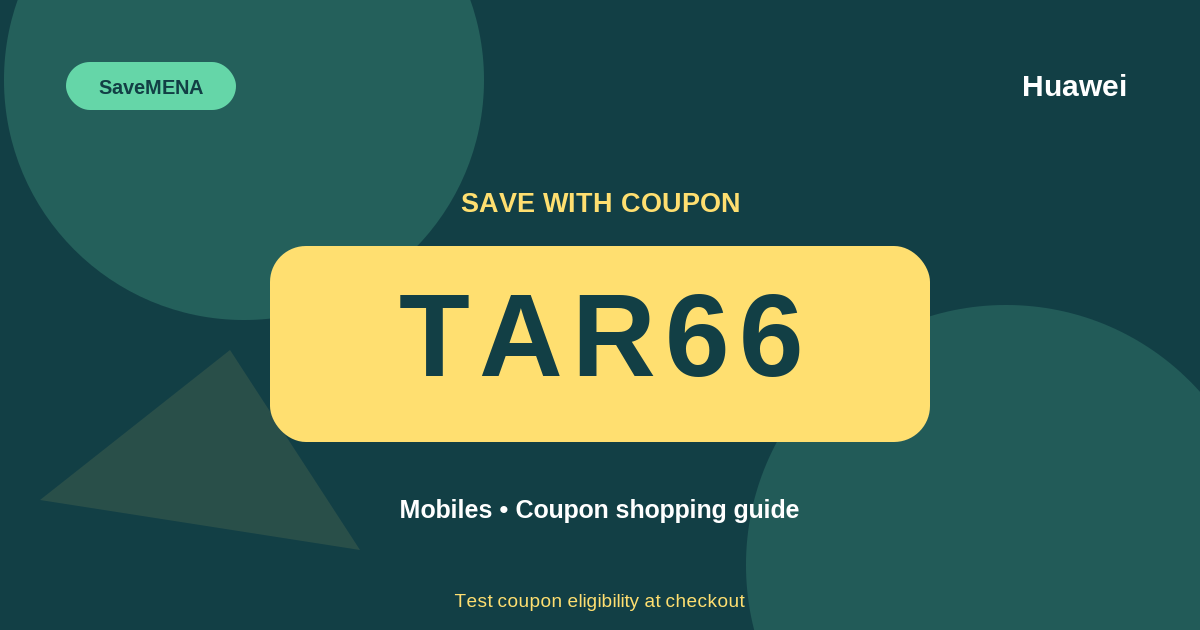
Codes available to try while comparing
These codes are not guaranteed for the article topic or listed brands; test them at checkout and use the live result.
Identify the Exact Huawei Variant on Noon UAE
Begin by searching the Huawei model list on Noon’s UAE site, ensuring you select the variant that matches your regional specifications—be it network bands, storage size, or colour. Pay close attention to SKU numbers, as small differences can impact eligibility for coupon codes or shipping options. Don't assume two listings are identical; each carries its own variant details that affect compatibility with your local network.
Once the correct variant is identified, record its exact title, model number and key features. This will help you avoid confusion when comparing prices across sellers or recalling the variant for future reference. At the checkout, confirm that the item displayed matches this record before proceeding to payment or applying any coupon. Only after this verification can you confidently compare with other listings.
Verify Fulfilment Types Before Adding to Cart
On Noon UAE, products may be fulfilled by Noon itself, a third‑party seller, or a local store. Each method influences shipping speed, tracking availability, and return handling. Check the listing for the fulfilment label— "Fulfilled by Noon" often guarantees UAE‑wide delivery, whereas third‑party fulfilment may have variable logistics.
Before adding your Huawei phone to the cart, note the chosen fulfilment type. If you prefer a faster, guaranteed arrival, select Noon‑fulfilled items under UAE categories. If a seller’s fulfillment is chosen, ensure they provide tracking and a clear return window. Recording this detail is essential for later steps, such as monitoring shipping fees and confirming delivery timelines.
Compare Seller Shipping Fees Transparently
Shipping costs can differ between the same product variant sold by multiple sellers. On each listing, consider the shipping fee shown under the price table; some sellers offer free delivery within the UAE, whereas others have a set charge. Compare these fees in proportion to the listed price, and note any minimum‑spend rules that could affect your final bill.
When the shipping fee varies, calculate the total cost—item price plus shipping—to determine the true value of each option. Pay attention to the delivery times listed with each fee; a lower cost may carry a longer shipping period, impacting your urgency for the device. Keep a running tally of the cheapest total, and remember to check if the shipping fee applies to the chosen fulfilment method.
Use the TAR66 Coupon at Checkout Safely
To test the TAR66 coupon, navigate to the payment page after adding your Huawei phone to the cart. Enter the code in the designated space before finalising the purchase. The site will then validate whether the coupon applies to the selected variant and fulfilment type.
It is important to review the confirmation that the coupon was accepted; any denial will be shown with a brief notification. If the code does not apply, the site will still proceed without the discount, and the final payable total will be shown. Do not rely on the coupon’s success as a guarantee – the site’s confirmation at this point is the only verifiable checkpoint.
Review Delivery Timeframes and Pick‑up Options
Once you have an order placed, Noon UAE displays an estimated delivery window in the order summary. This date depends on the chosen fulfilment type and the seller’s dispatch speed. Compare these estimates against your personal requirements for device readiness.
In some cases, Noon also offers local pick‑up centers. If pickup seems more convenient, confirm the address, operating hours, and any identification you must bring. Clearly record the pickup details so you can plan your schedule accordingly and avoid unnecessary waiting times.
Confirm Return Policy and Warranty Coverage
Different sellers may offer varying return periods and warranty terms for Huawei phones. Examine the return policy section of the listing before your purchase—look for the length of return window, whether return shipping is free, and any restocking fees.
Additionally, check if the listed warranty matches the standard Huawei coverage in the UAE. Some sellers provide extended warranties; verify the terms and confirmation number that will accompany the device upon delivery. Recording this information before shipping will save time if you need to file a claim later.
Pay with Reliable UAE Payment Methods
Noon UAE supports multiple payment options, including credit or debit cards, Apple Pay, and local e‑wallets. Choose a method that offers buyer protection or refunds in case of delayed delivery. Ensure your payment instrument is credited with sufficient balance and that the card is pre‑approved for online transactions.
After payment, a confirmation email or SMS will contain an order ID and a final total, including any discount applied. Keep this receipt in your email outbox or a secure document folder, as it will be required for any post‑purchase disputes or cancellations.
Track Your Order Through Noon UAE Dashboard
Once the order is logged, go to your Noon UAE account dashboard to view the shipping status. Every movement—from dispatch, transit, to arrival—will be updated, allowing you to anticipate the exact delivery time and prepare for receipt.
If the status shows a delay beyond the estimated window, consider contacting the fulfilment center or seller directly through the platform’s messaging system. Recording all communication helps resolve potential issues faster. Your tracking ID also acts as a reference point should you need to dispute a shipping delay or loss.
Related SaveMENA pages
Related articles
Official sources to check
Frequently asked questions
How do I confirm that the TAR66 coupon applied to my order?
You will see a confirmation line under the payment section that the coupon has been accepted. If the coupon is not applied, the site will display a brief note explaining that the code did not work for this purchase.
Will the shipping fee change after I add the TAR66 coupon?
No, the shipping fee is fixed at the point of checkout and is independent of the coupon code. The coupon only affects the item's price, not the shipping cost.
Can I change the fulfilment type after placing my order?
Once the order is confirmed, fulfilment type is usually locked. If you need a different method, you must cancel the order and place a new one, subject to seller availability and shipping dates.
Where can I view my return policy for the Huawei phone?
The return policy is listed at the product detail page, often in a dedicated section beside the price. It appears again in the order confirmation and in your account’s order history, ensuring you have easy access.