HP Office on Noon UAE: shipping responsibility — variant and model checks
Begin by locating your HP office product on Noon’s UAE listings. Products that appear identical at first glance often differ in firmware, ink cartridge
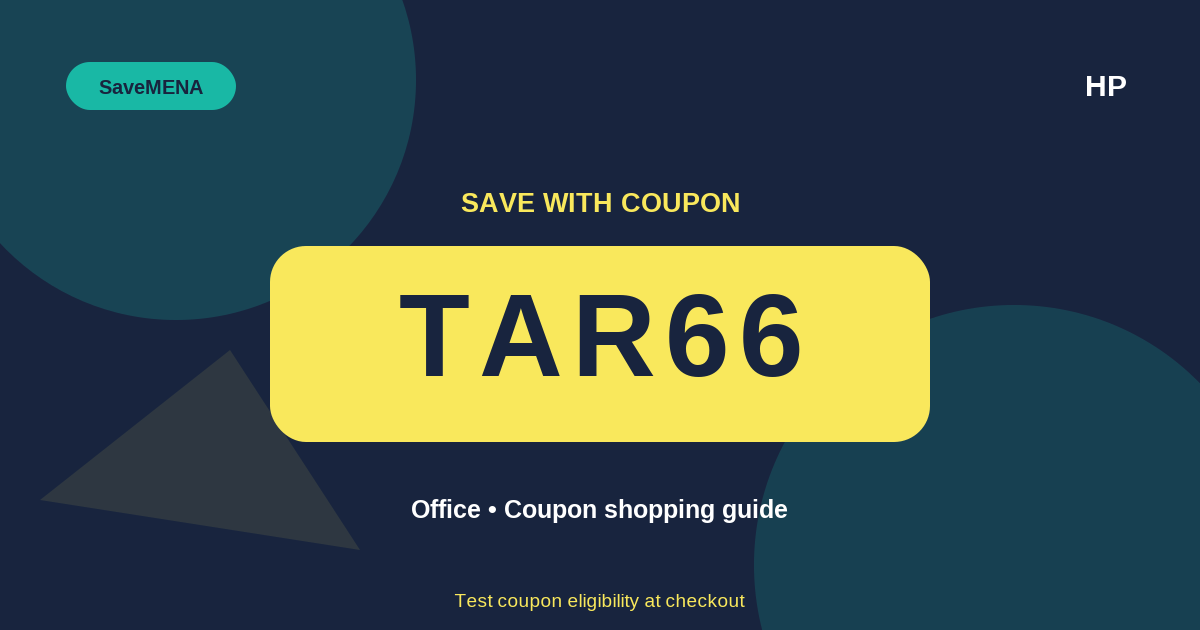
Codes available to try while comparing
These codes are not guaranteed for the article topic or listed brands; test them at checkout and use the live result.
Validate the Exact Noon UAE Variant Before Comparing Prices
Begin by locating your HP office product on Noon’s UAE listings. Products that appear identical at first glance often differ in firmware, ink cartridge compatibility, or bundled accessories. Make sure to note the SKU or specific model number shown near the headline. This step ensures you’ll compare apples to apples when pulling prices from multiple sellers. If the variant listed differs in features such as colour, memory size, or accessory set, hidden costs might arise later, especially when shipping or returns are considered.
Once the variant is confirmed, pause to scroll to the “Variants” tab typically displayed below the product title. Match the listed options such as colour, size, or included peripherals exactly to the variant you intend to purchase. This step aligns your expectations with what’s actually available, preventing mismatches that could lead to unsatisfactory delivery or unwanted returns once the item arrives. Should you find the exact variant absent, consider contacting Noon’s customer support before proceeding to other sellers.
Check Seller Shipping Policies for Office Products
Not every seller on Noon ships office equipment the same way. Look for the “Ship From” section on the product page to identify the seller’s location. Shipping fees and timelines vary with distance and logistical arrangements. For office gear, shipments can be scheduled or expedited, but higher fees may apply. Verify the seller’s stated shipping options and whether they mention special handling for electronics or large items.
Pay attention to the “Estimated Delivery” badge or text. If Noon offers “Same‑Day” or “Next‑Day” delivery for office items, confirm whether this applies to the exact variant rather than a generic model. Some sellers may offer express shipping only for their standard versions, while variations might require standard delivery times. Double‑check at the shop page that the shipping policy is unchanged across your chosen variant before moving on to price comparison.
Evaluate Delivery Timeframes and Return Window
Office electronic items often benefit from a return window that lets you evaluate network compatibility post‑delivery. On Noon, the return window is displayed near the payment option but can differ by seller. Look for phrases like “7‑Day Return” or “14‑Day Exchange” tied explicitly to your variant. A longer return period may be worth a higher shipping fee if the device’s performance is critical for your workflow.
Alongside the return window, check any reshipping or exchange conditions. Some sellers only allow free returns if the item is unopened or can charge a restocking fee if the return is initiated. Ensuring clarity on exchange policies will help you avoid surprises once the item arrives. The shipping status bar may also highlight whether there is a “custom delivery scheduling” option—a feature useful if you need the device before a specific project deadline.
Verify International Shipping Restrictions for HP Devices
When Noon lists an HP office product as a UAE variant, it implies compliance with local regulations, but confirmation is still essential. Search for any shipping restrictions listed in the product description or FAQ section. Some HP models may be unavailable for return to the origin country or may require additional paperwork if shipped internationally. This becomes particularly significant for bulk office purchases that bundle several units.
In addition, verify whether the seller prepares the package in a manner suitable for potential customs declarations. If you’re shipping to a corporate address outside the UAE, the seller might offer special freight options. Confirm if freight charges are added at checkout or if Noon includes a flat shipping fee. Understanding these nuances ensures that the fulfilment and shipping cost aligns with your expected budget for the device.
Compare Repricing Across Multiple Sellers
Once you’ve validated the variant, seller, and shipping, pull up price comparisons from all sellers offering the same Noon UAE variant. Note that prices shown may exclude variable shipping fees or optional features. Some sellers may appear cheaper but add a high shipping cost for a slower timeline. Conversely, a slightly higher visible price might incorporate free next‑day delivery, which could be more valuable for stationery or printing on short notice.
Look for any “Add‑On” options that hunt the bundled accessories, warranties, or software licences. A one‑off accessory may be presented as complimentary on a certain seller’s page. Be sure to include this cost when evaluating the total spend. Finally, note the seller’s rating and review count, which can indicate a high likelihood of smooth fulfilment, especially in a fast‑paced office environment where downtime is costly.
Apply Coupon Thoughtfully and Review Eligibility
TAR66 is available as an attemptable coupon on Noon. Place the code in the coupon field before final checkout, but do not assume it will apply. The code might be blocked by the seller’s promotion policy or the specific variant’s eligibility. If the coupon is rejected at checkout, disregard the assumption that it would have saved you; Noënt is not a guarantee. Check the “Coupon & Promo” section for any displayed restrictions, such as “Minimum purchase” or “Non‑combining with other offers.”
Since the coupon is offered as a try, use it for a single transaction as a test. If the code applies, record the discount in your notes; if not, you know the coupon does not carry over to future purchases. Meanwhile, consider alternative savings such as loyalty points or seller‑specific flash deals that may apply regardless of the coupon. This dual strategy helps you maximize savings while respecting the limited utilisation of TAR66.
Understand Payment and Shipping Fees
Before confirming the order, scroll to the payment page that displays the final breakdown. This screen will show the base price, applicable taxes, the shipping fee, any handling charges, and the coupon deduction if applied. Because fulfilment affects cost, confirm that the particular seller’s shipping option matches the delivery timeline you need. For office equipment shipped to your work address, you may opt for insurance or signature pickup, which will add to the total.
If you’re using a store credit or a payment plan, verify that the transaction is eligible for the chosen financing option. Some payment providers also apply additional service fees that could affect overall spend. Clear visibility on each fee ensures you avoid post‑purchase surprise charges, especially if you plan to re‑order items further down the line or bundle them into a corporate procurement cycle.
Confirm Post‑Purchase Support and Warranty
Most HP office products are covered by a manufacturer’s warranty, but the specifics can vary by variant and seller. Look for a “Warranty” tag near the product details or within the seller’s profile. Confirm if the warranty is limited to the purchasing region or is global. The order confirmation page often lists warranty terms in a separate tab; ensure it mentions the guarantee duration and coverage areas such as defect repairs or accidental damage.
For critical office usage, consider whether the seller offers an extended warranty or a trade‑in program. Extended coverage may appear as an add‑on during checkout, potentially increasing the cost by a modest amount. Review return and repair procedures in the seller’s help centre, as some sellers provide express returns for faulty units. This post‑purchase support aligns with your fulfilment strategy by reducing downtime when the device fails between deadlines.
Related SaveMENA pages
Related articles
Official sources to check
Frequently asked questions
What should I do if the product’s variant on Noon does not match my needs?
Check the “Variants” section for options such as colour or accessories. If the exact variant is missing, contact Noon customer service or look for the item on alternative sellers that list your required specifications.
Will the TAR66 coupon automatically apply to my HP office order?
The coupon can be entered at checkout, but its success is not guaranteed. Verify at the payment page whether the discount is applied; otherwise, it will be ignored.
How can I be certain about the shipping timeframe for my HP Office purchase?
Review the seller’s estimated delivery badge and “Ship From” location. Confirm these details on the seller’s profile; they will outline whether express or standard shipping is available for your variant.
Is there a return policy for office electronic items bought on Noon?
You’ll find the return window near the payment section, often stated as days or weeks. Verify any restocking fees or conditions such as unopened status, which can affect your return eligibility.