Nikon Cameras on Noon UAE: listing condition — variant and model checks
Noon UAE variant and coupon Cameras Nikon listing condition and displayed item state: If you’re hunting for a Nikon camera on Noon UAE, matching the exact variant
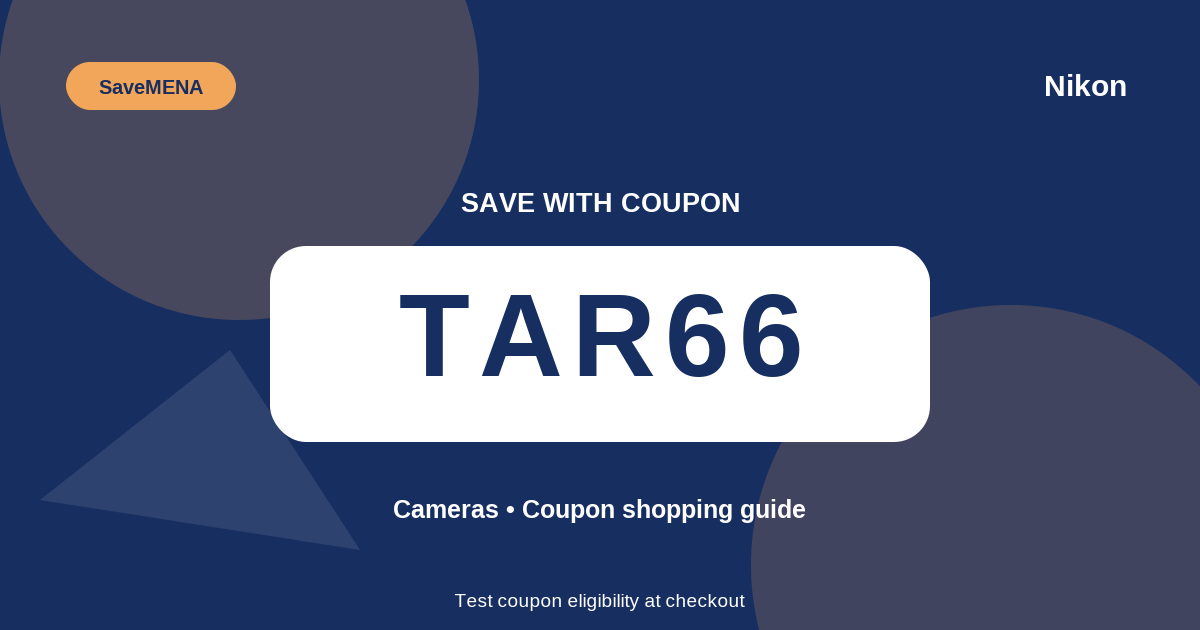
Codes available to try while comparing
These codes are not guaranteed for the article topic or listed brands; test them at checkout and use the live result.
Understanding Noon UAE Variant and Listing Condition
On Noon, every product appears under a “Noon UAE variant” breadcrumb that identifies its exact SKU. This variant includes essential technical details such as resolution, sensor size, lens mount, and included accessories. Compare the variant with the technical sheet on the Nikon website or on the device’s manual to confirm they match. A mismatch could mean you’re buying a different model or an older generation that may not pair with your gear plan.
Listing condition refers to the item’s stated status in the product page – new, used, refurbished, or open‑box. Verify the condition field is present and is clearly stated. Look for any introductory disclaimer, such as “return within 14 days” or “manufacturer refurbished.” If the condition is ambiguous, contact the seller before adding the camera to your cart, as a default “new” status may mislead you about the actual state of the device.
Verifying Displayed Item State Before Adding to Cart
The item state displayed on Noon includes images that show any physical wear, packaging condition, and included accessories. Carefully scan multiple pictures from different angles. If vital parts—lens mount, screen, battery door—show visible scratches or dents, consider that as a sign of prior use. Cross‑check the photo captions; sellers sometimes indicate “framed” or “unpacked.” Users can also read the listed “item features” to confirm if the camera comes with an original box or a third‑party case.
Because Noon’s platform aggregates sellers, the narrative about the item state may differ from one listing to another. Unscrupulous sellers may omit damage or under‑state the model. If there’s any doubt, request a status photo or an additional explanation via the messaging feature. Only after you feel confident about the item state should you proceed to checkout.
Comparing Prices Across Multiple Sellers
Once the variant and state meet your criteria, shop around among all Noon sellers selling that exact model. Different sellers may list the same Nikon camera under slightly varied titles, but the displayed price will reflect their unique pricing strategy. Remember that the displayed price does not account for the TAR66 coupon until you reach checkout, so add each seller’s price to the wishlist for later comparison.
Include shipping fees, if any, and the total expected cost after applying VAT of the discount shown at checkout. Noon’s price comparison does not automatically factor in the coupon, so calculate the potential savings manually using the “TAR66” code. Compare the coupon impact on each seller’s final payable amount before locking in a purchase.
Inspecting Seller Reputation and Feedback
On Noon, seller ratings appear as a numeric score with star icons above the listing. Cross‑check the seller’s overall rating, read reviews left by previous buyers, and identify recurring complaints such as delayed shipments or inconsistent product condition descriptions. A high rating with few negative comments usually indicates professionalism.
Some sellers post seller badges such as “Verified Vendor” or “Trusted Seller.” However, badges do not guarantee product authenticity. For Nikon cameras, align the seller’s reputation with the condition and item state you have verified, ensuring no history of selling mislabeled or refurbished units as new.
Checking Warranty and Support Information
Nordic cameras from Nikon generally carry a standard one‑year warranty in the UAE. Verify that the warranty status is included in the listing – the product description often lists “Manufacturer Warranty (1 Year)” and may provide a serial number field for registration. If the listing states “Manufacturer Warranty (2 Years)” confirm that the extended warranty is applicable to that edition rather than a promo.
Warranty terms may differ when a camera is sold as refurbished. Look for language like “Manufacturer Refurbished – Warranty 12 Months” or “Return to OEM.” If the warranty is unclear, contact Nadia or the seller’s support email before proceeding to buy.
Evaluating Return Policy and Exchange Terms
Noon lists each seller’s return policy on the item page, usually as a USG (Uniform Service Guide) link or a brief summary. Check that the camera can be returned within a standard 14‑day window and that the return shipping cost is specified.
When the camera is refurbished or used, the return period may be shorter, or the refund may be a store credit rather than money back. Also, confirm if the seller covers return shipping for defective items. If the return policy seems limited, consider buying from an authorized Nikon dealership instead, though Noon may still offer a competitive price.
Using TAR66 Coupon at Checkout Wisely
In the checkout process, type the coupon code TAR66 in the designated field. The discount will apply only if the purchaser’s final cart total, after taxes and shipping, qualifies for the coupon. Since Noon does not disclose the exact threshold, test by adding a single Nikon camera to your cart first; the offer will show if applicable. Keep in mind that the discount may not stack with other percentage or fixed‑amount offers.
Remember that the coupon code can be applied to any item, not exclusive to cameras or Nikon. It may or may not reduce the price of the camera you selected. Therefore, only use the coupon after you have verified the listed condition, item state, and seller rating, then check room for any additional savings in the cart summary.
Final Purchase Checklist for Peace of Mind
Before finalizing your purchase, revisit the listing for exact variant confirmation, condition statement, and attached images. Confirm that the item state images match the written description and that the seller rating supports the quality you expect.
During checkout, specify the TAR66 coupon, choose store pickup or home delivery, and verify the final payable sum, including VAT and shipping. If anything seems off at any step, contact the seller or Noon customer support before completing the transaction. This systematic approach protects you from missteps that can arise from variant mismatches or ambiguous item state listings.
Related SaveMENA pages
Related articles
Official sources to check
Frequently asked questions
How can I confirm the Nikon camera’s exact variant on Noon UAE?
You should compare the “Noon UAE variant” tag listed under the product title with Nikon’s official spec sheet. Matching details like sensor type, lens mount, and accessory set ensure you’re buying the precise model you intend.
Does the TAR66 coupon apply automatically to Nikon cameras?
The coupon may apply at checkout, but it is not guaranteed or limited to Nikon. Test its applicability by adding the chosen camera to your cart before referencing the coupon code.
What if the camera’s images show slight scratches?
Minor wear may be acceptable for used or refurbished options. Verify the listed condition (new, used, refurbished) and ensure the seller offers a return policy that covers such damage if you cannot accept it.
Can I rely on a seller’s rating to ensure the camera’s condition is accurate?
A high rating suggests good service overall, but it doesn’t guarantee condition accuracy. Always cross‑check the condition field and item state photos before adding the camera to your cart.