Computer Accessories on Noon UAE: listing condition — variant and model checks
Noon UAE variant and coupon Computer Accessories listing condition and displayed item state: Do you want to shop for computer accessories on Noon in the UAE, find
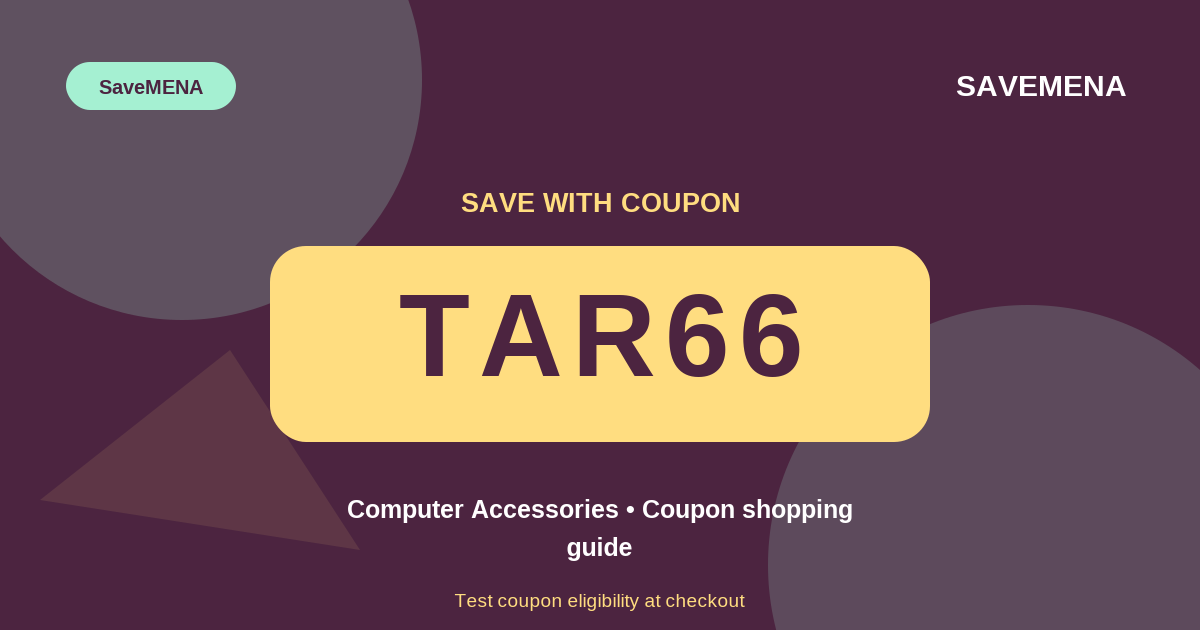
Codes available to try while comparing
These codes are not guaranteed for the article topic or listed brands; test them at checkout and use the live result.
Verify the Exact Variant on Noon UAE
Before you start comparing prices, locate the product page that matches your exact machine or component requirement. Pay close attention to size, model number, color, and connectivity features listed in the product title and description. For example, if you need a specific USB‑C hub for a MacBook Pro, verify that the hub’s specs (ports, support, and length) correspond precisely to your needs. This step prevents you from ending up with a different variant that may look identical but lacks the features you require.
Use the search filters on Noon to narrow down by brand or component type, then hover over each result’s thumbnail to read the product subtitle. If two variants share a similar name, scroll down to the “Product Details” section—here you’ll find comparable fields such as “Model Number” or “Build Quality.” Confirming the exact variant early in the process saves time and eliminates the risk of ordering the wrong accessory.
Inspect Listing Condition for Reliability
The listing condition tells you whether the item is new, refurbished, pre‑used, or open‑box. This information is vital because a refurbished or open‑box milestone can affect both price and warranty coverage. Look for a clear label near the price, often dedicated by Noon to indicate the item’s status. A new listing usually guarantees a full return policy, while refurbished items may come with a limited warranty.
Note that some sellers might use terms like “Certified Pre‑Owned” or “Reconditioning.” In these cases, the seller typically offers a brief refurbishment certificate. Compare the listing condition across sellers: a new version might be pricier but carries more assurance, whereas a refurbished variant could offer savings. Make sure the condition aligns with your budget and tolerance for potential benefits or risks.
Compare Displayed Item State Across Stores
Beyond the listing condition, the displayed item state describes visual cues—such as packaging integrity, thumbnail quality, or commentary on the shelf life. On Noon, you will often find a small icon or a note near the product image indicating conditions like “Factory Sealed” or “Opened Box.” These descriptors help you gauge whether the accessory appears to have been handled or is brand new.
When scanning multiple sellers, align the displayed item state with your expected condition. If one store states “Opened Box” and another has “Factory Sealed,” decide which level of assurance matters more to you. Remember, a better-looking state may come with a higher price or an extra fee. Document these observations to compare practical trade‑offs before adding items to your cart.
Read Seller Feedback Beyond Ratings
Seller ratings are useful, but they can conceal nuances about the specific items sold. Look for comments that mention the product’s condition, whether the item matches the description, or if packaging was damaged. Pay attention to any notes about shipping delays or customer disputes that involve the same accessory. These extra details help you gauge if a seller consistently delivers the condition they advertise.
While “Top Rated” sellers may appear trustworthy, verifying that they handle the precise variant you want and that they consistently list accurate conditions can reduce future disputes. If a seller’s comments indicate frequent complaints about stardard condition mismatches, consider looking at another seller with stronger positive feedback on that particular product line.
Use the TAR66 Coupon at Checkout
After you have chosen the variant, added the item to your cart, and confirmed the listing condition and displayed item state, proceed to the payment page. If you have the TAR66 coupon code, simply click “Apply Coupon” near the total amount and type TAR66 into the field. Noon will instantly display any discount applied to the order subtotal if the coupon is valid for that item.
Never assume the coupon will always be accepted; it’s available to try. In case the coupon does not apply, check the “Coupon Details” area on the checkout page for any restrictions such as “Minimum Spend” or “Exclusion of Sale Items.” If the coupon does not work, you still benefit from a thorough review of the product’s condition and accurate variant, ensuring no hidden costs later.
Track Delivery Fees and Extra Charges
When reviewing the order summary, pay particular attention to any shipping fees or additional charges. Some sellers add a processing fee that is visible only during checkout. If the cost changes after applying the coupon, note the final delivery fee and the total payable amount. This step confirms that the final price matches your expectations and that the coupon is reducing your actual cost.
Confirm the delivery date estimate posted on the captcha; it can affect your decision if you require a quick solution. Additionally, some sellers may offer free shipping for new listings or ‘high‑quality’ items. Compare these options across sellers while ensuring that the displayed item state aligns with the shipping promise.
Confirm Payment Methods and Order Confirmation
Before you finalize the payment, double‑check the payment method you chose—credit card, debit card, or UAE e‑wallet. Ensure that your chosen method is supported for the listed price and that there are no discrepancies in the final amount to be charged, including tax or service fees. This is also the best time to verify once more that no unexpected fees have slipped in.
After you successfully complete the transaction, you will receive an order confirmation email from Noon, and the order status will update in your account dashboard. Mark this confirmation as your receipt. If any of those details (price, code applied, or item condition) suddenly differ, contact Noon’s customer service for clarification.
After Delivery: Return and Warranty Insight
Once your computer accessory arrives, inspect the item against the displayed state in the listing—does it look factory sealed? If your purchase was listed as “New” or “Factory Sealed,” any sign of damage or mishandling warrants an immediate return. Each listing usually details the return window and warranty type, which you should note for future reference.
Document any discrepancies between what was displayed and what you receive. If you need to initiate a return or warranty claim, go to the Order History page on Noon and follow the steps for the product size you purchased. Verify the seller's return policy and the condition expectations noted during the initial listing review.
Related SaveMENA pages
Related articles
Official sources to check
Frequently asked questions
Why should I check the listed condition before buying?
Checking the listed condition ensures you know whether the accessory is new, refurbished, or pre‑used, impacting warranty coverage and return policy. This helps you avoid surprises and aligns the product with your expectations.
Will my coupon code apply automatically when I add the item to the cart?
No, you must manually enter the code TAR66 on the checkout page. The discount will apply only if the coupon is valid for that particular item and meets any applicable conditions.
What if the displayed item state on Noon doesn’t match what I receive?
Notify Noon’s customer support immediately and provide photos of the discrepancy. The return process will reference the listed state, which should reinforce your claim for a correct condition.
Do shipping fees change after I apply the coupon?
Shipping fees are calculated before coupon application. The final total, including any coupon discount, is shown on the checkout page. Verify the subtotal, discount, and shipping separately.