ASUS Computer Accessories on Noon UAE: model specifications — variant and model checks
To find the best deal for an ASUS computer accessory on Noon UAE, start by locating the exact variant you need—whether it’s a specific keyboard model, a USB‑C
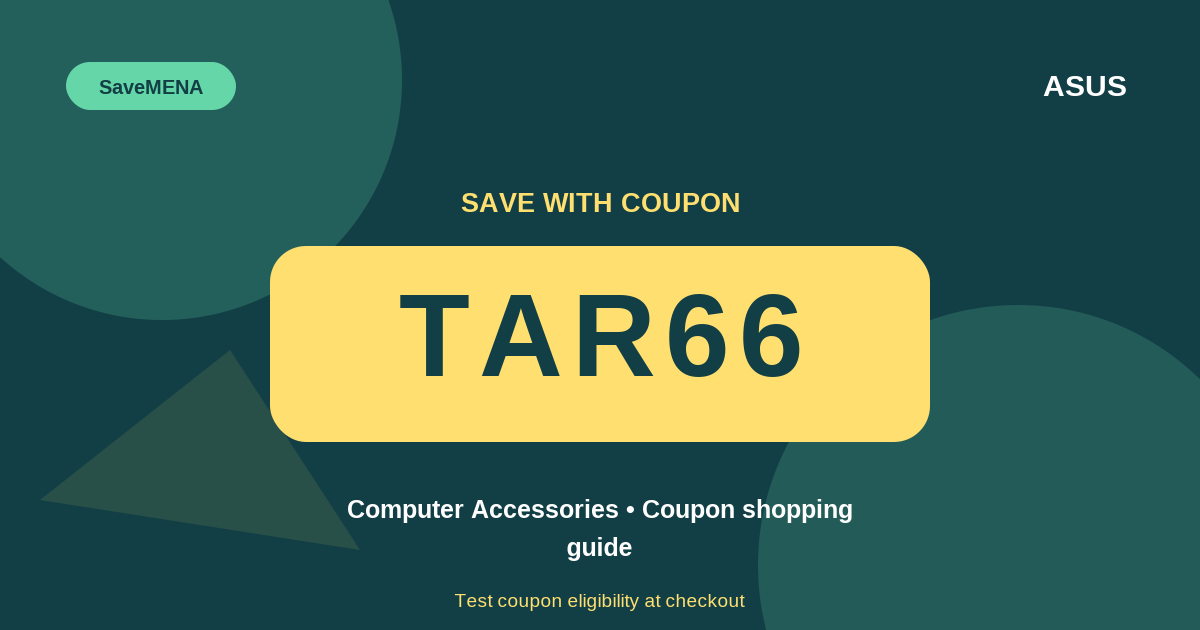
Codes available to try while comparing
These codes are not guaranteed for the article topic or listed brands; test them at checkout and use the live result.
Section 1: Identifying Your Exact ASUS Accessory Variant
When hunting for an ASUS computer accessory on Noon UAE, the first rule is to pinpoint the exact variant you require. ASUS frequently releases multiple versions of a single product line, each differing in connectivity options, color choice, or additional features such as programmable keys or ergonomic design. Start by searching with the full product name and SKU code if you have it, or by filtering manufacturers and product categories until you narrow the results to your intended model.
If you’re using a bag‑of‑tools approach, note any distinguishing attributes—such as RGB lighting, dual‑band Wi‑Fi, or a specific DPI setting on a mouse—that will help you filter out unrelated variants. Buying the wrong variant can lead to compatibility problems, missed features, or a sub‑optimal user experience. Double‑check the variant listed on the product details page and cross‑reference it with model images or a manufacturer’s support document.
Section 2: Decoding the Technical Specifications
Once the exact variant is on your radar, examine its technical specifications in depth. For an ASUS keyboard, you’d look at key travel distance, switch type, battery life, and connectivity mode. For a cable or adapter, focus on supported data transfer speeds, supported resolutions, and connector types. Knowing these details lets you verify that the accessory will perform as expected with your computer setup.
Don’t just skim the spec sheet; read all technical parameters, especially those that impact long‑term reliability. Features like soldered micro‑USB connections, fan‑less cooling, or a sealed port can affect durability. Verify that the spec sheet matches the variant shown in the product image, as mismatches sometimes occur in online listings. Keep this specification checklist handy for comparing prices later.
Section 3: Pricing Landscape on Noon UAE
The Noon UAE marketplace aggregates multiple sellers for each ASUS variant. While the listed price often reflects a small markup over the manufacturer’s MSRP, sellers: sometimes introduce bundle deals. Use the search filters such as “price low to high” and “seller rating” to surface the most competitive offerings. Remember, a lower price isn’t automatically better—check seller credibility before proceeding.
Also pay attention to any optional add‑ons that might appear in the total amount, such as extended warranties or shipping upgrades. Since Noon UAE lists taxes and duties inclusive, there should be no hidden fees beyond what appears on the product page. Taking note of the raw price now will help you determine how much you can potentially save by applying any coupon code later.
Section 4: Market Comparison: Same Variant across Sellers
If multiple sellers list the same ASUS variant, compare them beyond price. Look at delivery times indicated in the product details, as some sellers are faster to ship due to proximity to the UAE shipping hub. A seller with a higher rating may also provide better post‑purchase support, which can be crucial if the accessory requires firmware updates.
It is also wise to review return policies, as some stores allow a 30‑day return window while others enforce a stricter period. By lining up these factors—price, delivery, seller rating, return policy—you maintain a consistent decision lens that focuses on the total value of the purchase rather than a single variable.
Section 5: Applying the TAR66 Coupon: How to Try It
The coupon code TAR66 is available to try, which means you should enter it during the checkout process on Noon UAE to see if the discount applies. The system will confirm whether the code is valid for the selected ASUS accessory, and will adjust the final payable amount accordingly if applicable.
Because the coupon is experimental, it may or may not reduce the price. If it’s not accepted, the calculation will revert to the full listed price, and it’s wise to reassess whether the accessory still fits within your budget. In either case, keep a record of the pre‑and post‑coupon totals for future reference.
Section 6: Read the Fine Print: Checkout Verification
At the checkout stage, review every line item—the item cost, applicable taxes, optional add‑ons, and delivery fees—to make sure they match the expectations set out during research. This step confirms the price you saw earlier and ensures that no hidden charges were introduced by the platform or seller.
Check the minimum spend for the coupon, any usage limits, or the time frame it is valid for. Even though the coupon is a “try” code, the system will overrule it if any conditions aren’t met. The final total displayed before confirming payment is the absolute price you’ll pay, so treat it as the definitive source of information.
Section 7: Shipping, Warranty, and Customer Support
Once your order is confirmed, review the shipping options and estimated delivery window. Noon UAE usually lists free shipping for orders above a certain threshold, but additional shipping fees may apply for expedited delivery. Verify that the courier agencies partner with local logistics services for reliable arrival times.
Check the warranty terms provided by ASUS and the seller. Typically, ASUS accessories come with a one‑year limited warranty that covers manufacturing defects. Confirm whether the seller can service parts or provides a return portal in case of faulty hardware. Good customer support can make the difference if the accessory requires firmware updates or hardware replacement.
Section 8: Making Your Final Decision: The Decision Lens
Wrap up your purchase decision by revisiting the decision lens that centerstages the model’s specifications and price alignment. Ask whether the variant’s technical details meet your system’s requirements, whether the final price—including any coupon discount—fits your budget, and whether the seller’s credibility and warranty policies protect your investment.
Should any part of the comparison reveal a mismatch—say the price is too high relative to other sellers or the specifications are slightly off—don’t hesitate to consider alternative variants. By sticking to a consistent, feature‑focused assessment, you ensure that your chosen ASUS accessory delivers both performance and value.
Related SaveMENA pages
Related articles
Official sources to check
Frequently asked questions
How do I confirm the exact ASUS variant I want before buying?
Search the product by its full model name, read the description for key specs, and compare images to the official ASUS catalog. Double‑check the SKU or model number listed in the product details.
Will the TAR66 coupon always apply to every ASUS accessory?
The coupon is only available to try; it may or may not settle the order. If it isn’t accepted, the standard price applies. Check the checkout page for active discount application.
Do I need to consider UAE taxes when calculating the final price?
No. Noon UAE prices include VAT and any applicable duties. The final amount displayed before payment is the complete cost.
What should I do if the seller’s rating is low?
Low ratings can signal unreliable service. Compare with other sellers of the same variant, consider return policy, and weigh whether the price difference justifies the risk.