Logitech Computer Accessories on Noon UAE: model specifications — variant and model
One of the most critical aspects to compare is DPI range or sensor resolution. High‑resolution models such as the MX Master 3 support 4000 DPI and adjustable
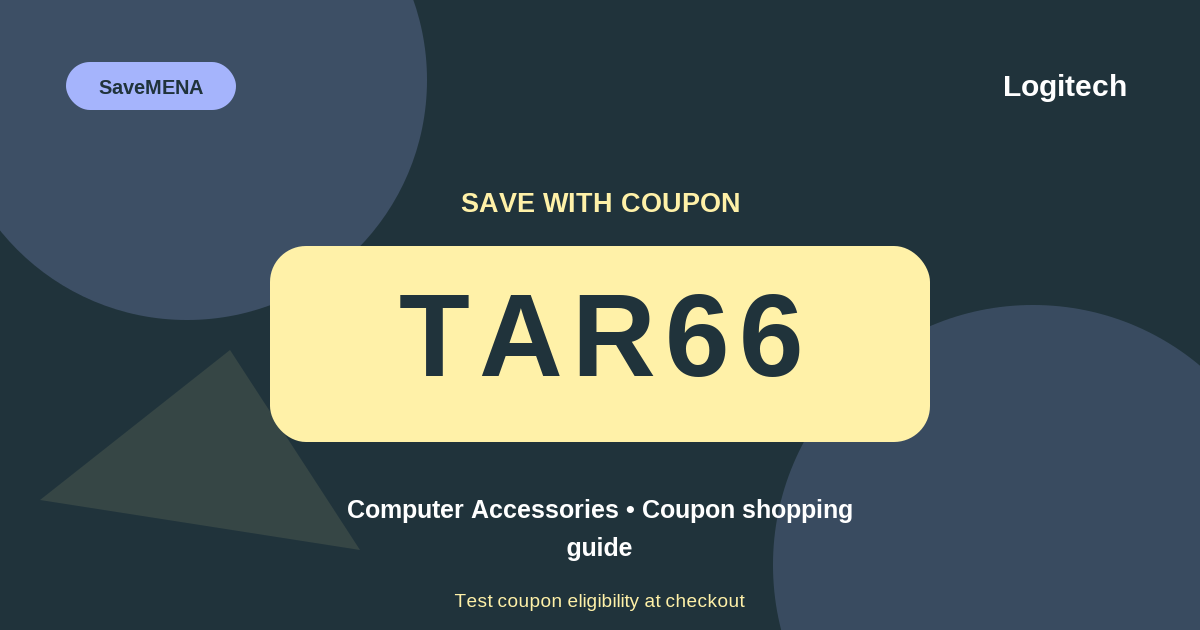
Codes available to try while comparing
These codes are not guaranteed for the article topic or listed brands; test them at checkout and use the live result.
2. Key Specifications to Examine Across Logitech Models
One of the most critical aspects to compare is DPI range or sensor resolution. High‑resolution models such as the MX Master 3 support 4000 DPI and adjustable sensitivity, ideal for graphic designers and gamers. Lower‑end variants may cap at 1600 DPI but still provide sufficient accuracy for office work. When you compare models, layout how DPI, polling rate, and sensor type align with your preferred tasks.
Battery life and power method also differ widely. Some Logitech mice use rechargeable batteries that last up to 70 days on a single charge, while others rely on AA cells, offering straightforward replacement. Wireless vs. wired connectivity, the Bluetooth version, and whether a USB‑C or USB‑A receiver is supplied are equally pivotal. By listing specifications side‑by‑side, you can judge which variant best balances performance, portability, and power consumption for your use case.
3. How Your Setup Influences Model Choice
Use cases dictate your preferred Logitech variant. For professionals who stay seated for extended periods, the ergonomic design and high button count of the MX Master 3 make it a primary candidate. Gamers may prioritize a lightweight model with rapid polling instead of the chunky design suited for prolonged use. If you share a desk with colleagues, a variant with a matte finish and reduced glare becomes important for visual appeal.
Hardware compatibility further narrows the choice. For instance, older laptops may lack USB‑C or Bluetooth 5.0 ports, limiting the ability to use newer models that depend on those connections. Verify that your system’s ports match the variant’s connectivity options. Windows 10, for example, needs the Logi Tune software to unlock certain DPI settings in some models. Aligning the accessory with your operating system avoids unnecessary configuration headaches.
4. Leveraging Noon UAE’s Variant Search Feature
Noon UAE’s search interface allows you to filter by exact model numbers and variant details. Start by entering the model name, for example “Logitech MX Master 3” in the search bar. Then use the filters under “Technical Specifications,” selecting parameters such as DPI, connection type, and battery life. You’ll see a list of sellers offering precisely matching variants, eliminating guesswork.
Once the variant list appears, examine each product’s description section, which typically lists the model number, color, and included accessories. Cross‑check this with your own requirements. If you’re uncertain, utilize the “Compare” button to view side‑by‑side specs. Remember: selecting the correct variant first ensures that subsequent price comparisons are accurate and that the accessory you ultimately purchase meets the intended functionality.
5. Applying the TAR66 Coupon: What to Expect
When you add a Logitech accessory to your cart, you may see an option to apply coupon codes. Enter “TAR66” in the coupon field during checkout to calculate any discount applied in real time. This code is not guaranteed to function for every product; its applicability depends on each merchant’s current campaign settings. Verify after adding the code whether the discount reflects on the summary page.
Because coupon eligibility can vary, the best practice is to confirm the new total immediately after coupon entry. If the discount doesn’t apply, proceed with the regular price or contact the seller via Noon’s messaging system for clarification. This checkpoint ensures you’re not misled by a claim that a coupon is available when it actually isn’t. Do not rely on the coupon to cover discrepancies such as shipping fees or additional taxes.
6. Checkout Verification: Ensuring Compatibility and Price Accuracy
At checkout, you’ll see a final overview that lists the variant, seller, shipping weight, and order total. Inspect the variant number one more time; it should match the one you selected earlier. If the online description lists a different accessory, refuse the order and return to the product page.
Also confirm that shipping to your UAE residential address is available. Noon typically specifies delivery in minutes or days, but sometimes restrictions apply to certain variants that require extended dispatch times. Verify any shipping fees, and cross‑check if the price remains unchanged after applying or failing to apply the coupon. Only when all these details align should you place the order.
7. Practical Tips for Long‑Term Investment in Logitech Accessories
Durability is a hallmark of Logitech products. When evaluating your chosen variant, look for reinforced rubber grips, updated firmware support, and a warranty period that covers manufacturing defects. If you plan to use the device for 3‑5 years or more, a model with an adaptable battery system or a reuseable replacement battery can reduce long‑term costs.
Consider accessories that complement the core product. For example, if you buy a Logitech mouse, pairing it with a matching keyboard or a shipping dock can enhance ergonomics. Logitech often bundles accessories at a reduced single‑price rate. Prior to checkout, investigate whether your seller offers any bundle discounts and whether those bundles involve other essential peripherals, as this may yield better value than a standalone item.
8. ROI Considerations: Balancing Features and Cost
Return on investment (ROI) for a Logitech accessory isn’t just about the initial price. Factor in usability improvements, such as precision navigation that reduces eye strain for extended hours at a computer, and energy efficiency that may lower power bills or extend battery life. Equate these benefits to the accessory’s cost to assess long‑term value.
When browsing Noon, keep an eye on seller ratings and user reviews that mention real‑world usage scenarios. Product ratings that show frequent adjustments, firmware updates, or consistent performance across software platforms indicate higher quality. A slightly higher price for a variant with better customer feedback can represent a worthwhile investment over using a cheaper but less reliable alternative.
Related SaveMENA pages
Related articles
Official sources to check
Frequently asked questions
What does “Noon UAE variant” mean in the context of Logitech accessories?
It refers to the specific model and configuration listed on Noon’s UAE site. This could include sensor type, DPI range, battery life, and connectivity options that distinguish one version from another.
A coupon is not guaranteed; verify its result at the retailer checkout.
It applies only if the seller promotes it for that particular item. Check the coupon’s status during checkout to confirm if the discount appears.
How can I verify the exact model number before purchasing?
Check the product description, seller’s tags, and the technical specifications section. Cross‑reference the listed model number with the one you intend to buy.
What should I do if the variant changes after placing my order?
Contact Noon’s customer service or the seller before shipment. If shipping hasn’t started, you can cancel or modify the order based on the seller’s return policy.