LG Electronics on Noon UAE: model specifications — variant and model checks
The conversation around LG electronics often centers on specs like processor speed, RAM, and storage, but different configurations can share the same model number.
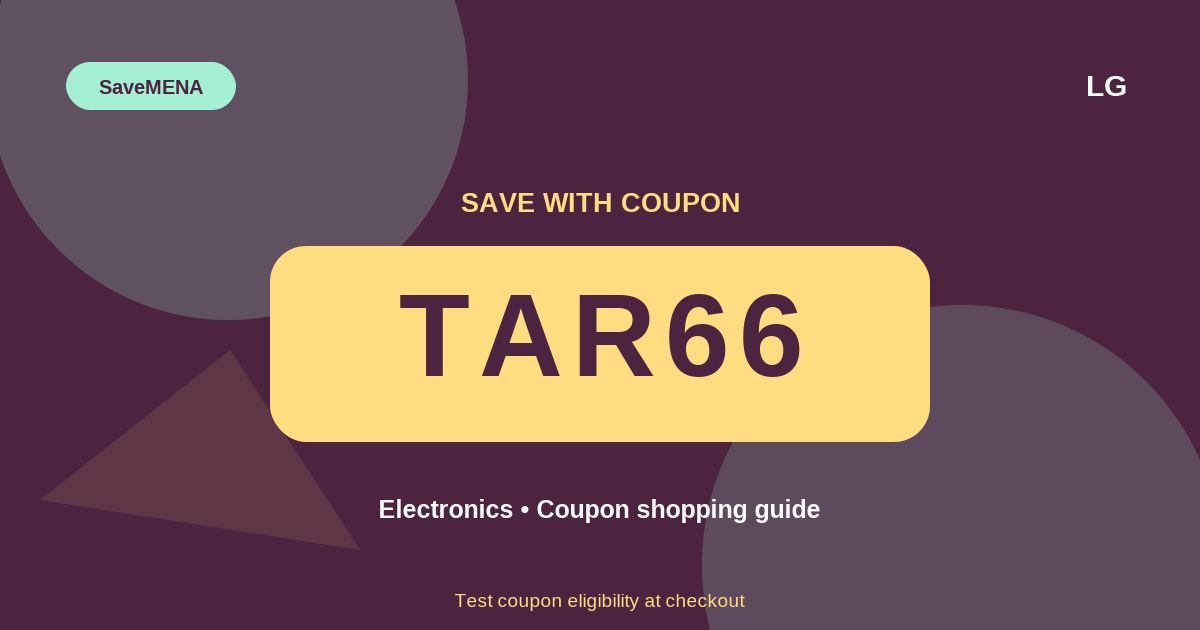
Codes available to try while comparing
These codes are not guaranteed for the article topic or listed brands; test them at checkout and use the live result.
Why Exact Model Matching Matters for LG Electronics
The conversation around LG electronics often centers on specs like processor speed, RAM, and storage, but different configurations can share the same model number. Organizations such as Noon supply a variant code that clarifies which spec set a product actually offers. Knowing why this matters starts with understanding that a phone boasting 8GB RAM does not automatically mean it has a 256GB internal slot or a high‑refresh‑rate screen. If your use case requires video editing or gaming, a variant with higher RAM and a larger display will deliver a noticeably smoother experience. Thus, confirming the variant guarantees that the spec set matches your intended workload.
When the variance extends to battery capacity or camera resolution, the difference can influence daily utility. A battery labeled 4500 mAh might keep a mid‑range LG handset awake longer than a 3500 mAh analog. Similarly, if the optical zoom on a camera supports 10× instead of 3×, photography enthusiasts win. Shopping without variant clarification may lead to disappointment when the delivered hardware falls short of expectations, even if the price remains the same. Therefore, spec clearance is your first safety net against under‑powered purchases.
Identifying the Noon UAE Variant Code on Viewpages
On Noon’s product listing, each LG electronics variant appears in a distinct product card. To the untrained eye, the visible title may list only the generic model name, but scrolling to the detail page reveals a hidden variable labelled “Product ID”, “SKU”, or “Variant Code”. This code is generally a series of letters and numbers that is unchanged even if the banner image changes. Capture the full variant code by copying the text rather than taking a screenshot, as varying resolutions or image captures can miss trailing characters. The more precise you capture, the easier it is to search with that code elsewhere.
Once you have the code, there are two practical ways to keep it handy: either save it as a note in your phone, or type it into the Noon search field immediately after you leave the page. The search bar will often autofill and present exact match results, confirming that you’ve captured the right variant. If the search lands on a different product or on a general model, double‑check for typos. Mistakes in the alphanumeric string easily result in a completely different configuration, which will throw off any subsequent price comparison.
Key Specifications That Define an LG Variant
When dealing with LG electronics, the most consequential specifications typically fall into three clusters. The first cluster is processing power: CPU speed, number of cores, and integrated GPU directly dictate how smoothly applications run. The second cluster comprises memory and storage, which influence multitasking and data capacity. Finally, battery life and camera retinal quality can substantially affect real‑world use. Correlating each of these clusters with a specific variant code ensures you’re not unknowingly choosing a file‑size limited model or a display with lower resolution in lieu of a richer‑vision offering.
A quick glance at the Spec Table on Noon will list these attributes in a user‑friendly format. Pay particular attention to the unit of measure: for examples, processor speed is listed in GHz, memory in GB, storage in GB, and battery capacity in mAh. Even though Noon often groups them under a composite “Configuration” header, you can still parse each attribute if you keep the variant code in mind. Knowing exactly which variant’s spec matches your desired performance allows you to dismiss other, superficially identical models that may lack the required throughput.
Using the Model Number to Filter Search Results
After you’ve extracted the Noon variant code, input it directly into the search bar used by most online marketplaces. When the system returns a list of products, filter the results by confirming that the displayed model number matches the one you saved. Many retailers display a brief “Model” line within the product card, and some may even offer a drop‑down menu where you can compare a set of specifications side by side. Filtering by model number helps avoid accidental comparisons between fundamentally different builds that share a high‑level brand name.
If a search filter is unavailable, rely on visual cues such as specific logos or feature highlights. For instance, a variant carrying a higher‑grade processor will often display a brief mention of the chipset in the product description. You can also read the “Key Features” bullet list for dedicated mentions of RAM, memory, or advanced camera capabilities. By cross‑checking each bullet with your variant code, you ensure that the variant you evaluate truly aligns with the exact build you wish to purchase.
Cross‑Checking Specs Across Retailers
Once you’ve found a matching variant on Noon, the next step is to compare its price on other UAE platforms. Yet this comparison must still anchor on the same specification set. Open the product details on a different retailer, then locate the model identifier—sometimes labeled “SKU” or “Product Description”. If the second retailer lists a different model number, do not equate the prices. The variation could result from a different variant being sold under the same brand. Paying close attention to detail guarantees that you’re comparing apples to apples.
Another useful practice when cross‑checking is to align the data under each specification cluster. For example, write a short table in your notes that lists processor, memory, storage, battery, and camera capabilities side by side from each retailer. This rubric not only clarifies misaligned builds but also surfaces hidden benefits such as an extended warranty or bundled accessories that may be exclusive to certain variants. By ensuring that every spec matches before committing, you avoid buying a cheaper but inferior version of the same model.
Applying the TAR66 Coupon at Checkout
After confirming that you have the correct variant on Noon, navigate to the checkout area. Locate the section where you can enter discount codes. Input TAR66 exactly as shown, in all capital letters, and hit apply. The snackbar notification will confirm whether the code is accepted or rejected. If it’s accepted, a new total will appear reflecting whatever discount is applied. If the code is rejected, the interface usually returns an error message explaining that it didn’t apply. Because the coupon’s validity and any terms are unknown at this moment, keep this trial step until the payment page.
The final payable amount is visible only at the last checkout screen. That amount accounts for any applied coupons, shipping fees, or tax withholdings that Noon automatically calculates. If TAR66 differs from your expectations, consider testing the code on other compatible retailers, if they accept it. In any case, the last screen presents the definitive figure. If you notice any discrepancies between the displayed total and the calculation you expected from previous comparison steps, review the spec alignment again as a cheaper variant might have slipped through.
Handling Variants With Identical Names but Different Features
LG often releases a series of LG phones under a single name, which can be confusing. The distinction between these may lie in a minor change like a different chipset or camera sensor. On Noon, the variant code is the clue that separates one build from another. Never rely solely on the headline, as a high‑end variant may be listed under the same name as a mid‑tier model. The only reliable method is to compare the technical information that follows the variant code, confirming each key specification that matters to you.
If the documentation on Noon seems ambiguous, reach out to their support channel. The chat bot or email may ask for the exact variant code to give you more precise data. They can rectify any mislabeling and indicate whether a particular configuration is currently available. This extra diagnostic step helps you avoid mispurchasing a variant that does not include the features you sought, especially when budgets are tight or comfort hinges on a feature like a high‑resolution screen.
Final Checks Before You Pay
Before proceeding to payment, give the variant a final sweep. Confirm that the product listing still features the same variant ID you captured, matching the specs in the description. Verify that any promotional elements, such as free accessories or extended warranties, apply to this specific build. A quick glance at the “Product Highlights” section will surface those extras. This step ensures you’re not missing out on optional value or inadvertently missing a battery that was swapped to a lower spec in a higher‑priced card.
Once all checks pass, confirm that the applied coupon code sounds a claimed discount on the final total. If the number on the page matches or improves upon your prior comparisons, you can proceed. If not, reevaluate whether the variant choices or the application of coupon influenced the price. Remember that the resolution of the display, the amount of RAM, and the camera resolution you need is central, not just the amount on paper. So, whenever in doubt, go back to the variant ID, re‑examine the specs, and cancel the order if it deviates from your required build.
Related SaveMENA pages
Related articles
Official sources to check
Frequently asked questions
How do I keep track of the Noon variant code for my LG product?
Save the full alphanumeric code in a note app or copy it into a search field immediately after you leave Noon. Checking the code against future listings lets you confirm you’re comparing the identical build across other sites.
A coupon is not guaranteed; verify its result at the retailer checkout.
No guarantee exists that TAR66 applies to any specific LG model. The coupon is only accepted when the checkout system processes it without an error. Test it at the final pricing step to determine if it’s valid for this purchase.
What should I do if Noon lists a model with the same name but different specs?
Verify the variant code next to the model name. If the codes differ, you’re looking at two distinct builds. Align the spec tables for each code before making a decision to ensure the chosen model meets your feature needs.
Are there hidden fees I should be aware of when using the coupon?
All applicable fees—such as delivery or service charges—are added before the coupon is applied at checkout. The final amount displayed is the only figure you should rely on for total cost consideration.