Dell Office on Noon UAE: model specifications — variant and model checks
When shopping for the exact Noon UAE variant of a Dell Office model, matching specifications is essential before comparing prices.
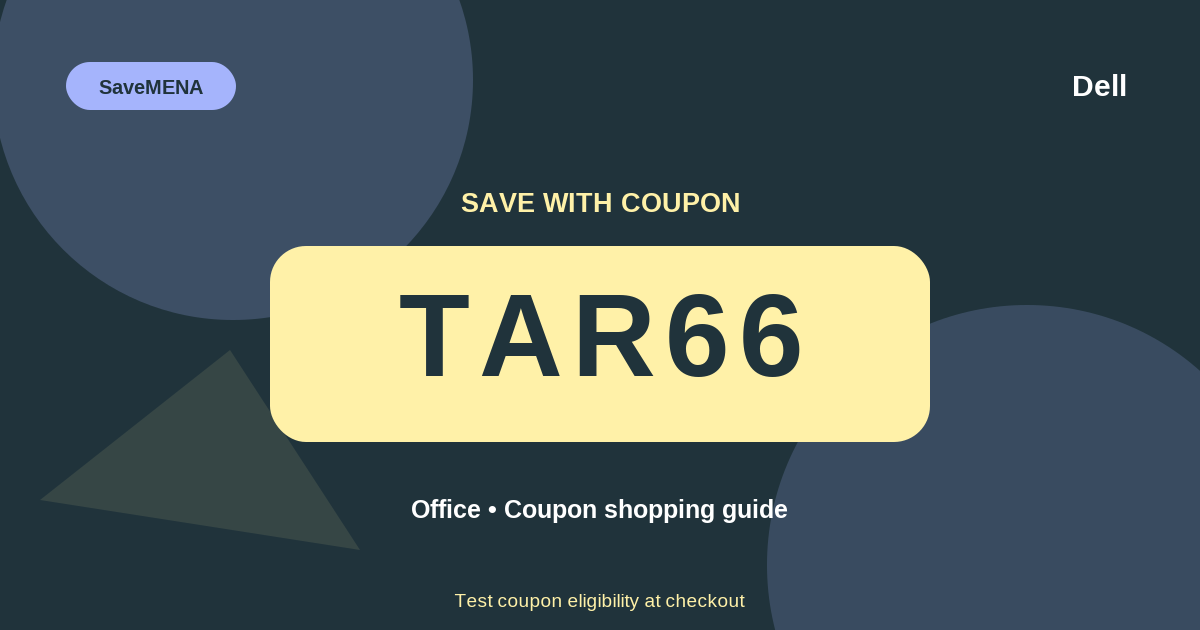
Codes available to try while comparing
These codes are not guaranteed for the article topic or listed brands; test them at checkout and use the live result.
1. Locating the Noon UAE Variant
Start by visiting Noon’s website and entering the exact Dell Office model name in the search bar. Shopping from Noon UAE typically presents region‑specific listings that include language, power adapters, and local warranty details. Pay attention to the model number presented in the product title or description; Noon usually lists this prominently, making it simple to verify that you’re reading about the UAE variant rather than a generic version.
Once the product page loads, review the seller information. Noon often partners with multiple sellers, and each may offer a slightly different variant or packaging. Ensure the seller’s storefront is credible, such as a verified seller badge or a high rating. The page’s “Specifications” tab will usually confirm the hardware elements—CPU, RAM, storage, and display size—specific to the UAE market.
2. The Importance of Model Specifications
Specifications dictate performance for day‑to‑day office tasks. A Dell Office model might share the same chassis but differ in processor generation (e.g., Intel Core i5 or i7), memory capacity (8 GB vs. 16 GB), and storage type (SSD vs. HDD). For document handling, video conferencing, and spreadsheet calculations, a higher‑clocked CPU and larger RAM can reduce lag, while an SSD speeds application launch and saves load times on large files.
Display resolution, screen size, and refresh rate also impact usability. An overhead‑friendly 15.6‑inch Full HD display supports multitasking windows without strain, whereas a 14‑inch model may offer a more portable option but requires careful attention to resolution if you work with detailed graphics. Verify these specs align with your workflow so the purchased laptop feels like a natural extension of your office.
3. Dell Office Models Overview
Dell’s Office line includes several iterations tailored to professional environments. Common variants involve the Latitude or XPS family, each categorized by build quality, weight, and connectivity. Latitude models generally emphasize durability, long battery life, and integrated security features, making them popular for fieldwork or small‑office setups.
XPS iterations focus on premium displays, slimmer bezels, and powerful graphics options, offering a high‑resolution experience for design‑heavy tasks. Within each line, Dell releases multiple configurations; the downside is that one model number can correspond to a range of hardware setups. That is why zeroing in on the exact variant on Noon is crucial before making any comparisons.
4. Comparing Variants for Precision
When evaluating two Dell Office variants on Noon, start by juxtaposing their key specification fields: processor model, RAM, storage type and capacity, and screen resolution. Some models may have identical CPUs but differ in GPU type or battery runtime. Exactly matching these parameters ensures you are comparing apples to apples and not just brand names.
Use Noon’s filtering tools to isolate the “UAE variant” label or “designed for UAE” tag. Once filtered, note the SKU or catalog number displayed. Cross‑check this SKU against Dell’s official UAE product list on the manufacturer’s website to confirm that the hardware is authentic and that the warranty period aligns with UAE regulations.
5. Verifying UAE Compatibility
UAE compatibility goes beyond the physical product. Confirm the laptop’s power supply matches the 240 V, 50 Hz mains voltage common in the region. Dell typically provides a dual‑voltage adapter for global models, but verifying local specifications on Noon’s product page guarantees you have the correct plug type and wattage.
Warranty terms vary by country; models sold in UAE usually carry a local warranty that covers repairs for a specified period and includes regional service centers. Check the warranty status within the Noon listing or the details section, as a mis‑aligned warranty can cause future hassles with authorized service and support.
6. Attempting the TAR66 Coupon
The TAR66 coupon is available for use during the Noon checkout process, though it is not guaranteed. Add the verified Dell Office variant to your cart and navigate to the checkout page, where you can enter the coupon code in the designated field. Once entered, rest assured that Noon will attempt to apply the discount according to its internal rules.
If the coupon does not apply, reread the coupon’s terms on Noon or through the seller’s description. Often, coupon eligibility hinges on specific product categories, minimum cart value, or seller restrictions. When unsure, contacting Noon’s customer support can clarify whether the coupon is valid for the particular Dell variant you have selected.
7. Delivery, Returns, and After‑Sales Support
Delivery policies on Noon vary by seller, but most offer local UAE shipping, often with a scheduled window or estimated delivery date. Verify any potential delivery fee or window by scrolling to the shipping section of the product page. Shipping times are typically expedited for UAE orders, which is advantageous for urgent office equipment needs.
Return policies likewise depend on the seller. Standard Noon terms allow returns within a specific timeframe if the product is defective or not as described, but always double‑check the return window, whether a restocking fee applies, and if the seller provides prepaid return labels. Good after‑sales support from Dell’s UAE service network remains crucial for longer‑term maintenance.
8. Final Checklist Before Purchase
Before finalising the purchase, confirm that the Noon listing displays the exact model number and SKU you verified earlier. Use the product’s specifications section to cross‑check CPU, RAM, storage, display, and warranty details. Make sure the UAE variant label is present, and the power adapter specifications match local mains.
At checkout, re‑enter the TAR66 coupon to attempt a discount, and note whether it is accepted. Review the final payable amount without assumed savings or delivery fees, relying solely on the numbers shown on Noon’s order summary. If all aligns with your office requirements, proceed to complete the payment securely, and keep the receipt for warranty and return reference.
Related SaveMENA pages
Related articles
Official sources to check
Frequently asked questions
Can the TAR66 coupon be combined with other promotions?
Coupon terms are defined by Noon; many coupons cannot be stacked. Check the checkout screen for any overlapping restrictions or read the coupon details in the product’s seller notes.
Will the Dell Office variant shipped from Noon be updated to the newest Dell model?
The exact variant you purchase is fixed at the time of order. Dell periodically releases new models, but Noon stores the edition you selected. Verify the release date for future upgrades.
What if the Dell laptop has a different power adapter for UAE?
Ensure the listing shows a 240 V, 50 Hz adapter or dual‑voltage supply. If unsure, contact the seller for confirmation before purchasing to avoid incompatible power issues.
How do I confirm the warranty period after purchase?
After checkout, you’ll receive a confirmation email listing the warranty duration. Alternatively, check Noon’s order history for the warranty details or contact Dell UAE customer support with your order number.