Logitech Office on Noon UAE: model specifications — variant and model checks · TAR64
Matching the exact variant before comparing price is essential when shopping for a Logitech office product on Noon UAE, especially when you want to make the most of
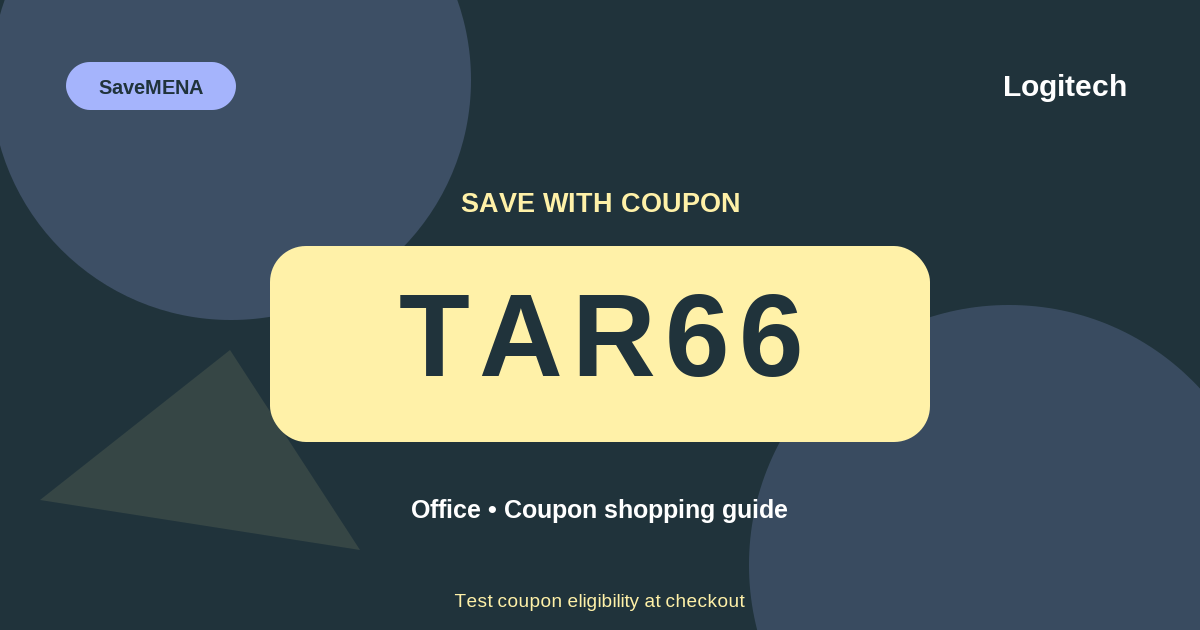
Codes available to try while comparing
These codes are not guaranteed for the article topic or listed brands; test them at checkout and use the live result.
text
paragraph
paragraph
Understanding the Noon UAE Variant Landscape
Noon UAE offers multiple versions of each Logitech office product, often tailored to regional preferences or bundled with accessories. Variants can differ in keyboard layout, connectivity options, battery life, and color. At the first glance, the product titles on Noon may seem identical, making it difficult to differentiate. Pay close attention to the SKU, product description, and seller notes that detail the variant. This step prevents you from accidentally selecting a product that appears similar but does not match your specific needs.
Once you’ve identified the variant on Noon, cross‑check it against the official Logitech website or authorized dealers. Look for keywords such as “slate‑black,” “wired,” or “Bluetooth only,” which often appear in both listings. Confirm that the variant matches the model number exactly—logistics and support for that precise model will mirror what Noon advertises. This groundwork sets the stage for accurate price comparison and coupon application.
Why Precision Matters When Choosing a Logitech Office Model
Logitech’s office product line includes multiple iterations that share core functionality but differ in peripheral support and input methods. For example, a wireless keyboard may come in a 104‑key or 87‑key version, affecting your typing experience. Selecting the wrong variant means paying extra for features you never use, or missing out on essential ones. Accuracy ensures that your investments align with your workflow and ergonomic requirements.
Moreover, variants can have different driver requirements or firmware updates. A model marketed for “Office 2024” may require an updated driver that isn’t compatible with older operating system releases. By confirming the exact variant before buying, you guarantee that the product will work seamlessly with your existing software stack. This precision eliminates post‑purchase headaches and preserves the value of any applied coupon discount.
Identifying the Exact Logitech Variant on Noon UAE
Start by searching the product title that includes both the brand and model number, e.g., “Logitech MK270 Wireless Keyboard and Mouse Combo – 104‑key”. The product listing should display a concise name that doubles as the reference for variants. Beneath the title, Noon lists the seller, item condition, and a short description that often contains key variant details such as color, connectivity, and included accessories.
Scroll to the “Product Features” or “Specifications” section on the page. Here, the model number and variant‑specific attributes are usually enumerated. Note the details (for instance, “USB receiver” vs. “Bluetooth”) and compare them with the keyword that defines your needs. If you see any uncertainty, reach out to the seller with a brief query or consult the FAQ on the Noon site for clarification before proceeding.
Key Specifications to Compare Across Logitech Models
When comparing Logitech office products, focus on the following specifications:
• Connectivity – USB receiver, Bluetooth, or dual‑mode. • Keyboard layout – full‑size, tenkeyless, or ergonomic diffs. • Battery life – analog power and LED lifetime. • Compatibility – Windows, macOS, Linux or smart devices. • Special features – backlit keys, programmable macro keys, or dedicated media controls. • Warranty – standard 2‑year coverage versus extended options. Collect this information for each variant you’re considering so you can directly weigh the functional value against the price.
Leveraging the TAR64 Coupon: Practical Steps to Apply
The TAR64 coupon can be entered at Noon UAE’s checkout page. After adding the desired Logitech variant to your cart, proceed to checkout and look for the “Enter Coupon” field. Input TAR64 exactly as shown, ensuring you’ve verified that the coupon hasn’t expired or that you’re eligible – these details are only confirmed at checkout. Once applied, the discount will appear on the “Order Summary” section; however, the exact amount and final price will only be confirmed during payment.
Because the coupon is only available to try, never assume a specific savings percentage. Simply note that the coupon may reduce the total; verify the difference after checkout before finalizing payment. If the discount does not appear, consider reaching out to Noon support or rechecking the coupon code. This ensures you gain whatever benefit the code may grant, while keeping expectations realistic.
Verifying Compatibility and Warranty with Noon UAE
Before finalizing your order, double‑check that the chosen Logitech variant is compatible with your operating system and any peripheral requirements. Noon often includes a “Compatibility” note in the product description, but confirming on the manufacturer’s site can provide the most up‑to‑date information. Additionally, review the warranty details – Noon lists the seller’s warranty policy, but Logitech typically offers a standard 2‑year domestic warranty on new units.
Verify the warranty coverage at checkout, especially if it affects the final price or insurance costs. Some sellers on Noon provide extended coverage for an additional fee, which may or may not influence the overall value after the TAR64 coupon is applied. Ensure you understand these terms before confirming payment to avoid unexpected costs.
Payment Options and Delivery Considerations at Noon
Noon UAE supports multiple payment methods such as credit/debit cards, PayPal, and local e‑wallets. Depending on the seller, you might also see “Pay Later” options that can spread the cost over several months. When applying the TAR64 coupon, choose your preferred method in the “Payment” section and confirm that the discount finalizes before the order is submitted.
Select a delivery slot that matches your schedule; Noon typically offers same‑day or next‑day delivery in major emirates. Shipping fees, if any, display under “Delivery” before you confirm payment. Keep an eye on any incidental fees that might affect the real price when you add the coupon discount into the equation.
Related SaveMENA pages
Related articles
Official sources to check
Frequently asked questions
text
text
How do I confirm the specific variant on Noon before buying?
You should scroll to the product’s description, check the listed model number, and note key attributes like connectivity and layout. Verify that the variant’s details match your requirement before adding it to the cart.
A coupon is not guaranteed; verify its result at the retailer checkout.
The coupon is available to try, so it may or may not apply.A coupon is not guaranteed; verify its result at the retailer checkout.
Can I exchange the Logitech product if it’s not the right variant?
Exchange policies depend on the seller. Review Noon’s return policy in the order details section, and if necessary, contact customer support for guidance.