Huawei Smart Watches on Noon UAE: model specifications — variant and model checks
Choosing the correct variant means going beyond the brand name. Huawei releases several smartwatch lines—such as the WatchS, Watch Z, and Watch 4—each with
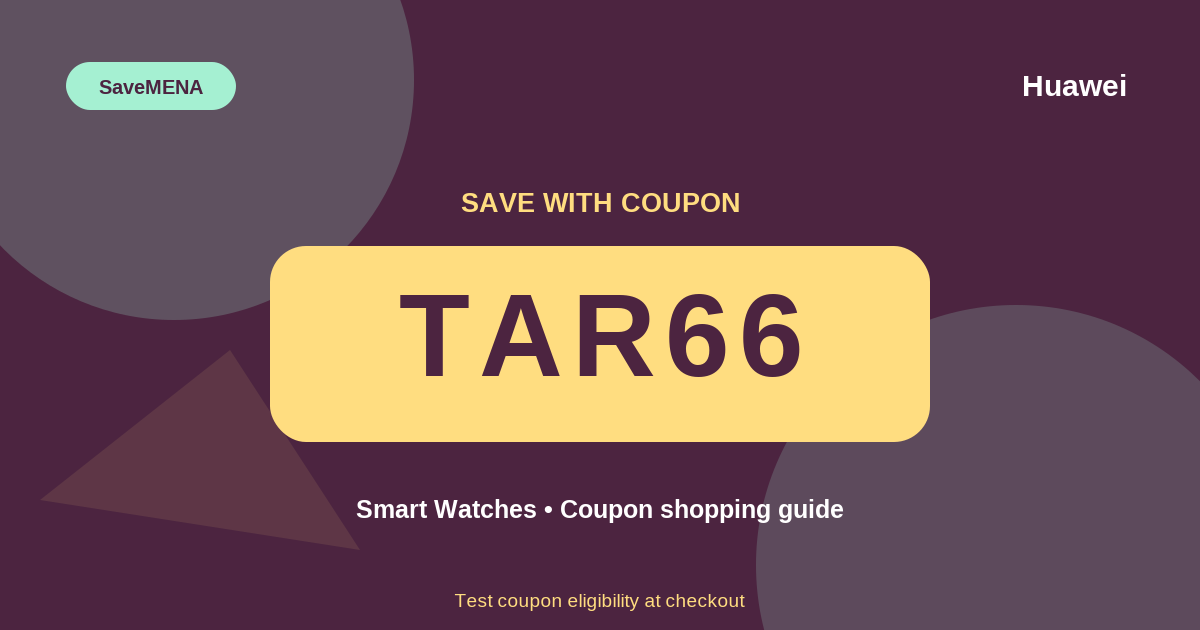
Codes available to try while comparing
These codes are not guaranteed for the article topic or listed brands; test them at checkout and use the live result.
1. Selecting the Right Huawei Smart Watch Variant on Noon UAE
Choosing the correct variant means going beyond the brand name. Huawei releases several smartwatch lines—such as the WatchS, Watch Z, and Watch 4—each with region‑specific models. On Noon, the listing will specify the model code, SIM compatibility, and any regional packaging differences. Verify that the variant in the Noon product title matches the specifications you can find on Huawei’s official UAE site or via trusted review sites you trust. If the product title includes “UAE” or a local model number, that is a strong indicator it’s suited for the UAE market.
Once you have the model code, cross‑check it with the user manual or the product’s technical sheet. Huawei often updates firmware regions, and some features may not be available outside certain markets. Confirm that the device’s operating system, language support, and carrier compatibility align with your smartphone and network. This detailed verification ensures that the smartwatch will function seamlessly for you before you proceed to price comparison.
2. Key Specifications to Compare: Battery, Display, Connectivity
The battery life of a smartwatch is a primary metric shoppers value. Huawei’s models usually advertise 7–10 days of typical use, but actual endurance depends on screen brightness, GPS usage, and music streaming. On Noon, you’ll find the listed battery capacity (measured in mAh), and you can compare it against model-to-model differences. A smartwatch’s display type (AMOLED, OLED, or LCD) also influences battery drain; check the resolution and size to gauge visual clarity and power consumption.
Connectivity options such as Bluetooth 5.0, UWB, or LTE play a major role in how the watch communicates with your phone or network. Huawei models with built‑in LTE allow standalone calling, which requires a different subscription plan. Confirm whether the variant you’re considering includes LTE, and note the supported bands. On Noon, the connectivity section will list supported frequencies; cross-check these with your carrier’s coverage to avoid compatibility surprises.
3. Water Resistance and Fitness Tracking Features
Water resistance ratings, measured in meters or ATEX, dictate whether you can use a smartwatch while swimming or showering. Huawei’s higher‑tier models often feature 5ATM or 10ATM ratings. Evaluate the rating listed in Noon’s product description and confirm that the design (sub‑aqua band, gasket) supports it. This is crucial for UAE shoppers who enjoy outdoor activities and hot climates where sweat and humidity are constant.
Fitness tracking reliability rests on sensors. Huawei watches use optical heart‑rate sensors, pedometers, and sometimes gyroscopes for sleep monitoring. Look for specifications such as “optical heart‑rate sensor” or “accelerometer” in the product details. Compare how many activity modes each variant offers—running, cycling, swimming, yoga—and whether the watch automatically detects and records each activity. This will help you decide which variant delivers the most comprehensive fitness data.
4. Music Streaming, Notifications, and App Ecosystem
Music playback is a desired feature for many smartwatch enthusiasts. Huawei’s smartwatches support streaming services like Spotify and Apple Music through dedicated apps, but the availability of these apps can vary by region. On Noon, check the “Apps” section for a list of available tracks, including download capability for offline listening. The ability to control music on your phone through the watch adds convenience, especially in the UAE where travel times can be long.
Notification handling is another key spec. Verify that the model can receive push alerts for calls, texts, emails, and social media apps. Additionally, check whether the watch can disconnect instantly from notifications on app updates or system changes. This is vital for busy shoppers who rely on real‑time updates while commuting or during lengthy meetings.
5. Design, Materials, and Comfort for UAE Climate
Materials used in the watch case and band affect durability and comfort. For UAE shoppers, titanium or stainless‑steel cases are preferable because they resist oxidation in salty or humid air, whereas plastic models may feel less premium. Lean into the product’s “Materials” tag to see whether the watch features a ceramic bezel or a protective glass screen, which could improve scratch resistance.
Band flexibility and breathability also matter, especially under the UAE sun. Swappable silicone bands provide good sweat absorption and are easy to clean, whereas leather bands might soak up sweat and require laundering. Ensure the variant’s band length and width fit your wrist comfortably; Noon often lists a range of sizes with sample images. Combining a suitable material with comfortable ergonomics ensures the smartwatch stays comfortable throughout the day.
6. Warranty, Returns, and Service Centers in UAE
Huawei generally offers a one‑year manufacturer warranty in the UAE, covering repair or replacement for defection. On Noon, locate the “Warranty” section to confirm the policy’s exact scope—whether it includes accidental damage or battery replacement. Knowing the warranty coverage helps mitigate future repair costs.
Return policies vary between Noon’s seller and third‑party merchants. Check for a 14‑day return window and whether the refund defaults to full price, including shipping. Locate the nearest Huawei service centers or authorized repair points via Noon’s seller contact; this will help you plan potential repairs without extended downtime.
7. Leveraging the TAR66 Coupon in Checkout: How to Apply and Verify
When you’ve selected the precise Huawei smartwatch variant on Noon, you can attempt to use the coupon code “TAR66” at the checkout. Simply add the product to your cart, and on the next page—when you’re prompted for coupon codes—enter “TAR66” and hit apply. The checkout interface will show whether the coupon is accepted, but it may not display the exact discount amount; that final figure appears on the order summary page.
Because the coupon’s validity is unknown until the moment of purchase, confirm the discount (if any) in the checkout summary before confirming the order. If the code does not apply, proceed with payment without it, as other sales or promotions may be available directly from Noon. Keep your order confirmation handy for future reference or potential dispute resolution.
8. Final Checklist Before Placing Your Order
Before you hit “Place Order,” double‑check every detail. Confirm the model number matches your research, review the battery, display, and connectivity specs, and ensure the warranty period appears correct. Verify the water‑resistance rating, material, and band options align with your preferences. Use the coupon only if it’s accepted at checkout and note the final payable amount. This diligence guarantees that you’re buying the exact Huawei smartwatch variant that fulfills your needs.
Once you confirm all these points, complete your purchase through Noon. After receiving the smartwatch, test the key features—heart‑rate, GPS accuracy, call quality if LTE—within a few days of arrival. If any issues arise, consult the warranty documentation and contact Huawei service. By following this procedure, UAE shoppers can confidently secure the right smart watch at the best possible price.
Related SaveMENA pages
Related articles
Official sources to check
Frequently asked questions
A coupon is not guaranteed; verify its result at the retailer checkout.
Whether the coupon applies depends on the seller’s current promotions. Enter “TAR66” during checkout to see if it is accepted; the final payable amount will confirm any discount offered.
Can I get a Huawei smartwatch with LTE on Noon UAE?
Yes, some Huawei models include built‑in LTE. Check the connectivity section of the listing for LTE support and confirm with the required carrier plans before purchase.
What warranty does Huawei provide for smart watches bought in the UAE?
Huawei typically offers a one‑year manufacturer warranty covering defects. Verify the exact warranty terms on the product page and request confirmation through the seller if needed.
How can I be sure the smartwatch I buy matches my phone’s OS?
Check the smartwatch’s supported operating systems listed in the product details. Ensure your phone’s OS version is compatible, and confirm any necessary firmware updates are available via Huawei’s support resources.