Women’s Fashion on Noon UAE: model specifications — variant and model checks · TAR64
Begin by navigating to the Noon UAE site and entering the product’s name or SKU in the search bar. Once the listing appears, scroll to the Variant section, usually
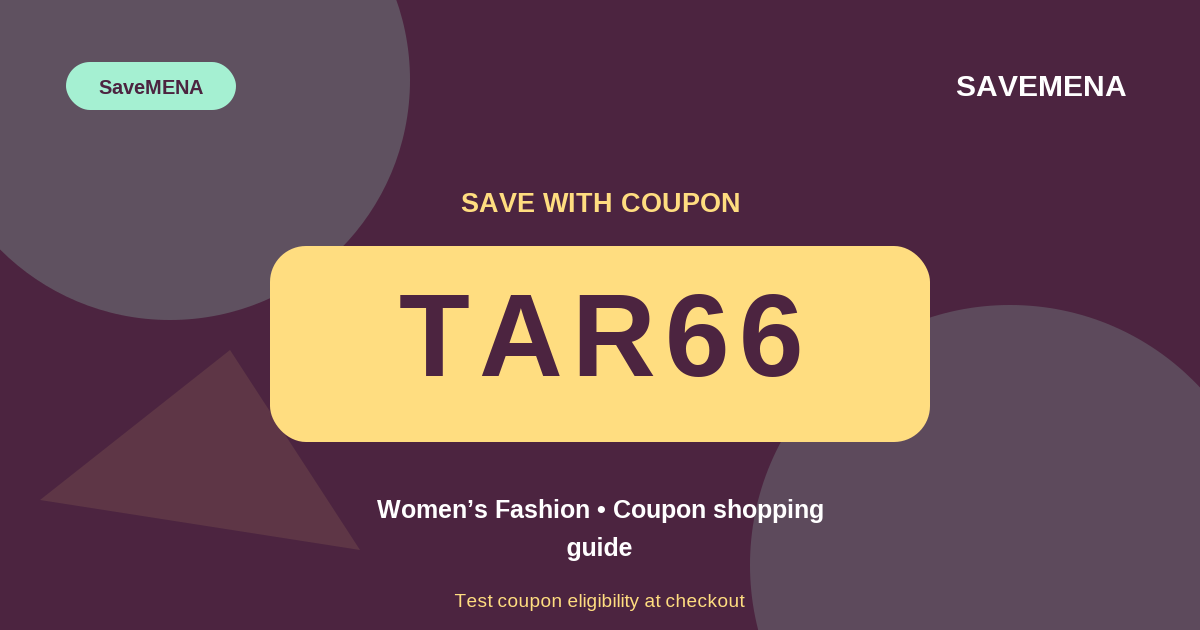
Codes available to try while comparing
These codes are not guaranteed for the article topic or listed brands; test them at checkout and use the live result.
Step One: Pinpointing the Exact Noon UAE Variant
Begin by navigating to the Noon UAE site and entering the product’s name or SKU in the search bar. Once the listing appears, scroll to the Variant section, usually presented as buttons or a dropdown. Click each option to view distinct attributes such as color palette, fabric composition, and size. Take screenshots or note the unique identifiers; nothing else will guide you in confirming that the variant you intend to buy is the one that will be shipped to you. Double‑checking at this stage saves you from being confused by similar yet different models.
In addition, review the seller’s details on the same page. Noon assures that every variant listed is backed by an authentic marketplace seller, and the seller’s rating and return policy should mirror the variant’s specifications. If the seller’s profile looks incomplete or has limited feedback, pause and consider alternative listings for the same product. This proactive step keeps you from dealing with discrepancies that can arise during retrieval or shipment, ensuring a smoother checkout experience.
Step Two: Verifying Model Specifications Before Purchase
Model specifications cover the technical aspects that define a garment: fabric type, weight, finish, and any additional construction details. For instance, a lightweight cotton blazer may list a 45 GSM weight, while a polyester blend cardigan might detail a 70 GSM with a brushed interior. These numbers influence how the item will feel, how durable it is, and how it will care for. Confirm these figures in the product description before finalizing your selection.
When comparing models within the same fashion category, always align the specifications with your personal priorities. If you need a breathable layer for hot weather, prioritize GSM and fabric breathability over trend. Contrast this against other models that might present higher weight or added lining for warmth. By comparing these specs, you’ll choose precisely the variant that meets your functional requirement, keeping the search intent at the heart of your decision.
Step Three: Assessing Size and Fit Accuracy
Even if a variant’s model looks perfect, you could still face a fit issue if the size selection is off. Noon presents size charts for each seller, complete with direct measurements in millimeters or inches. Compare the chart with your own body measurements. Pay particular attention to chest, waist, hip, and sleeve length, as misalignments in any of these fields can turn a perfect look into an ill-fitting one.
Where possible, read customer reviews that discuss size accuracy. Many buyers note whether the item ran small or large compared to standard measurements. Yeh, review sections often highlight real‑world experiences with the exact variant under scrutiny. Combine this qualitative data with the size chart to decide on the best fit for you.
Step Four: Recognizing the Role of Seller Credibility
Noon UAE hosts numerous sellers, each bringing a distinct level of trust. A seller’s overall rating, the number of transactions, and the responsiveness shown toward order inquiries are critical markers. A high‑rated seller is more likely to ship the correct variant swiftly with accurate labeling. Align your purchase with sellers who consistently deliver matching specifications to the product screenshots and metadata shown on Noon’s platform.
It’s not just the rating to consider. They provide a dedicated customer service address and clearly outline their return policy. Should you receive an incorrect variant or defective material, a seller’s return policy will be the first line of recourse. Thus, always examine these details before confirming your final product.
Step Five: Utilizing the TAR64 Coupon Wisely
The TAR64 coupon is available for you to try during checkout through SaveMENA’s partner links. Simply type the code in the designated coupon field on the payment page. Note that there is no guarantee the coupon will apply; its eligibility opens on a first‑come, first‑served basis pending stock and promotional constraints. Keep your checkout window short after entering the code to avoid losing the opportunity.
Check whether the tan cartilage of your variant on Noon displays the final payable total after the coupon application. Should the discount not activate automatically, do not alter your cart or add new items until the process is finished. Even with partial success, you’ll still enjoy the auto‑applicable savings inherent in Noon’s checkout flow, making your purchase cheaper regardless of the coupon’s final status.
Step Six: Monitoring Delivery and Fees for Noon UAE
Noon UAE clearly states any delivery fees or expedited shipping charges per order. It’s essential to confirm whether the variant you are considering is flagged for free delivery or requires an extra fee. The fee structure might vary by seller and by the selected transaction type, so carefully read the shipping details on the cart page before proceeding to payment.
Also, note that certain variants may have logistic constraints. If the seller states an “in‑warehouse” location and a restricted shipping box size, it could affect your expected delivery time. Verify whether the checkout confirms a single‑destination shipment at the registration stage. In contrast, multiple separate shipments may incur additional handling fees that could offset any savings from the TAR64 coupon.
Step Seven: Finalizing the Checkout for Accuracy
When you reach the checkout page, verify every component again: variant name, seller ratings, size, fabric weight, and color. Ensure the delivery address is correctly entered and that your payment method is ready. Because Noon’s system will do an automatic calculation, double‑check that the final amount reflects the correct variant and any applied coupon.
After confirming all data and confirming that your payment transaction goes through, keep the receipt or confirmation page for your records. Save any screenshot or PDF of the order confirmation that notes the number of items purchased and the final total. In case the variant arrives differently or you wish to dispute a price point, the confirmation will be your evidence at Noon.
Related SaveMENA pages
Related articles
Official sources to check
Frequently asked questions
What does the TAR64 coupon cover on Noon UAE?
The TAR64 coupon is a discount code you can try during checkout; it may or may not apply depending on stock and promotional eligibility. It’s limited to the total payable amount and does not influence variant selection or specifications.
How can I confirm I’m buying the exact Noon UAE variant I desire?
Check the product page’s Variant section, confirming color, fabric type, and size. Compare the variant’s unique identifiers or screenshots against the product title before adding it to your cart.
Where do I find the model specifications for a garment on Noon?
On each product page, scroll to the description for details like GSM, fabric weight, and finish. These specs are listed in the model information provided by the seller.
What if the variant arrives with a different color or material than listed?
Use the seller’s return policy indicated on your order confirmation. Contact support or the seller directly to report the mismatch and request a replacement or refund based on Noon’s terms.