Nike Women’s Fashion on Noon UAE: model specifications — variant and model checks
Nike’s product lines often come in numerous size codes, even for the same silhouette. A model listed as “W-9” in one listing may be a slightly larger cut than
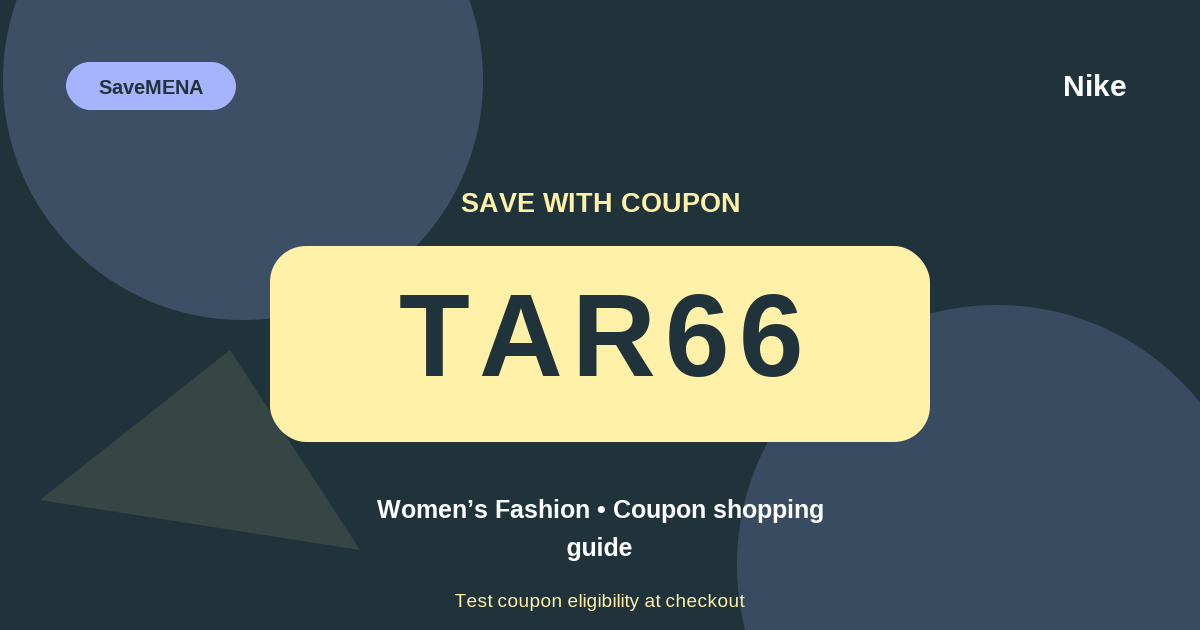
Codes available to try while comparing
These codes are not guaranteed for the article topic or listed brands; test them at checkout and use the live result.
The Importance of Variant Matching for Nike Women’s Apparel
Nike’s product lines often come in numerous size codes, even for the same silhouette. A model listed as “W-9” in one listing may be a slightly larger cut than “W-10” on another page, even if both feature the same design. On Noon UAE, the same series can appear under different seller codes or localised titles, making it challenging for a shopper to discern which exact piece they are viewing. Confirming the correct variant before you add a product to your cart ensures you receive the intended fit and colour, avoiding returns that can drain time and effort.
Choosing a misaligned variant can result in garments that feel either too tight or too loose—especially in technical fabrics that incorporate compression or ventilation zones. Beyond fit, colour codes sometimes differ by a shade or hue, which affects the overall look when mixed with other wardrobe items. Even minor specification differences, such as a reduced lace layer or a higher TPU insert, can alter performance or comfort. When shoppers overlook these details, they often return items, pay extra shipping, or lose confidence in future purchases from the same seller.
Uni‑size vs the coupon code Fit: Understanding Nike’s Model Numbers
Nike’s naming convention usually includes a size code that denotes a specific body measurement ensemble. The first character often indicates gender, followed by a number that maps to a standard sizing chart. On Noon UAE, you’ll find listings like “WN‑S” or “WN‑M” that translate to small or medium in athlete wear. Understanding this code helps delineate differences between “Uni‑size” sweatpants and a dedicated “W‑9” running tee, ensuring you pick the exact cut intended for your body type.
When a product listing offers only a generic “Women’s” tag without a concrete size code, it may reflect a “variable fit” design that stretches differently across body types. In such cases, reviewing the product’s technical sheet—often attached in the description—reveals whether the garment is engineered for a loose fit or a fitted profile. Stick to the provided model number for certainty; ambiguous titles can lead to mismatches that compromise both comfort and style.
Key Specifications to Verify: Material, Color, and Size Codes
Before adding a Nike item to your cart, check the material composition listed in the product details. Fine‑mesh polyester blends, bamboo‑cotton mixes, and recycled nylon each behave uniquely under the same design, influencing breathability and durability. Confirm that the listed material matches your preference, especially if you have sensitivities or a specific performance requirement.
Colour accuracy is equally vital. Sneakers and apparel often carry a catalogue colour code—such as “Cool Grey” or “Pure White”—that may differ from the visual in the image. Nearby variations, like “Midnight Black” versus “Standard Black,” can shift the perceived hue after washing. Size codes carry more nuance than just numerical foot or hip measurements; they may also denote width or sleeve length adjustments that affect overall comfort.
Exploring Noon UAE’s Accurate Variant Listings
On Noon UAE’s product page, the variant selector typically sits beneath the item’s title. This drop‑down lists available sizes, colours, and occasionally fabric options. Hovering over each option displays a preview image and a brief specification line, allowing you to confirm that the stitched quarters line up with your expectations. Cross‑checking these details with the size chart on the same page ensures the chosen variant matches your body proportions.
The “Seller Information” section at the bottom of the page can be useful when several sellers list the same Nike model. Seller names frequently hint at regional storage locations, which may influence shipping times and sometimes the exact warranty coverage. Use this information to weigh any potential delays against the necessity of acquiring the correct variant before it moves from inventory.
How to Use the TAR66 Coupon with Exact Model Searches
To apply the TAR66 coupon, start by searching the specific model number that appears in Noon’s catalogue—such as “WN‑M” or “WN‑L”—rather than a generic product name. Adding the precise variant to your cart activates the coupon field on the checkout page. Even though the coupon is available to try, keep in mind that its redeemability can depend on the seller’s current promotion settings, so confirm at checkout that it applies to the selected item.
When you’re at the confirmation stage, double‑check that the coupon code has not inadvertently changed the variant or added an alternate size to your order. For instance, if the system auto‑upgrades a size for easy shipping, the coupon may be invalidated for the new configuration. If that happens, exit the cart, choose the correct variant, and re‑enter the coupon key to see whether the discount becomes active.
Price Comparison Pitfalls Without Variant Confirmation
Many shoppers compare prices across online platforms without first verifying that the listed models share the same specifications. A lower price on a different site may belong to a variant with a slimmer cut or a reduced fabric blend, meaning the garment doesn’t match the original style you’re after. This discrepancy can lead to distrust and additional spending if the returned item turns out unknowingly different.
To circumvent such pitfalls, create a simple reference sheet for each Nike model you’re interested in. Note the size code, colour name, material blend, and any highlighted features available in the product description. By matching all of these listed points across sites before making a purchase, you can rest assured that your price comparison reflects truly comparable items.
Verification Checklist at Checkout: Ensuring Model Consistency
Before finalizing your order on Noon UAE, pause and review the following: does the size code on the cart page match the one you selected? Is the colour preview identical to the image shown in the listing? Are the listed specifications—material, technical features—precisely the same as the ones described earlier? These simple checks confirm you’re buying the exact variant with which you began the shopping journey.
Once you confirm all details, scroll to the payment section and enter the TAR66 code in the designated field. If the discount offers appear, you’ve successfully matched the variant and applied the coupon. If the coupon does not apply—perhaps because the seller or promotion has restrictions—continue to the payment step with a confidence that you’re incurring a fair price for the exact model you intended to purchase.
Related SaveMENA pages
Related articles
Official sources to check
Frequently asked questions
Does the TAR66 coupon always apply to Nike women’s fashion items on Noon UAE?
The coupon is available to try for Nike items, but its effectiveness depends on the seller’s current promotions. Verify its applicability at checkout, as it may not apply if the seller has a different discount scheme for that specific model.
How can I confirm I’m selecting the correct variant on Noon?
Confirm the size code, colour name, and material blend listed beside each option in the variant dropdown. Hover over each option or click to view a preview image that shows the exact colour and pattern before adding it to your cart.
What happens if the product I want is out of stock in my size?
Check for alternative sellers listed for the same model. If none are available, you can sign up for a restock notification or consider a model with a similar fit but a different size code that aligns with your requirements.