HP Computer Accessories on Noon UAE: payment method — variant and model checks · TAR73
Begin by locating the Noon UAE product page for your desired HP accessory, for example, an HP external hard drive or mouse.
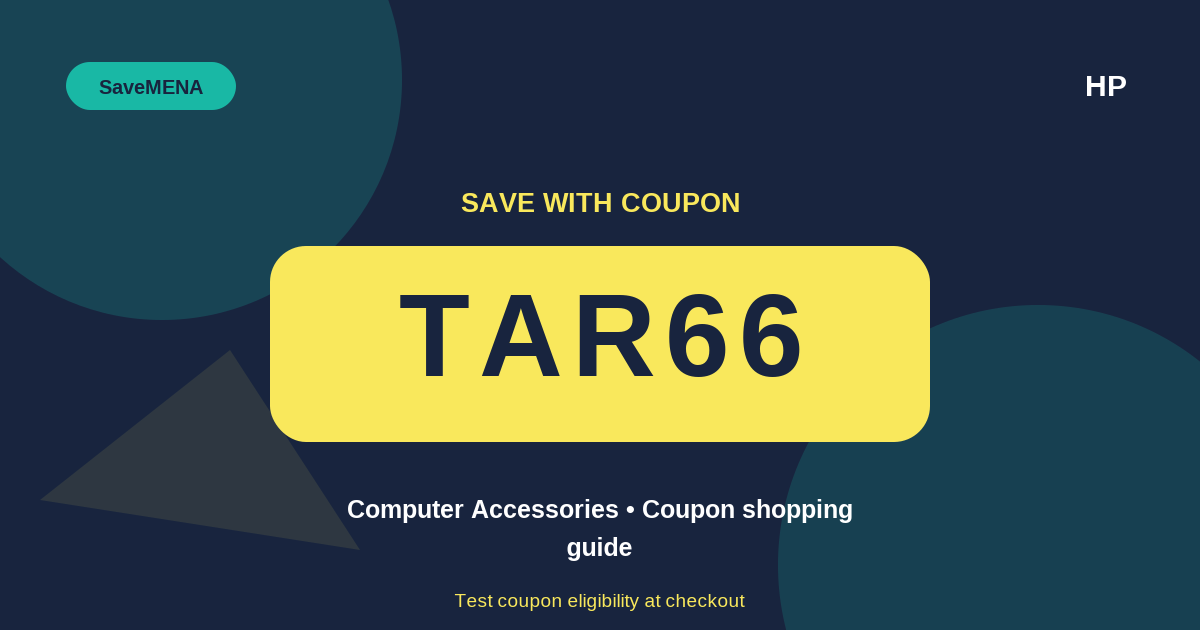
Codes available to try while comparing
These codes are not guaranteed for the article topic or listed brands; test them at checkout and use the live result.
1. Identifying the Exact Noon UAE Variant
Begin by locating the Noon UAE product page for your desired HP accessory, for example, an HP external hard drive or mouse. Carefully review the product title, SKU, and description to confirm they match the specifications you require—be it storage capacity, connection type (USB‑C or USB‑2.0), or form factor. Many sellers list similar products under slightly different names; cross‑check the manufacturer details and compare the first bullet points in the product description to ensure consistency across listings.
Once you have identified a product that meets your specifications, add it to your cart. The cart summary will display the exact variant name and product number. Store this information, as it will be useful when you later compare prices among sellers or apply a discount code. Never proceed to checkout until you’ve verified that the variant in the cart matches the one you intended to buy, because Noon’s system lists variants separately, and a mis‑click can result in an undesirable model. Close the verification loop before moving to the next step in the decision process.
2. Comparing Price and Quality Across Sellers
With the variant confirmed, you can now examine different sellers offering the exact HP accessory on Noon UAE. Pay attention to the listed price, seller ratings, and the number of customer reviews, as higher review counts often correlate with product reliability. Inspect the shipping time estimates provided for each seller, because a slightly higher price may be offset by faster delivery. Consider the overall value proposition, ensuring that price, seller credibility, and shipping speed align with your priorities as a UAE shopper.
Do not rely on only one figure of comparison. Some sellers may list a discounted price, while others might offer standard pricing with a free shipping option. If you’re comparing multiple options, scrape the key details—price, seller rating, shipping timeline—into a table for easier visual comparison. Once you’re satisfied that you’ve chosen the most appropriate seller, proceed to the cart. At this point, the cart will reflect the base price before any coupon or payment‑method discount. Verify that the price displayed matches your expectations and that no hidden fees have been misrepresented.
3. Leveraging the TAR73 Coupon Effectively
Now that the cart shows the exact variant and base price, you can attempt to apply the TAR73 coupon code. Enter the code in the designated field and confirm the action. If the coupon applies, you will see its effect reflected as a new subtotal. Because the coupon is available to try, you should re‑check the final amount after applying the code, as the discount is not guaranteed; the system might reject or calculate it differently at checkout.
Remember that the coupon is not tied exclusively to HP accessories; it can be used on any product that meets the general terms in the checkout. If the code does not activate or you see a message explaining why, you can continue without it and your next step will focus on choosing a payment method that may offer a comparable incentive, such as cashback or reward points. In either case, document the discount available for comparison, as this will influence your overall cost analysis before finalizing the purchase.
4. Choosing the Right Payment Method for Noon UAE
Payment method selection is a critical lens for UAE shoppers, especially when dealing with Noon UAE’s multiple options. Common pathways include credit or debit cards, digital wallets such as Apple Pay or Google Pay, and third‑party payment platforms like PayPal or PayFort. Each method may offer different benefits—some cards provide cashback, while digital wallets often supply safety features like tokenization.
Before you commit, confirm that the payment method you prefer is accepted on Noon UAE for your selected HP accessory. Some sellers restrict certain payment options, and these restrictions are shown during checkout. If you are using a card that offers a reward program, double‑check that the reward points will be credited after paying. Similarly, if you plan to use a digital wallet that supports installment plans, remember to verify the terms of the installment, as the total payable may differ from the single‑payment subtotal. You should also assess the processing fees which might add a minor cost; this can vary depending on your card issuer.
5. Checking Cart Details Before Checkout
At this juncture, inspect the cart again for any lingering charges. Noon UAE may add freight costs for fast delivery, handling fees, or a small service charge. It is vital to ensure these fees match the information provided on the product page and are consistent with other sellers during the comparison phase. If the cart shows unexpected charges, contact the seller or Noon support for clarification before proceeding.
Also verify the delivery address, pickup options, and scheduled delivery period. For UAEs customers, Noon offers several pickup locations and sometimes free delivery slots aligned with local times. If a particular payment method influences your delivery preference—such as a promotion that offers free delivery for using a specific card—update the cart accordingly. No changes should be made after confirming the final payable amount; otherwise, you risk paying an unintended fee.
6. Understanding Delivery and Fees in the UAE
Delivery fee structures on Noon UAE can vary by seller and by the region of the UAE where the buyer resides. Some sellers offer no‑delivery‑fee shipping within the major emirates for specific product categories, while others charge a flat rate or a variable fee based on order weight or distance. The fees appear in the cart summary; note that these are calculated after the coupon has been applied.
When deciding whether to accept a higher-priced listing that ships faster or a cheaper listing with a longer wait, weigh the logistical cost and personal convenience. If you are shipping to a remote area, the cost may be higher, sometimes offset by a discount from your payment method. Don’t forget to verify if the seller offers a “delivery free after a certain amount” or “delivery discount for specific card usage” because you might save on the shipping cost indirectly. A factual, transparent view of fees and delivery helps maintain clarity before final payment.
7. Post‑Purchase Support and Warranty for HP Accessories
After confirming the price, discount, payment method, and shipping details, you should review HP’s warranty terms for the selected accessory. HP typically offers a one‑year limited warranty covering manufacturing defects, but the warranty can be extended or replaced depending on the seller. Check whether the warranty is from HP directly or the reseller; Noon UAE listings often display this information in the product notes.
Also explore the return policy for Noon UAE. Should you receive a damaged or incorrect item, the return process requires the original packaging and a return reason code. Knowing the steps to initiate this, and how the seller or Noon handles reimbursements, will give you peace of mind. The payment method you selected might provide additional protection, for example through purchase‑protection programs offered by card issuers, which can accelerate refund processing. Make a mental note of these details before you finalize payment to avoid surprises post‑delivery.
Related SaveMENA pages
Related articles
Official sources to check
Frequently asked questions
How do I know if the coupon TAR73 is valid for my HP accessory?
This is a best‑effort coupon; when applied, it will show whether it has been accepted. The final exit screen from Noon UAE will confirm if the discount was applied to your order.
Can I change my payment method after I’ve applied a coupon?
Yes, but you must return to the payment selection screen to switch.A coupon is not guaranteed; verify its result at the retailer checkout.
What if Noon UAE does not support my preferred card?
Check the list of accepted cards on the payment screen. If your card is not listed, consider using a digital wallet or an alternate card that is supported.
Will the warranty for HP accessories be honored if I buy through Noon UAE?
HP usually provides a base warranty for its accessories. Verify the warranty details in the product description and confirm whether it’s a direct HP guarantee or a reseller extension on the checkout page.