Dell Laptops on Noon UAE: payment method — variant and model checks · TAR73
The search for the right Dell laptop on Noon UAE can feel daunting, especially when you’re looking at the precise variant that fits your needs and price
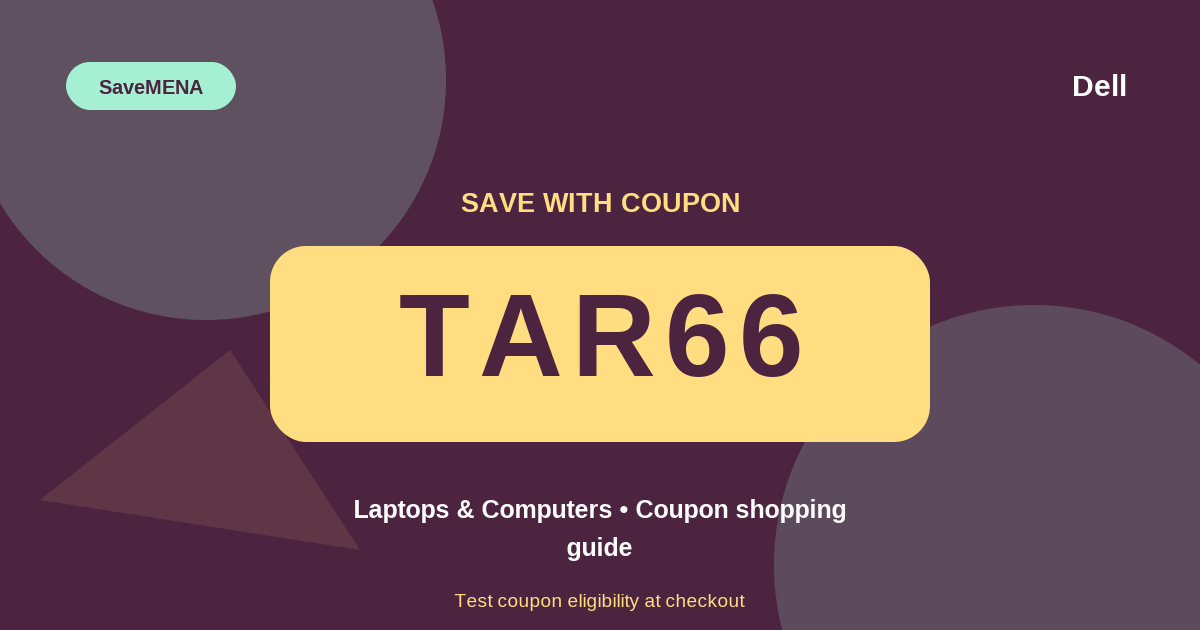
Codes available to try while comparing
These codes are not guaranteed for the article topic or listed brands; test them at checkout and use the live result.
Identifying the Exact Dell Laptop Variant on Noon UAE
When you first search for Dell laptops on Noon UAE, you’ll encounter a range of configurations—different processors, RAM capacities, storage sizes and display options. The search intent is to match the exact variant before comparing price, so begin by filtering the results using Dell’s product codes or specific model numbers. Note the build‑specs listed in the product title or description, as these indicate the variant you’ll receive. Remember that matching the variant beforehand prevents surprises at checkout or a different configuration shipped inadvertently.
Once you’ve narrowed down a Dell model, compare the “In‑Stock” status and the seller information on Noon UAE. Noon lists a primary retailer and occasional marketplaces; the exact variant support may differ between sellers. Confirm that the variant you choose appears under the same seller for both price and shipping terms, and keep an eye on the “Availability” badge to ensure a prompt delivery schedule that fits your needs.
Price Matching and Noon UAE Variant Comparison
After the variant is selected, the next step is to compare the listing price on Noon UAE with other retail channels. Pay close attention to any listed discount, promotional banner, or bundle offers that might affect the unit price. Since the goal is to match the exact variant before price comparison, ensure that you’re looking at the same hardware specifications across sites—processor clock speeds, RAM, storage, and screen size all influence the final price.
Price comparisons on Noon UAE can also involve checking the “Price History” if available or looking at third‑party price alerts. When evaluating alternatives, consider both the raw price in AED and the total cost of ownership—delivery fees, potential duty charges, and warranty extensions. Remember that Noon UAE may display shipping costs separately, so factor these in when judging the best overall deal for the same Dell variant.
Payment Method Options on Noon UAE and Their Benefits
Noon UAE offers several payment methods: credit/debit cards, e‑wallets, and installment plans such as Noon Credit or NairaPay. Selecting a payment method that aligns with your financial strategy helps you manage cash flow while acquiring the Dell laptop. If you prefer a larger purchase, installing a manageable monthly plan may free up upfront capital, whereas a credit card can offer reward points for future spending.
When you decide on your payment method, verify its compatibility with Noon UAE’s checkout process. Some payment options may have additional processing fees or require a registration step. The payment method also determines when your payment is captured, which can affect delivery. For example, a paid instalment plan might defer the final payout until after a month, whereas a credit card may be settled instantly. Confirm this timing at the checkout page before finalizing your purchase of the Dell laptop.
How to Apply the TAR73 Coupon Code at Noon UAE
The coupon code TAR73 is available for Try on Noon UAE, but it is essential to understand that its applicability must be verified during checkout. Enter the code in the designated “Coupon Code” field on the order summary page and observe the change in the subtotal. If the discount does not appear, it is either expired or not applicable to the specific Dell variant you selected.
In the event the code does not apply automatically, check for any seller restrictions or mandatory conditions that could prevent its use, such as minimum spend or eligibility for certain payment methods. It is recommended to revisit the coupon’s terms on Noon’s help center or confirmation emails before proceeding with the purchase. This ensures you don’t miss out on a potential savings opportunity while staying compliant with the checkout rules.
Checkout Checklist: Verifying Variant, Delivery, and Payment
Before you hit the “Place Order” button, double‑check that the item list reflects the correct Dell laptop variant. Look for the model number, processor, RAM, and storage details on the order summary. Any mismatch could lead to receiving a different configuration, negating the effort put into the variant selection.
Next, confirm the delivery terms—delivery window, location, and any additional handling fees. Noon UAE’s checkout will display estimated delivery dates and associated costs. Finally, verify that your chosen payment method appears correctly, and that the TAR73 coupon has been applied successfully if relevant. Be sure the total amount displayed includes all applicable fees to avoid surprises before sending your payment.
Tracking Your Order After Purchase
Once your order is confirmed, Noon UAE provides an order tracking number visible on the order summary page and through email notifications. Use Noon’s app or website to check real‑time updates on your Dell laptop’s shipping status, from processing to delivery. Tracking is useful to anticipate arrival and clear customs if the laptop arrives from an international seller.
If the tracking status stalls or you receive a notification about a delayed shipment, contact Noon UAE customer support for clarification. They can provide updates on any changes in delivery timing and confirm whether an alternate shipment has been dispatched. Tracking also assists in identifying any issues related to the payment method that might affect shipment, especially if a payment fence-up occurs.
Common Payment Issues and Troubleshooting on Noon UAE
Sometimes payment attempts fail due to card disputes, insufficient balance, or bank rejections. In such situations, verify that your card details are current and that your bank permits card usage in the UAE. If an error is displayed, retry the transaction after a short pause or switch to a different payment method available on Noon UAE.
Should a payment error persist, reach out to Noon UAE’s support team or view the help center for FAQs around payment disputes. Resolving these issues quickly is crucial to avoid shipping delays, especially when your Dell laptop purchase relies on a timely delivery window. Keep a separate line of communication ready—such as Nuwa, or the Noon UAE support email—to address any last‑minute payment concerns effectively.
Long‑Term Value: Dell Laptop Durability and Return Policies
Beyond the immediate purchase price and payment method, consider the durability and service life of your Dell laptop. Dell’s specifications—processor, battery longevity, and build quality—directly affect the long‑term value you receive. Noon UAE’s return policy allows you to return or exchange within a defined window, providing a safety net if the laptop fails to meet expectations.
In conjunction with the purchase, saving receipts and warranty information from Noon UAE will help you claim factory replacement if needed. When combined with secure payment methods and a verified variant, Noon UAE’s structured return process ensures that you maintain control over the product’s quality and your financial investment over time.
Related SaveMENA pages
Related articles
Official sources to check
Frequently asked questions
Will the TAR73 coupon always apply to Dell laptops on Noon UAE?
The coupon is available to try, but its applicability must be confirmed at checkout; it is not guaranteed for all Dell laptop variants or sellers.
How can I confirm the exact Dell laptop variant before checking out?
Inspect the Dell model number, processor, RAM, and storage details on Noon UAE’s product page and ensure they match the search filters used before adding to your cart.
What payment method gives the most flexibility for a large Dell laptop purchase?
Choosing a split payment plan such as Noon Credit or NairaPay offers deferred payment while still allowing instant shipping, but confirm fees and eligibility at checkout.
Can I change my payment method after I’ve applied the TAR73 coupon?
If you change your payment method, the coupon’s effect remains unless the new method invalidates it; verify at checkout whether the discount persists.