Apple Mobile Accessories on Noon UAE: payment method — variant and model checks · TAR71
This article helps UAE shoppers match the exact Noon UAE variant before comparing prices for mobile accessories, especially for Apple devices.
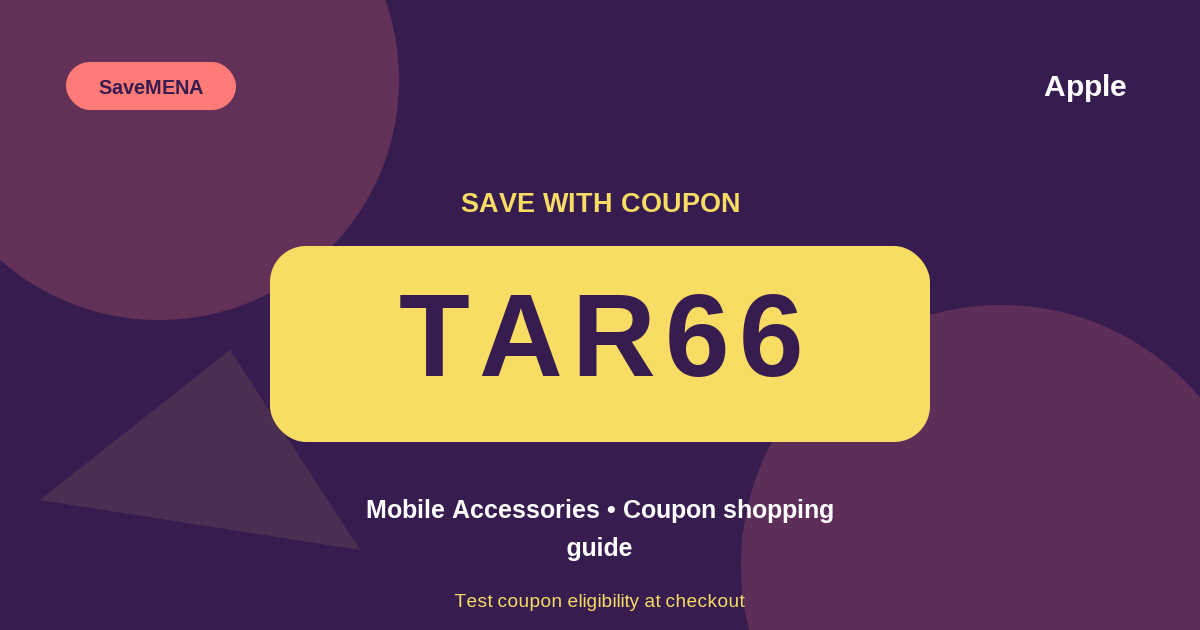
Codes available to try while comparing
These codes are not guaranteed for the article topic or listed brands; test them at checkout and use the live result.
Choosing the Right Noon UAE Variant for Your Apple Mobile Accessory
Every Apple mobile accessory—whether it’s a charger, case, or cable—comes in multiple variants tailored to different iPhone or iPad models. Noon UAE lists each variant separately, often highlighting the specific device compatibility in the title and product description. When you search for a product, scroll past generic listings and locate the variant that matches your exact device number, serial code, or model identifier. Matching the variant not only ensures a proper fit but also protects you against post‑purchase returns due to incompatibility, which can be costly and time‑consuming.
Once you isolate the correct Noon UAE variant, note its SKU and any unique features such as color, material, or added technologies like MagSafe compatibility. Store these details for cross‑checking as you compare prices across sellers or assess bundle offers. A precise variant reference eliminates confusion when you revisit the product list, ensuring consistency between your search results and the final product preview.
Verifying Variant Compatibility with Your Apple Device
Checking compatibility is a double safeguard before you confirm a purchase. On Noon UAE’s mobile accessory pages, each variant lists supported device ranges, often under a “Compatible Devices” section. Cross‑reference this list with your Apple device’s model number, which you can find in the Settings > General > About menu or by inspecting the physical device. This step guarantees that the accessory will physically fit and function correctly with your hardware.
Some variants also specify firmware or iOS version compatibility, an essential detail for accessories that interface with software, like certain chargers that auto‑detect battery health. Confirming these specifications at this stage prevents future warranty disputes and reduces the likelihood of a product being non‑serviceable when it arrives. Ensuring variant-device alignment saves you both time and money.
Comparing Prices on Noon UAE without Skewed Incentives
Price comparison should be based solely on the raw cost of the product, excluding add‑on discounts or promotions that may differ by seller. On Noon UAE, each variant shows its standard price prominently next to the “Add to Cart” button. Take note of this amount for every variant you qualify for and compare those base prices across Noon’s marketplace listings. This practice keeps your comparison objective and prevents accidental over‑or under‑spending.
When you see a lower price on a variant from a third‑party seller, double‑check whether the listing includes hidden fees like unpaid express shipping or contravention of regional tax information. Sometimes a lower base price is offset by higher delivery costs or different return policies. Record the seller’s rating only if you want to gauge reliability, but keep the price focus consistent for an accurate, unbiased comparison.
Understanding Apple Payment Method Options on Noon UAE
Apple mobile accessory purchases on Noon UAE often support multiple payment options, including credit/debit cards, online banking, and Apple Pay. When you’re selecting a payment method, ensure the option you choose is fully integrated with your Apple Pay account details. The payment method should be verified at the checkout screen, where you will see a list of approved cards and your Apple Pay balance, if applicable.
Before finalizing your payment, confirm that the transaction will be processed in AED to avoid currency conversion fees. Look for any mention of additional fees, like processing or transaction charges, as these can alter the final amount. If you prefer using Apple Pay, double‑check that the selected variant’s price plus any delivery charges falls within the limits of your card’s credit line or available balance. This step is crucial as it ensures the payment proceeds smoothly without delay.
Applying Coupon Code TAR71 at Checkout – Tips and Caveats
At Noon UAE’s checkout page, you’ll find a field to enter coupon or promo codes. Typing TAR71 into this field can potentially reduce the total payable amount, but the availability of the discount is subject to the promotional terms set by Noon. The code is only applicable if the product qualifies for any active discount and if you meet any implicit conditions such as purchase frequency.
When you input the code, the system will recalculate the final price before you proceed further. If the discount does not apply, the screen will notify you that the coupon cannot be used or that it is expired. Remember, the coupon is an option available to try, not a guarantee. Only at the final payment confirmation will the actual discount, if any, be applied, and this is where the final total reflects your chosen payment method.
Delivery, Fees, and Warranty for Mobile Accessories on Noon UAE
Delivery times can vary based on seller location and inventory. Noon UAE lists expected delivery periods in days next to each variant, often indicating standard or express options. If you use express shipping, a separate fee may apply, which will appear on the checkout summary. Verify that this fee is legitimate and not a hidden cost hidden until after adding the coupon code.
Warranty information for Apple mobile accessories is usually provided by the brand manufacturer. Noon UAE may display the warranty period, but it is essential to confirm whether this protection extends to the variant you purchased. If you join Apple’s warranty program or use a third‑party warranty, additional coverage may apply at checkout. These details will sort through any confusion about post‑purchase support.
Customer Service and Return Policy for Mobile Accessories with Apple
Should you encounter any issues with your purchase—be it a faulty accessory or a mismatch with your Apple device—Return Center services on Noon UAE allow you to initiate a return. The policy typically states a timeframe after delivery during which returns are accepted, but the actual process varies depending on the seller. Ensure that the seller’s return policy is visible before finalizing the order.
If you prefer to contact Apple’s service team, you can do so independently. However, Noon UAE’s customer service can assist with returns or refunds when the seller owes you a balance. Call or chat support directly from the order page, and have your order ID and receipt ready. This approach ensures a smoother resolution process and avoids unnecessary delays.
Final Check: What to Verify Before Completing Your Order
Before confirming your purchase, double‑check that the variant you selected matches the exact model of your Apple device and that the shipping address is accurate. Confirm the final price, including any applied coupon code TAR71 and potential delivery fees, to ensure there are no unexpected charges. This is also the moment to verify your chosen payment method—particularly if you selected Apple Pay—to confirm that the transaction will be authorized by your card provider.
Finally, scan the order summary one last time to see that the Apple mobile accessory’s description matches the variant details you noted earlier. Once satisfied, proceed to finalize the checkout. This systematic verification protects you from incompatibility issues, hidden fees, and payment errors, ensuring your mobile accessory is delivered precisely as you intended.
Related SaveMENA pages
Related articles
Official sources to check
Frequently asked questions
A coupon is not guaranteed; verify its result at the retailer checkout.
No. The code is only available to try. Eligibility can vary with the live account, basket, item, seller and campaign context, so checkout is the final reference.
Where should I confirm the coupon result?
Apply the code in the Noon basket and review the live message and final payable total before payment. Do not rely on an undocumented percentage or condition.
Can the result vary by product or seller?
Yes. Eligibility and offer context can vary with the current basket details, so compare the exact item, seller, variant and final total before purchasing.
What should I do if the code does not work?
Check the market, account, item, seller, basket and payment context, then try another code available to try without guessing an unsupported reason.