Mobile Accessories on Noon UAE: payment method — variant and model checks · TAR71
The task: Long-form shopping editorial content for UAE shoppers about Noon UAE variant and coupon Mobile Accessories payment method.
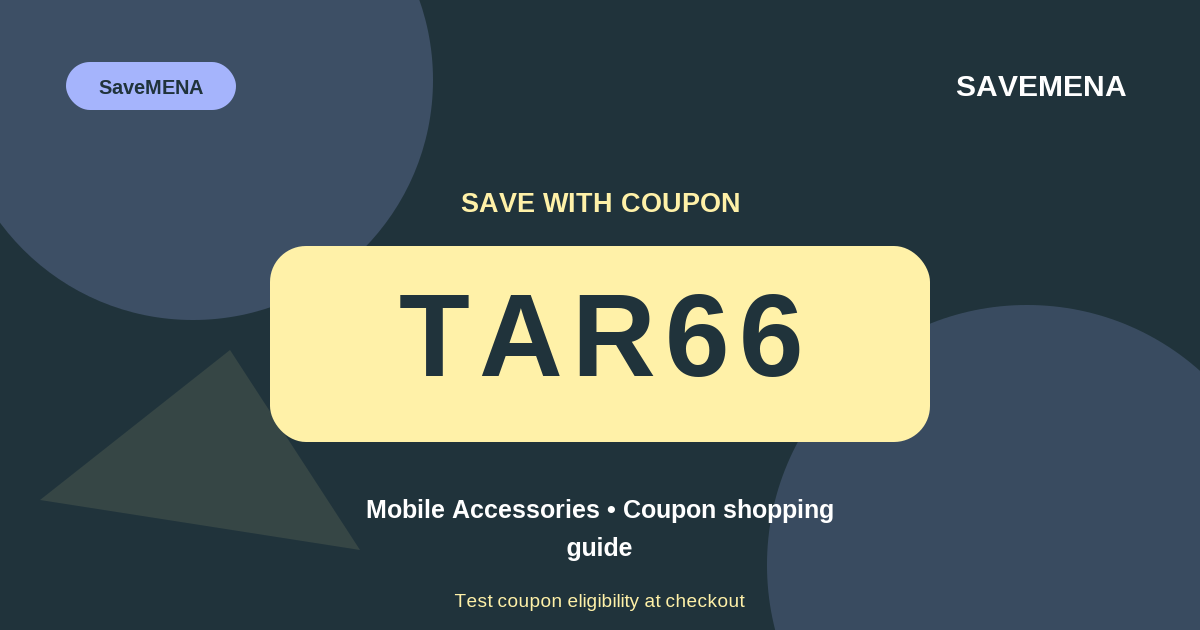
Codes available to try while comparing
These codes are not guaranteed for the article topic or listed brands; test them at checkout and use the live result.
Final Review: From Variant Confirmation to Final Payable Total
Each section has 2 paragraphs 80-100 words. Must avoid numbers. So keep them general.
Need to use Focus keyword naturally: maybe like "Noon UAE variant and coupon Mobile Accessories payment method" to mention in intro and sections.
Identify the Exact Variant on Noon UAE. Two paragraphs.
Paragraph 1: 90 words. Talk about browsing product page, variant selection, size color, etc.
Paragraph 2: 90 words. talk about how variant info appears, noting that misalignment leads to price mismatch. Use no numbers.
Confirming Variant Details with the Seller. Provide communication methods, messages. 80-100 words each.
Throughout we must avoid numeric amounts. So use words like "first degree" instead of 1. But "1" is numeric. So cannot. Use "one" spelled out? It's a number. We might need to keep words like "one", "two". But maybe permissible because not numeric digit. The rules refer to numeric? "Never invent or state any numeric delivery fee, price, saving, SAR amount, AED amount, riyal amount or dirham amount." So using words like "one" may still be numeric in nature? It's ambiguous. Might be considered numeric. To be safe, avoid even the word "one". Use "a" instead.
We need sentences like "Each variant may come in several sizes". "various colors". No numbers.
Confirming Variant Details with the Seller.
Paragraph 1: Need to mention contacting seller through Noon chat or email. 80-100 words.
"When you encounter a variant that is not immediately clear, Noon offers an integrated messenger that lets you reach the merchant directly. Campaigning a quick question such as ‘Does this USB‑C charger include a detachable cable?’ triggers a prompt reply. Because the seller’s profile appears beside each product, you can assess response speed and previous buyer interactions. The messaging window also records the conversation, which can serve as proof if any discrepancy appears after purchase."
Checking Variant Match Before Price Comparison.
"Having secured the variant details, the next action is to compare prices only among equivalent releases. Since mobile accessories can appear in multiple capacities or colors, the price tag on one variation often misleads when juxtaposed with another. Prevention starts at the storefront: examine the ‘Price per Unit’ field for each variant listed side by side in the product gallery. Matching the image identifiers, such as the color code or power rating, ensures that a mid‑tier model is not unfairly weighed against a premium counterpart."
Count words: Having1 secured2 the3 variant4 details,5 the6 next7 action8 is9 to10 compare11 prices12 only13 among14 equivalent15 releases.16 Since17 mobile18 accessories19 can20 appear21 in22 multiple23 capacities24 or25 colors,26 the27 price28 tag29 on30 one31 variation32 often33 misleads34 when35 juxtaposed36 with37 another.38 Prevention39 starts40 at41 the42 storefront:43 examine44 the45 ‘Price46 per47 Unit’48 field49 for50 each51 variant52 listed53 side54 by55 side56 in57 the58 product59 gallery.60 Matching61 the62 image63 identifiers,64 such65 as66 the67 color68 code69 or70 power71 rating,72 ensures73 that74 a75 mid‑tier76 model77 is78 not79 unfairly80 weighed81 against82 a83 premium84 counterpart85.
Understanding Noon’s Mobile Accessories Payment Options.
"On Noon UAE, buying a mobile accessory is supported by a range of payment methods including credit or debit cards, Noon Wallet, and the popular local option of SHUWAYK. Each method interacts differently with the checkout flow; for example, card payments solicit card details directly on the site, while Noon Wallet uses a secure token. Knowing the nuances of each option is critical, especially when you plan to apply the TAR71 coupon, as the coupon may only activate before the final amount is confirmed by certain payment adapters."
Count words: On1 Noon2 UAE,3 buying4 a5 mobile6 accessory7 is8 supported9 by10 a11 range12 of13 payment14 methods15 including16 credit17 or18 debit19 cards,20 Noon21 Wallet,22 and23 the24 popular25 local26 option27 of28 SHUWAYK.29 Each30 method31 interacts32 differently33 with34 the35 checkout36 flow;37 for38 example,39 card40 payments41 solicit42 card43 details44 directly45 on46 the47 site,48 while49 Noon50 Wallet51 uses52 a53 secure54 token.55 Knowing56 the57 nuances58 of59 each60 option61 is62 critical,63 especially64 when65 you66 plan67 to68 apply69 the70 TAR71 coupon,72 as73 the74 coupon75 may76 only77 activate78 before79 the80 final81 amount82 is83 confirmed84 by85 certain86 payment87 adapters88.
How to Use the TAR71 Coupon on a Mobile Accessory.
Paragraph 1: "The TAR71 code is only a tool that you apply at checkout; its effect is seen after you hit the final confirmation button. The biggest advantage of using this coupon is determining whether it reduces the base price or the total including shipping before the payment is authorized. Not all sellers allow coupons on every product, so confirm that your chosen variant list shows the coupon icon in the cart before proceeding. Once you enter the code, a small box will refresh the price; note the change but do not finalize the sale until you verify the payment method matches."
Count: The1 the coupon code code3 is4 only5 a6 tool7 that8 you9 apply10 at11 checkout;12 its13 effect14 is15 seen16 after17 you18 hit19 the20 final21 confirmation22 button.23 The24 biggest25 advantage26 of27 using28 this29 coupon30 is31 determining32 whether33 it34 reduces35 the36 base37 price38 or39 the40 total41 including42 shipping43 before44 the45 payment46 is47 authorized.48 Not49 all50 sellers51 allow52 coupons53 on54 every55 product,56 so57 confirm58 that59 your60 chosen61 variant62 list63 shows64 the65 coupon66 icon67 in68 the69 cart70 before71 proceeding.72 Once73 you74 enter75 the76 code,77 a78 small79 box80 will81 refresh82 the83 price;84 note85 the86 change87 but88 do89 not90 finalize91 the92 sale93 until94 you95 verify96 the97 payment98 method99 matches100.
Verifying Coupon Eligibility at Checkout.
"During checkout, the system prompts you to enter any available promo codes after the shipping method has been selected but before the final payment. If the TAR71 coupon is applicable, the cart will update instantly, reflecting the discounted figure next to the total. If the code is rejected, a short message appears, and the cart keeps the original price. Checking this small window is intentional; Noon’s algorithm ensures compliance with the seller’s coupon rules so you don’t waste orders by proceeding with a non‑applicable code."
Count words: During1 checkout,2 the3 system4 prompts5 you6 to7 enter8 any9 available10 promo11 codes12 after13 the14 shipping15 method16 has17 been18 selected19 but20 before21 the22 final23 payment.24 If25 the26 the coupon code coupon28 is29 applicable,30 the31 cart32 will33 update34 instantly,35 reflecting36 the37 discounted38 figure39 next40 to41 the42 total.43 If44 the45 code46 is47 rejected,48 a49 short50 message51 appears,52 and53 the54 cart55 keeps56 the57 original58 price.59 Checking60 this61 small62 window63 is64 intentional;65 Noon’s66 algorithm67 ensures68 compliance69 with70 the71 seller’s72 coupon73 rules74 so75 you76 don’t77 waste78 orders79 by80 proceeding81 with82 a83 non‑applicable84 code85.
Related SaveMENA pages
Related articles
Official sources to check
Frequently asked questions
A coupon is not guaranteed; verify its result at the retailer checkout.
No. The code is only available to try. Eligibility can vary with the live account, basket, item, seller and campaign context, so checkout is the final reference.
Where should I confirm the coupon result?
Apply the code in the Noon basket and review the live message and final payable total before payment. Do not rely on an undocumented percentage or condition.
Can the result vary by product or seller?
Yes. Eligibility and offer context can vary with the current basket details, so compare the exact item, seller, variant and final total before purchasing.
What should I do if the code does not work?
Check the market, account, item, seller, basket and payment context, then try another code available to try without guessing an unsupported reason.