Office on Noon UAE: payment method — variant and model checks · TAR73
When you land on a product page, Noon displays a list of variants that can include colour, memory capacity, or paper size for office supplies.
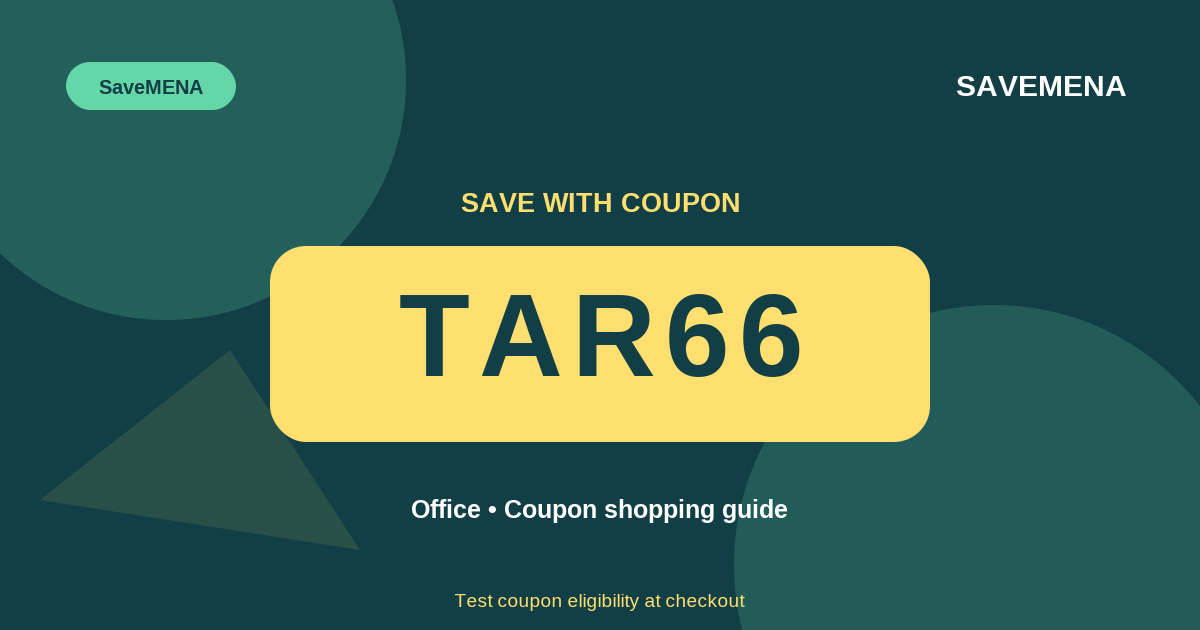
Codes available to try while comparing
These codes are not guaranteed for the article topic or listed brands; test them at checkout and use the live result.
1. The Journey Begins: Choosing the Right Variant
When you land on a product page, Noon displays a list of variants that can include colour, memory capacity, or paper size for office supplies. Scrolling through the list and noting the exact variant details—such as "A4, 200 ppm, OptiPrint version" for a copier or "Blue, 80 gsm, 500 pages" for printer paper—ensures the item you add to your cart matches precisely what you intend to purchase. Keep a mental or written note of these details; they’ll serve as a reference when you later confirm the price and apply any discounts or coupons.
Because Noon’s pricing can shift between variants, a misselected option may not only cost more but also fail to meet your office’s specifications. Double‑checking variant labels—look for bolded or highlighted selections—helps avoid accidental mismatches that can affect your delivery, usage, or return eligibility. In short, start with a clear variant to lay a solid foundation for every step that follows.
2. Why Noon UAE’s Variant Listings Matter for Office Buyers
Noon UAE’s interface lists all available variants in a single table so you can see at a glance which version carries the price you’ll pay. For office gear—like high‑speed printers, laminators, or ergonomic chairs—small deviations in build can alter performance and warranty terms. By examining the variant table before adding items to your cart, you can confirm that the product’s technical specifications match your workplace requirements, from ink injection rate to office space footprint.
Because certain variants may not support specific payment or shipping options, verifying variant compatibility early prevents surprises at checkout. For example, a bulk‑stock item might be ineligible for personal delivery, or a local‑origin variant might fall outside a standard Office payment setup. Knowing these nuances keeps your purchase strategy aligned with your office’s operational needs.
3. Matching Variants: A Practical Checklist
Before comparing prices, make a quick checklist of variant attributes: shape, weight, colour, functionality, and recommended office environment. Cross‑reference each attribute against the variant information shown on Noon’s product page and the cart summary. Any discrepancy should prompt you to revisit the product page and correct the selection or choose a different variant entirely.
Use the Yes/No method—degree of creativity: “Does this variant support the Office payment method?” – to ensure the chosen variant will process through the Office payment gateway. This step guarantees that your final transaction will honor the same variant you’ve confirmed in the research phase, preventing price mismatches that can arise when a catalog update rolls through.
4. Precision Pricing: Avoiding Overpriced Office Items
Once the variant is locked in, note its listed price. If you’re using a reconnaissance spread of variant prices, you can directly isolate the exact item you intend for the office. Circumventing a browsing comparison where you mix different variants ensures that your wallet holds only the price attributable to the exact item you need.
If you’re taking advantage of a coupon, keep in mind that the coupon discount applies after the variant price is finalized in the cart. Therefore, any inadvertent variant change before the coupon lapses will nullify the potential savings.A coupon is not guaranteed; verify its result at the retailer checkout.
5. Leveraging the TAR73 Coupon for Office Splurges
Noon presents the TAR73 code as a promotional tool open to all cart totals. The code is ready to try in the checkout section where you enter any coupon. Once entered, Noon will recalculate the final payable amount automatically. The coupon’s effect relies on the chosen variant’s price and the availability of Office payment options.
Because Tandart rarely restricts coupons to specific categories or brands, you can apply TAR73 to a wide range of office products. However, the coupon’s validity is not guaranteed beyond the checkout stage, and it may not activate if the chosen variant or payment method is ineligible. The safest route is to apply the coupon after finalizing the variant and before selecting the payment mode.
6. Managing Payment Methods: Office Settings on Noon
Noon offers a dedicated Office payment method that consolidates office supplier spending into a single receipt. When you reach the payment screen, choose the Office option to ensure corporate invoicing and accounting integration. This option stays consistent with the variant you selected as long as the retailer allows Office cards for that product.
Because the Office gateway may exclude certain high‑price items or non‑renewable subscriptions, verify that every item in your cart is eligible for the chosen payment method. In the cart details, a small note often signals if an item is excluded from Office payment, prompting a quick adjustment before finalizing the payment.
7. The Checkout Final Check: What to Verify
Before confirming the order, scroll to the bottom of the checkout page and review the cart subtotal, any applied coupon, confirmed shipping details, and the selected variant for each item. The items should match the previously confirmed variant list. If a mismatch is found, you’ll need to adjust the variant or remove the item to avoid paying for a different product than you intended.
Verify the Office payment card or account details now: the card number, expiry, and any corporate card validation. A missing or incorrect card will stall the final charge. Double‑checking these details prevents last‑minute delays in approving the charge and ensures the invoice goes to the correct office finance department.
8. Future‑Proof Your Office Purchases: Tips and Tools
For ongoing office acquisitions, consider creating a variant approval spreadsheet that tracks every approved variant, price, and Office payment authorization. By exporting Noon cart data or manually logging variations, you’ll build a reference that streamlines repeat purchases and helps negotiate bulk discounts with suppliers.
Also, keep an eye on Noon’s vendor updates. Occasionally, product listings or variant availability switch, and a new “Standard Office” variant might no longer support the Office payment method. By keeping your variant ledger current, you’ll avoid surprises at purchase time and keep your office operations running smoothly.
Related SaveMENA pages
Related articles
Official sources to check
Frequently asked questions
How do I know if a variant is eligible for Office payment?
The eligibility is usually displayed on the product page or within the cart details. If the Office option is greyed out for a specific item, it isn’t compatible. Make sure to check this before applying the TAR73 coupon.
Can I apply the TAR73 code to any product, including office items?
Noon’s TAR73 coupon can be entered for most items, but eligibility may depend on the selected variant and selected payment method.A coupon is not guaranteed; verify its result at the retailer checkout.
What happens if I change a variant after applying the coupon?
Changing the variant after coupon application may invalidate the discount. To avoid losing savings, confirm your variant choice before entering the code, and re‑apply the coupon if you adjust the selection later.
Is the Office payment method required for all office purchases?
No, the Office payment method is optional but recommended for corporate invoicing. If Office pay is unavailable for a specific variant, you can use regular card or bank transfer methods instead.