Apple Smart Watches on Noon UAE: payment method — variant and model checks · TAR73
The search for the perfect smart watch on Noon UAE is shaped not just by features and brand, but by the precise variant and the payment method you choose.
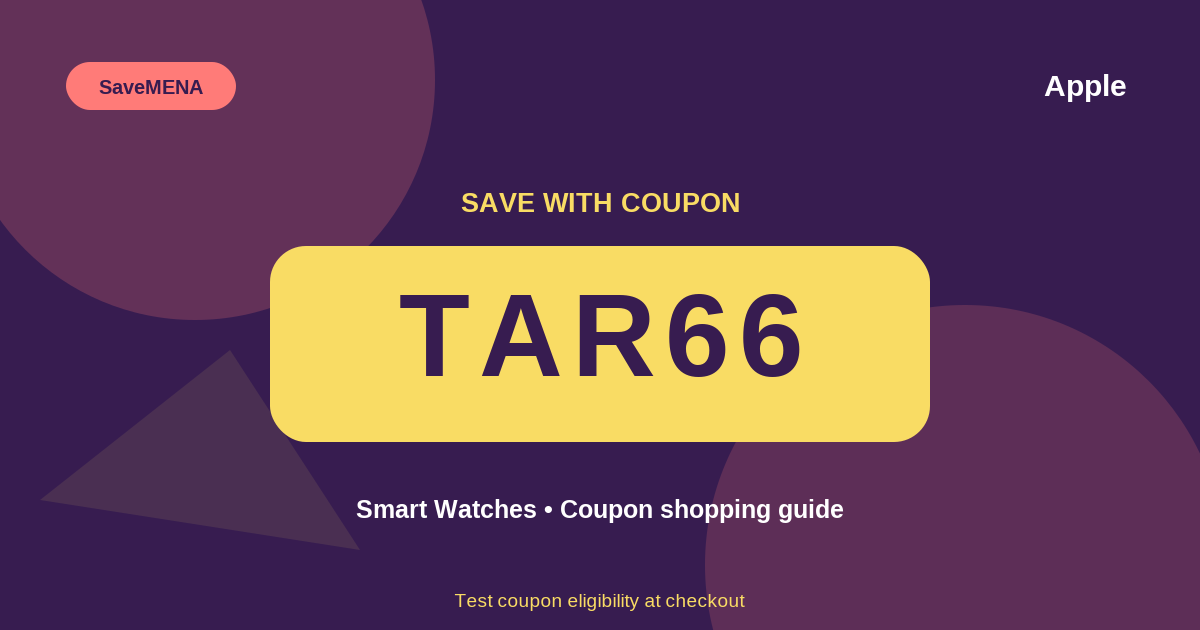
Codes available to try while comparing
These codes are not guaranteed for the article topic or listed brands; test them at checkout and use the live result.
Choosing the Right Noon UAE Variant for Smart Watches
When browsing Noon UAE for smart watches, the first thing to verify is the exact variant: colour, size, and whether it's a cellular or Wi‑Fi‑only model. Noon hosts multiple variants of a single model, and each can differ in sensor support or battery life. UAE shoppers should note the listed model number within the product description, as this pinpoints the variant that will ship from the UAE warehouse and guarantees local support and warranty. Checking the variant field before comparing prices eliminates the possibility of inadvertently purchasing a model meant for a different market.
Keep in mind that price comparisons hinge on matching the same variant. If a promotion lists a “gold” variant, an identical “silver” variant won't be eligible for the same discount. Noon’s filter tools allow you to narrow by colour, band type, and connectivity, ensuring the variant you’re viewing is the one you intend to buy. Confirm the variant on the product page, then copy the exact SKU to your notes, making cross‑seller comparisons straightforward and accurate.
Understanding Noon UAE Availability and Delivery for Smart Watches
Availability on Noon UAE hinges on inventory in regional fulfilment centers. Each product page lists the expected delivery window and any applicable local delivery fees. UAE shoppers using Apple payment should check that the vendor accepts this payment method and whether the chosen variant is stocked locally, which often means faster delivery and easier return processing. Delivery cost transparency is essential; Noon provides a clear breakdown on the cart page before you checkout.
If the device is stock‑free, Noon may offer an express worldwide delivery option. In that case, the price may include a higher standard shipping charge. Conversely, a “Noon UAE Variant” usually means faster delivery times, sometimes within 48 hours. Always verify that the vendor accepts Apple payment at the point of checkout, as some sellers may restrict payment methods for certain SKU types or promotional offers.
Apple Payment Method on Noon UAE: Steps and Perks
Apple payment on Noon UAE integrates with the Apple Pay system, leveraging the secure tokenised card process. To use Apple payment, shoppers must have the Apple Pay app set up with at least one supported card. On the Noon app or website, selecting Apple payment during checkout will prompt the device’s authentication (Face ID, Touch ID, or passcode). The transaction is processed instantly, often pushing the order through without manual card details. This can reduce the risk of card data exposure and facilitate quick payment completion.
Choosing Apple payment offers added convenience for tech‑savvy UAE buyers. Since Noon verifies the Apple Pay transaction in real time, it can speed up the delivery ETA. Be sure to confirm that the seller’s payment gateway is enabled for Apple Pay; this is usually indicated on the checkout screen. If any hiccups occur, Noon support typically resolves them within a single customer‑service interaction. In any event, the final payable total displayed at the payment modal is the definitive reference for any discounts or shipping adjustments.
Applying the TAR73 Coupon Code at Checkout
The TAR73 coupon code offers a chance to shave off a small percentage of the total. UAE shoppers should enter it in the “Coupon” box on the Noon checkout page before confirming payment. The system will validate the code against the order total, discount type, and any cart restrictions. Keep in mind the coupon’s visibility: if you already applied a lower‑level discount, the TAR73 code may or may not stack. Until you see the final amount displayed, you can’t definitively know the exact savings.
Because Noon’s platform lists all applicable fees and tax adjustments at checkout, enter the coupon after confirming product selection and Apple payment. If the coupon is accepted, the new total will appear immediately. If it is not accepted, Noon will display an error message prompting you to double‑check the code. Use the code at the last possible moment to avoid interference with any other promotions that may be automatically applied based on cart value or vendor.
Comparing Prices for Identical Smart Watch Variants
Once you’ve confirmed the variant, open multiple vendor listings for that exact SKU on Noon. Compare the displayed price, delivery fee, and any condition labels (new, refurbished). Ensure every listing identifies the same variant; Noon often categorises by colour or strap type. The final price comparison should be done after all coupon and payment method adjustments are considered, because a change in delivery fee or coupon may shift which vendor truly offers the best price.
Because Noon can vary the shipping cost by region or by the seller’s own fulfillment channels, direct price comparison only tells part of the story. UAE shoppers should record the final total for each vendor, including any Apple payment surcharge or fee, then look at how much you actually pay net of all taxes, shipping, and the potential TAR73 discount. If a vendor offers a lower base price but larger delivery fee, the net cost might be higher. Keep a simple spreadsheet or notes to track each component—variant confirmation, base price, shipping, tax, coupon, and payable total.
Payment Method Impact on Warranty and Returns
Using Apple payment can influence warranty claims and return logistics, especially for Noon UAE variants. The payment record is tied to the Apple Pay account, which can simplify the proof of purchase trail. For manufacturers that treat warranty registration closely tied to purchase proof, this can streamline the return request process by providing a clean transaction record.
If a return is needed, Noon requires you to initiate the return through the app or website, all of which reference your payment method. As long as the transaction appears under Apple Pay in your Apple Wallet, you can expedite the process with a single screenshot of the order confirmation. However, remember that the warranty often covers manufacturing defects, not accidental damage. Verify out‑of‑stock and return policies in the product description before finalizing your purchase.
Optimising Your Checkout Experience on Noon UAE for Smart Watches
After confirming variant availability, applying the TAR73 code, and selecting Apple payment, review the checkout summary for accuracy. Verify the product quantity, variant details, shipping address, and applicable fees. Re‑check that the Apple payment is the chosen method; the summary should display your Apple Pay icon and card last four digits. This final look ensures you’re contemplating the exact cost you’ll commit.
If everything checks out, confirm the order. The checkout page will display the final payable amount, including taxes, shipping, and any discounts from the coupon. Save any receipts or confirmation emails for future reference, especially the loot of Apple Pay authentication marker. You can track the order status through Noon’s order history panel, where the shipping tracker will reflect real‑time updates because Noon processes the order as soon as payment clears.
Final Checklist Before You Hit “Place Order”
Before you finalize, double‑check that the Noon UAE variant matches the SKU you noted at the outset. Confirm that the pricing includes all applicable taxes, that Apple payment is indicated as the selected method, and that the TAR73 coupon has injected its discount, if valid. A quick glance at the cart summary will reveal any hidden fees or mismatched data that could trip you up once the order is confirmed.
After you press “Place Order,” you’ll see the final confirmation screen with the exact amount. This screen is the definitive source for your payment. Keep the screen open or take a screenshot, because it shows the total charged and the warranty benefits that come with a Noon UAE variant purchased through Apple payment. Once you finish, you’re set for a smart watch that’s perfectly tailored to your preferences and the most cost‑effective purchase path available on Noon UAE.
Related SaveMENA pages
Related articles
Official sources to check
Frequently asked questions
What does Noon UAE Variant mean, and how does it differ from international variants?
It refers to a specific SKU supported, sold, and delivered from a UAE‑based warehouse. This variant may have different local warranty terms, delivery speeds, and sometimes pricing exclusive to UAE customers, as opposed to overseas versions.
Can I combine TAR73 with other coupons or discounts?
Not guaranteed. Only one code is applied at checkout, and stacking may be disallowed in some cases.A coupon is not guaranteed; verify its result at the retailer checkout.
Will using Apple payment affect my return process?
Apple payment provides a clear transaction record that can simplify proof of purchase. However, return policies still follow Noon’s standard guidelines, so you’ll need to initiate returns through their system regardless of payment method.
How can I ensure I’m buying the same variant I want?
Verify the product SKU or model number on the Noon product page before adding it to the cart. Cross‑check the listed colour, band, and connectivity to guarantee the variant matches your preferences.