Huawei Smart Watches on Noon UAE: payment method — variant and model checks · TAR73
When you search for a Noon UAE variant of a Huawei Smart Watch, the first thing you verify is that you’re looking at the exact model you want.
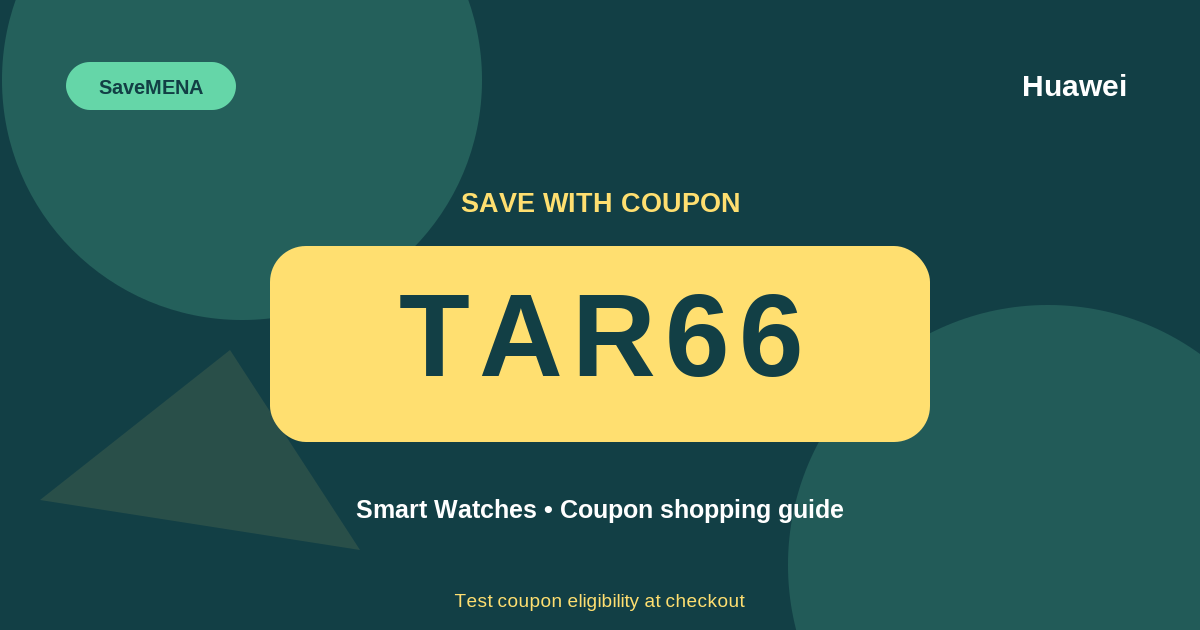
Codes available to try while comparing
These codes are not guaranteed for the article topic or listed brands; test them at checkout and use the live result.
1. Understanding Noon UAE Variants and Huawei Smart Watches
Every Huawei Smart Watch comes in multiple variants, ranging from standard fitness trackers to high‑end models with advanced health monitoring. On Noon UAE, each variant is listed separately, often with subtle differences in band color, display type, and sensor sets. Before you start comparing, locate the exact variant you intend to buy by checking the model number or SKU in the product title and description.
Once you confirm the exact variant, you’ll have a reliable baseline for price comparisons. Look for any notes in the seller’s listing that specify additional features or accessories included, such as a protective case or gift wrap, to avoid later surprises at checkout.
2. Why Huawei Pay Matters for Smart Watch Purchase
Huawei Pay offers a seamless, secure way to complete transactions on Noon UAE, especially for electronics like Smart Watches. Using Huawei Pay keeps your payment information protected and often reduces processing friction, which can be crucial when aiming to finish a fast checkout during limited‑time sales.
When you opt for Huawei Pay, track the confirmation banner or email that verifies the transaction, ensuring that the payment method you selected—rather than a workaround—was applied. This step guarantees you’re benefiting from any promotions locked to the official payment entry.
3. Selecting a Trusted Seller on Noon UAE
Check the seller details directly; do not infer identity verification or reliability from a badge. Carefully read the seller’s rating and any reviews that specifically mention delivery speed, item condition, and responsive communication. These factors help predict whether the Smart Watch will be shipped in a timely fashion.
When a seller offers a “Noon UAE Variant” flag, they’re confirming that the product originates from a local or UAE‑based distribution center. This reduces potential delays, especially important for time‑sensitive orders or those that might be affected by regional customs processing.
4. Comparing Smart Watch Features on Noon UAE
To make an informed choice, read through the specifications laid out by the vendor. Focus on core attributes such as battery life, connectivity (Bluetooth 5.0 or 5.2), and the presence of health sensors. Verify that the variant’s firmware version aligns with the region’s compatibility for seamless operation.
When you’re comparing prices, confirm that each listing references the same variant and that no hidden add‑ons skew the cost. Stick to listings that provide full details so you know exactly what the price encompasses—whether that includes the watch band, charging dock, or warranty extension.
5. Leveraging Huawei Payment to Secure the Deal
Before finalizing the cart, double‑check that Huawei Pay is the chosen payment method. In the “Payment” section during checkout, ensure the seed‑based identifier or the smartphone’s NFC tag is activated, and look for a confirmation prompt that the wallet has been tapped or selected.
After confirming payment, read the instant receipt and monitor the email for a “Payment Confirmation” statement. This record ensures that the secure channel you selected—Huawei Pay—was indeed the method used, and it should be reflected in any possible transaction‑related offers.
6. Applying the TAR73 Coupon to Your Huawei Smart Watch
When you reach the “Coupon” or “Promo Code” field, type in TAR73 exactly as shown. The code will validate if it remains active; if not, the system will prompt you to try another code. There is no guarantee that the coupon matches the Smart Watch or variant, but it’s worth testing for eligibility.
After applying the code, verify that the discount has deducted from your cart total before proceeding. If the coupon is declined, confirm that the issue isn’t related to a mismatch in payment method or store policy, since some discounts apply only to certain payment apps.
7. Confirmation and Checkout Checklist
At the final page of the $checkout process, examine the full order summary: product title, variant, seller, payment method, any applied coupon, and the final payable amount. This is the last chance to spot discrepancies like a different variant or an unexpected shipping charge.
Make a mental note of the “Order ID” and any email you receive confirming the transaction. Save screenshots if necessary—especially if you plan to contact customer service about the coupon or payment method—though the major safety net remains the confirmation email.
8. Final Tips Before You Swipe
Before you finalize your purchase, double‑check that the Smart Watch battery capacity and water‑resistance rating reflect your activity needs. Confirm that the warranty and return policy listed match the agreements offered by Noon UAE for that variant.
Finally, remind yourself to keep your transaction details handy. Should any issue arise—such as a delayed delivery or an unexpected charge—the verified payment method, the coupon code used, and the seller’s verified status will provide a clear starting point for resolution.
Related SaveMENA pages
Related articles
Official sources to check
Frequently asked questions
Can I use the TAR73 coupon with PayPal on Noon UAE?
Only if the coupon’s terms specify PayPal. Typically, the code TAR73 would be applied directly to the cart before choosing the payment option, so it remains independent of who pays.
Will using Huawei Pay affect the delivery time of my Smart Watch?
Thanks to the integrated logistics system, using Huawei Pay usually does not alter the standard delivery window set by Noon UAE.
What if the Smart Watch variant I selected is out of stock?
You’ll receive an immediate notification during checkout. You can then choose another variant or cancel to wait for restock from the same verified seller.
Do I need a specific version of the Huawei Pay app to redeem the coupon?
The coupon’s voucher status is independent of app version; however, the latest app ensures smoother payment handling through the platform.