Samsung Mobile Accessories on Noon UAE: offer combinations — variant and model checks
Noon UAE variant and coupon Samsung coupon interaction with visible promotions: When you’re hunting a Samsung accessory on Noon UAE, you’ll often see a competing
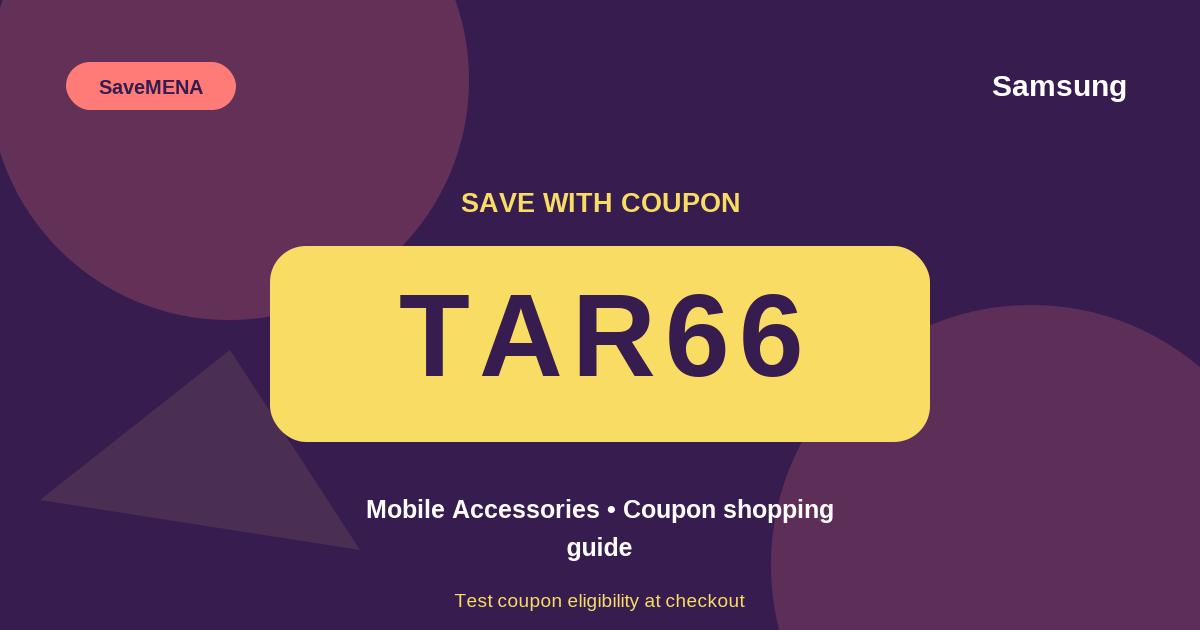
Codes available to try while comparing
These codes are not guaranteed for the article topic or listed brands; test them at checkout and use the live result.
Identify the Exact Noon UAE Variant
Start by opening the product listing on Noon UAE and noting the variant details. The variant typically includes specifications such as storage capacity, color, or model series. Pay attention to the descriptive text or the technical sheet that Noon provides for each option; this is how you confirm you’re comparing the same item that the seller advertises.
Once you’ve captured the variant information, jot it down or take a screenshot. This record will be used in every subsequent comparison, preventing confusion between similar models that might have differing features or warranties.
Compare Prices Across Sellers
Use Noon’s search filters to pull up listings for the same Samsung accessory. Compare the listed price of each seller side‑by‑side. Note that each seller may list different prices due to their own cost structures or promotions, but the product name and variant should match exactly across all options.
At this stage, ensure that the sellers you are comparing have visible pricing and that the listed price reflects the same currency, shipping policy, and any retailer‑specific fees that are shown on the page.
Verify Coupon Compatibility
Before applying the coupon code TAR66, check the coupon’s specific terms on the Noon UAE page. Since the coupon is “available to try,” there is no guarantee of acceptance, and its applicability will be shown only at checkout. Avoid assumptions that it will automatically apply to all sellers or variants.
Note that Noon typically displays a note near the coupon input field indicating whether the coupon is active for the selected product. If the field is empty or does not display eligibility, the coupon likely won’t be applied, so begin your verification here.
Analyze Visible Promotions
While browsing the product page, look for any other promotions highlighted by Noon, such as “Deal of the Day” tags or limited‑time flash offers. These promotions usually appear as colored banners or text adjacent to the price. Be sure to read the accompanying conditions, such as whether the promotion applies only to certain payment methods or shipping options.
When a visible promotion overlaps with an attempted coupon usage, Noon will typically register a conflict or combine the best available discount. Verify whether the promotion’s benefit supersedes the coupon by observing how the subtotal changes during the checkout simulation.
Evaluate Seller Ratings and Policies
Review the individual seller’s rating and the number of customer reviews on their Noon listing. High ratings and frequent feedback can indicate reliable shipping and return policies, which are crucial if a coupon or promotion has carrier‑specific conditions. Pay attention to any seller‑specific shipping or return guidelines that may affect your decision.
Some sellers display icons or badges that indicate “Cashback” or “Money‑back” guarantees. While these don’t guarantee coupon use, they can provide extra security in case the coupon fails to apply during checkout.
Check Delivery Options and Fees
In the price comparison step, note each seller’s delivery timing and any visible delivery fee. Noon often shows the expected delivery date and fee directly under the price for each option. Choose the seller that offers a balance of cart value (post‑discount) and reasonable delivery time.
Coupon impact can sometimes affect shipping costs, especially if the coupon is applied after selecting a shipping method. During checkout, monitor any changes to the delivery fee before final payment.
Prepare Checkout Details
When ready to purchase, add the selected variant to your cart and proceed to checkout. At the coupon entry field, type TAR66 and observe if the screen confirms coupon eligibility. If the code is accepted, the discount will be reflected before the final payment amount is displayed.
Because the coupon’s return status is uncertain, double‑check all calculated totals—price, coupon savings, delivery fee, and any applicable taxes—just before confirming the order. Saving these figures will help you verify if the final amount matches the expected value.
Final Review of Applied Discounts
Once the cart displays the final payable amount, review the breakdown. You should see the base price, any visible promotions, the coupon discount (if applied), and the delivery fee combined into a single total. If the coupon did not apply, confirm whether a visible promotion filled the gap or whether the seller’s price remains unchanged.
If you find a discrepancy—such as a missing discount or an unexpected fee—contact Noon’s customer support through the chat or email link. Document the issue with screenshots of the cart view for reference to ensure a smooth resolution.
Related SaveMENA pages
Related articles
Official sources to check
Frequently asked questions
How do I confirm the exact SKU of my Samsung accessory on Noon UAE?
Check the product listing for a detailed specifications table or a technical sheet. The SKU or variant code will often be listed there, allowing you to compare it across multiple sellers.
Can I use the TAR66 coupon with multiple promotions?
Coupons and visible promotions can interact, but Noon displays the final discount applied. If both are valid, the system may combine them or select the best one; verify this at checkout.
What if the TAR66 coupon does not apply at checkout?
You may still benefit from other visible promotions or seller discounts. Make sure to confirm the total before payment, and contact Noon support if you suspect an error.
Will the delivery fee change after applying a coupon?
It can change if the coupon affects the overall purchase value and specific shipping rule. Observe the fee in the final cart breakdown before finalizing the order.