Dell Office on Noon UAE: offer combinations — variant and model checks
Start by searching for the Dell product within the Noon UAE website’s office category. Filter results by the model name, processor type, RAM, storage, and screen
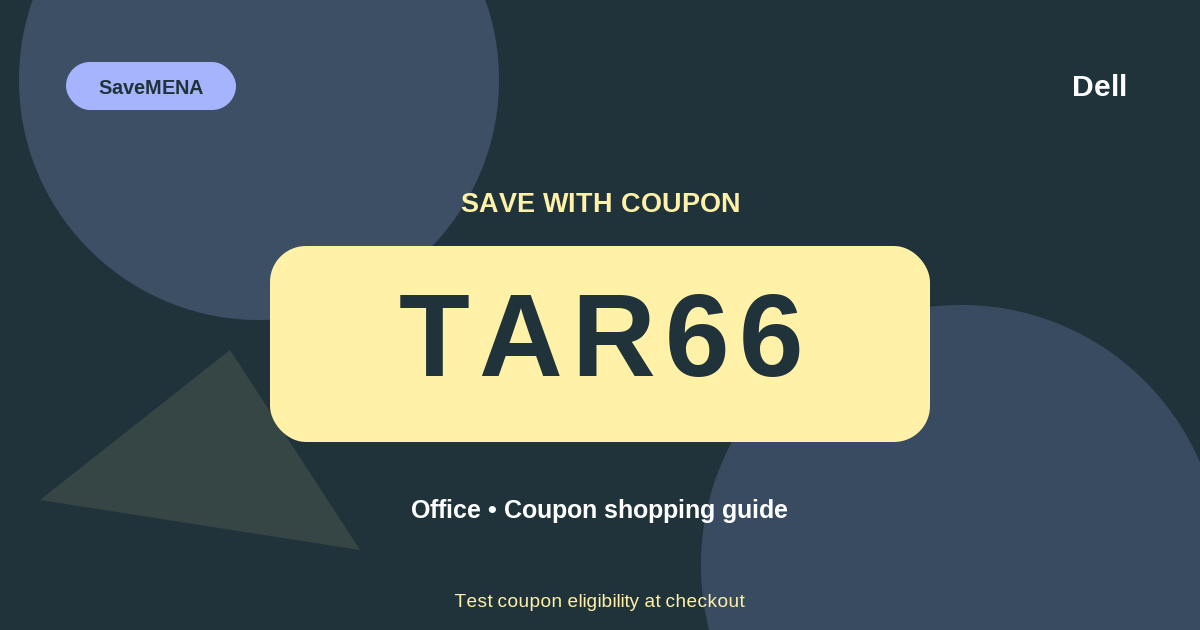
Codes available to try while comparing
These codes are not guaranteed for the article topic or listed brands; test them at checkout and use the live result.
1. Pinpoint the Exact Dell Variant on Noon UAE
Start by searching for the Dell product within the Noon UAE website’s office category. Filter results by the model name, processor type, RAM, storage, and screen size until only the intended variant remains visible. Notice any “Only one left in stock” or “Back‑ordered” tags; these are critical indicators that the variant will fulfill your needs without delay. A detailed search also helps you to see if multiple sellers list the same item, which could affect shipping times and return policies.
Value lies in confirming that the variant in question matches the part numbers and specifications you require. Compare the on‑page technical spec list with your notebook or tablet specifications sheet. Ensure that the variant’s product image and description mention the same color and optional accessories you need, such as an extra charger or a protective case. By verifying these details early, you avoid later frustration when the coupon code is applied but the wrong product shunted in the cart.
2. Scan the Visible Noon Promotions for the Variant
Many Noon listings display discount banners above or below the price box, such as “Save the discount shown at checkout today” or “Deal ends tonight.” Scroll through these banners to see if any apply to your Dell variant. If a promotion is active, the discount will typically overlap the listed price in a contrasting color. Note the wording of the banner; if it mentions “Retailer discount” versus “Beginner’s Bundle,” the application process might differ.
Check whether the original listed price already incorporates a vendor‑specific discount or if it’s the full market price. If the banner states “No coupon needed,” it may already be at its lowest. In such a scenario, you must verify that a TAR66 coupon would still reduce the final amount or if it would be redundant. Ensure that the on‑page promotion applies to the global Noon UAE store and not a local warehouse or return‑only discount.
3. Record Seller Information, Shipping Fees, and Payment Options
Immediately next to the price, Noon lists the seller’s name, which could be “Dell Authorized Reseller” or an independent third‑party. Increasingly, the seller’s seller rating and number of sales also appear; these can help you gauge reliability. Note if the seller accepts all UAE payment methods and whether they offer cash on delivery, as these choices affect how you’ll apply the coupon.
Shipping information is often displayed adjacent to the seller name. If the variant is stocked in a UAE warehouse, shipping may be free or a small flat fee, but if it’s central‑drugware shipped internationally, shipping fees can spike. Also, track the expected delivery window; some sellers offer “Express delivery” for an extra cost. Record these fees because they will be added to the cart total before any coupon is applied.
4. Add the Dell Variant to Your Cart and Observe the Pre‑Coupon Total
Click the “Add to Cart” button for your verified variant. Once the cart opens, the page should show the subtotal, any promotions applied, and the total shipping cost. Use the cart page as a snapshot: it displays the exact price of the item, the visible promotional discount (if any), and the outstanding total before the coupon code is entered.
At this point, the cart acts as a temporary ledger. Note whether Noon automatically applied a “Store Credit” or “Gifting Voucher” that could reduce the amount needed for the coupon to activate. Some sellers add a small handling fee, which is separate from shipping. Ensure you capture the amount in the cart’s “Total” line; this figure will be used as the baseline when you discover the effect of the TAR66 coupon.
5. Apply the TAR66 Coupon Code at Checkout
Proceed to the checkout screen. In the coupon input field, type “TAR66” exactly, respecting capitalization. A prompt will confirm if the code is recognized; if it flickers a green tick, the site accepted it, but it does not yet guarantee a discount. Next, review the “Discount” section; if nothing has changed, the code may not apply to this product.
If a “Discount” appears, it will be shown as a negative value next to the pre‑coupon total. For instance, you may see “TAR66 – Example: AED 30.00.” Your new total will then be recalculated. Always wait for the page to fully refresh before proceeding to payment. If the discount amount is zero or the coupon field rejects the code, note that the coupon cannot be applied to this particular listing.
6. Verify Final Payable Amount and Potential Savings
Once the coupon is applied, scroll to the “Final Payable” total. This figure reflects the item price, shipping fee, any seller‑specific handling fee, and the discount from the TAR66 code. Compare this number with the pre‑coupon subtotal to confirm the actual savings. If the discount is minor or nonexistent, you may want to keep the coupon on the clipboard for future use on another Dell variant or other office products.
If the final total includes a visible discount but appears small, it could be a result of the product’s default high price or a lower initial discount. In such cases, the TAR66 code still helps, even if the net savings are minimal. Mark the final amount in your records so you can note the coupon’s effect when reviewing your shopping history or communicating with customer support about the discount.
7. Compare the Discounted Price with Other Noon or Alternative Stores
Now that you have the exact net price after coupon application, visit Noon’s “Compare Prices” feature or use a browser tab to check the same Dell variant on other sellers. Differences in marketing copies or shipping policies might offer better deals. If Noon’s listing remains the lowest, proceed, but if another seller displays a lower total with or without coupon, consider switching sellers or adjusting quantity.
When comparing, pay attention to the same visible promotions and coupon eligibility on the competing listings. A competitor might allow the TAR66 code to produce a larger discount or offer bundled freebies. Conversely, a listing lacking visible promotions might depend solely on bundled discounts for a coupon. Factor in shipping times, warranty coverage, and return policies before making a final decision.
8. Confirm Checkout Details and Retain Purchase Confirmation
On the final confirmation page, double‑check the shipping address, payment method, and the “Final Payable” total once again. Some platforms show a slight recalculation due to currency conversion or tax adjustments, especially if you are using a wallet balance or credit card with foreign exchange. Confirm the order details before clicking the final “Pay” button.
After payment, you’ll receive an order confirmation email and a purchase receipt in your Noon account. Store these documents securely; they contain your order number, total paid, and item details, all of which are useful for returns or warranty claims. If you notice a discrepancy in the amount or product description, contact Noon customer support quickly to resolve the issue while the transaction remains fresh.
Related SaveMENA pages
Related articles
Official sources to check
Frequently asked questions
How do I know if the TAR66 coupon applies to my selected Dell variant?
During checkout, input TAR66 in the coupon field. If the system accepts it, a discount amount will appear in the cart total; if not, it will show an error or no change, meaning the code doesn't apply to that listing.
Will visible promotions override the TAR66 coupon discount?
Visible discounts reduce the base price before the coupon is applied. The coupon can still reduce the final total further, but it cannot exceed the amount remaining after all promotions and shipping fees are included.
What if my final payable amount shows no discount after applying TAR66?
If the final total remains unchanged post‑code entry, the coupon may not be valid for that product or seller. In such a case, keep the code ready for future purchases or look for other discounts within the site’s “Deals” section.
Can I use TAR66 on other office products besides Dell laptops?
Yes. The coupon is not brand‑specific. When applied during checkout for any eligible office item, it may see a discount, but this is contingent on the product’s eligibility and current store promotions.