Sony Electronics on Noon UAE: return policy — variant and model checks
Noon UAE variant and coupon Electronics Sony returns information: If you’re ready to buy a Sony electronic gadget on Noon UAE, the first thing you’ll want to check
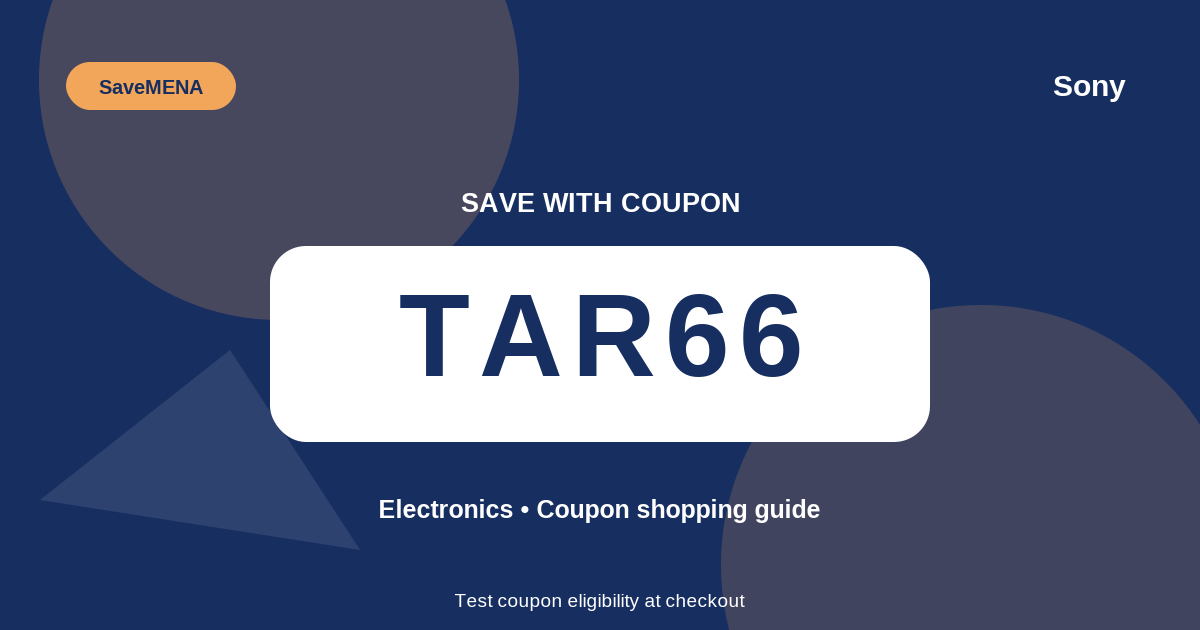
Codes available to try while comparing
These codes are not guaranteed for the article topic or listed brands; test them at checkout and use the live result.
Matching the Exact Sony Variant on Noon UAE Platform
Start by navigating to the Sony electronics category on Noon UAE and opening the product page that lists the SKU you intend to buy. The product name and description should reflect the exact variant you require, such as model number, storage, and color. Pay special attention to the technical details section – it’s where Noon lists software and hardware differences that can change the user experience. Checking this ensures you won’t mistakenly buy a model that lacks a feature you need, or one that’s already pre‑installed with region‑specific firmware. Always compare the listing’s variant details against the official Sony documentation or a trusted Sony reseller’s details to avoid mismatches.
After verifying the variant match, add the item to your cart. If Noon assigns a different variant during the cart process, double‑check that the cart’s product image and specifications still align with the original listing. Some cart interfaces show a condensed version of the details; scroll through it to confirm that everything—especially storage size and color—matches exactly. This double‑check step protects you from accidental upsells or variant swaps that could happen before payment is finalized. Completing this verification now saves time later when you need to explore returns or refunds.
Identifying Reliable Sony Sellers on Noon UAE
Next, focus on the seller information displayed beside the product price. Noon UAE allows multiple sellers to list the same Sony product, which means you’ll see a seller name and rating next to the price. Look for sellers with high customer feedback scores and a substantial number of ratings. A seller’s history can be indicative of how promptly they ship and how accurate their product descriptions are. Don’t rush to purchase from a new or low‑rated seller; the risk of receiving a variant that appears correct but differs in hidden specs increases with less established sellers.
Once you’ve selected a reputable seller, check the seller’s shipping policy. Verify whether they ship directly from the UAE or from a third‑party fulfillment center. The shipping origin can influence both delivery times and the way returns are handled. Sellers who ship from within the UAE usually process returns faster, but always confirm the return address on the order confirmation page to ensure you’ll be sending the product back to the correct point of origin.
Reviewing Sony Variant Pricing Before Checkout
Before you add the item to your cart, compare the price shown on Noon UAE with other reputable sources for the exact same Sony variant. Noon’s pricing can vary by seller, and sometimes discount codes or promotions are only available to specific sellers. Take a screenshot of the price and the seller’s name for reference; this will help you determine if a later price discrepancy is legitimate or a glitch. Keep in mind that Noon’s final price at checkout will include any applied taxes or fees, so ensure you’re comfortable with the total before proceeding.
After adding the Sony variant to your cart, go to the checkout page where the final price is displayed. Pay close attention to any additional charges—such as shipping, handling, or service fees—that may not have been visible on the product page. If the price changes after adding the item to the cart, pocket the original price screenshot. You can use this snapshot as a reference if you need to request a refund or claim an unfair pricing change during the returns process. This step will help you later if you encounter disputes on returned items.
Testing the TAR66 Coupon with Sony Electronics
Now that you know the exact variant and seller, it’s time to explore the TAR66 coupon code. Noon UAE’s checkout system offers a single field for coupon input; enter TAR66 in that field. The site will confirm if the code can be used, typically by reducing the total price and displaying the new amount. Because TAR66 is only “available to try,” the coupon may not apply at all if the seller doesn’t accept it, or if the product category has restrictions. Keep any confirmation messages handy for later reference; they can help you question a loss of discount during returns, if needed.
Do not rely on the coupon as a guarantee of a certain discount; the checkout may show the final price after the coupon is applied. If the coupon does not affect the price, you should not flag the transaction in the returns process. Instead, focus on confirming the seller’s return policy in the next section, as that decision is independent of the coupon’s effect.
Final Price & Payment Confirmation for Sony Items
Once the coupon has been entered, review the “Final Total” section on the checkout page. This section shows the amount you’ll be charged, factoring in any discounts, taxes, and shipping fees. Confirm that this amount matches your expectations before confirming the order. If the final total appears higher than the product page, double‑check that the correct variant has been selected and that the coupon was applied successfully.
When you proceed to the payment step, choose a payment method that provides a clear receipt—such as credit card, debit card, or Noon wallet. After payment, Noon will provide a confirmation number and a summary of the transaction. Keep this confirmation email or screenshot because you will need it to verify the final amount and variant during the returns process. The confirmation also acts as proof that the coupon was accepted or rejected by the system at the time of purchase.
Delivery Options for Sony Electronics on Noon UAE
Check the delivery information displayed on the order confirmation page. Noon UAE typically offers a standard shipping option and a faster, premium option. Review the estimated delivery time for each, as speed of delivery may affect your returns eligibility—some sellers require people to send back return items within a certain period after delivery. Record the expected delivery date to know when to start the return process if needed.
Notice if the seller lists a specific pickup or drop‑off point. If a pickup is involved, you’ll need to keep the documentation or the pickup receipt, as this can help simplify the return if the parcel doesn’t arrive on the expected date. Also, make sure the shipping address on the order matches the address where you intend to receive the item, as mismatches can result in delayed or lost packages that would later necessitate a return.
Tracking & Order Confirmation After Sony Purchase
After your Sony product arrives, validate that it’s the exact variant you selected by checking the serial number and packaging against the product listing. Document any differences or missing accessories with photos, as these files will be required if you initiate a return. Make sure to read the packaging for any included warranty cards or return labels, as these are essential for a smooth return handling.
If you’re satisfied with the purchase, you can archive the receipt and keep your tracking number. Tracking numbers are useful to confirm that the specific unit you received matches the sold variant; they also provide an audit trail in case of return disputes. Should you discover an issue, you’ll need to reference this tracking number when contacting customer support or the seller’s returns department.
Understanding Sony Electronics Returns on Noon UAE
The most critical step in a return‑friendly purchase is to be clear on Sony electronics’ return policy on Noon UAE. Normally, Noon’s return window starts on the day you receive the product and lasts for a standard period—often 15 or 30 days depending on the seller. To trigger a return, you’ll need to log into your Noon account, navigate to the order, and select “Return or Exchange.” Follow the prompts to choose the reason and attach any required images. This online portal initiates the return process officially.
Once the return request is approved, you’ll receive a prepaid return label, which you’ll attach to the package. Keep the return label and packaging intact until the courier picks up the shipment; the courier photocopies the return label as proof of a proper return. Note that the return address may differ from the shipping address, so verify that the return label shows the correct dispatch point. Finally, maintain communication with the seller throughout the return process—and keep all receipts—so you can verify that the refund is processed to the same payment method used for purchase.
Related SaveMENA pages
Related articles
Official sources to check
Frequently asked questions
What if the TAR66 coupon does not appear to apply at checkout?
It may be that the seller does not accept that coupon type or the product falls outside its eligibility. In that case, proceed with the purchase; the coupon’s status normally won’t affect the return eligibility.
How can I verify that the returned Sony product matches the purchased variant?
Before returning, compare the serial number, storage size, and color on the packaging with the order details. Photographing the differences can serve as evidence if you need to confirm a mismatch during the return.
What happens if my return shipment is delayed?
Track the return shipment with the provided tracking number. If the return isn’t marked as received within the seller’s stated timeframe, contact Noon support plus the seller to investigate potential delays.
Can I choose a different return address than the shipping address?
The return label you receive after approval will specify the correct destination. If you need a custom return address, contact the seller before shipping the package to confirm arrangements.