Sony Electronics on Noon UAE: review signals — variant and model checks
Noon UAE variant and coupon Electronics Sony visible product and seller review signals: To secure the best Noon deal on Sony electronics, UAE shoppers should first
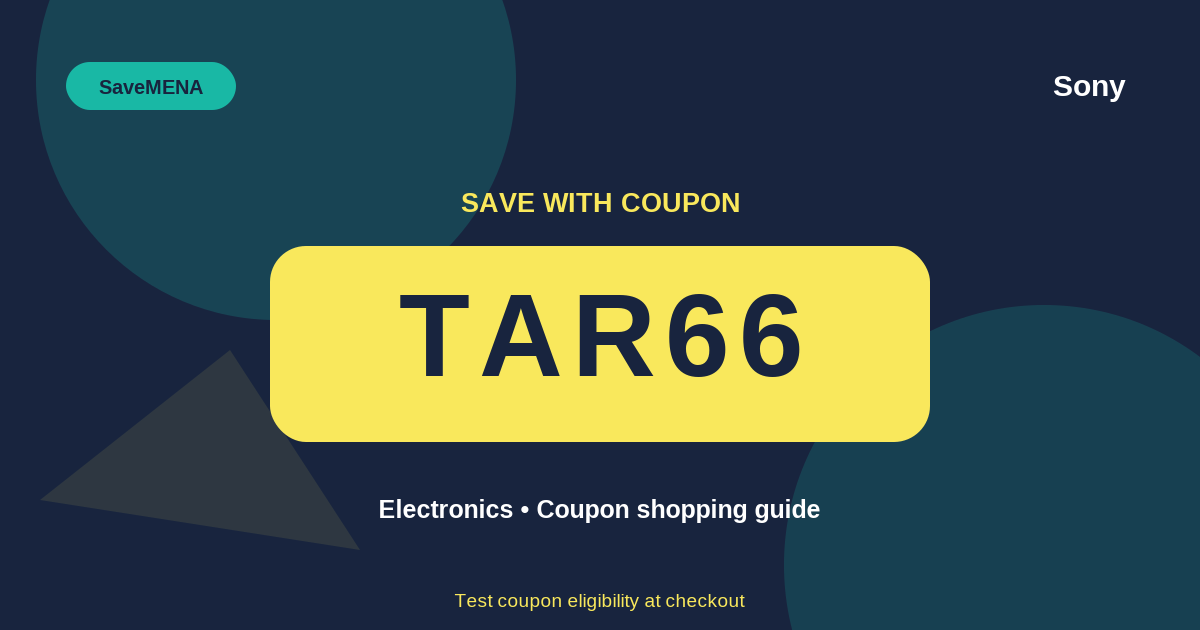
Codes available to try while comparing
These codes are not guaranteed for the article topic or listed brands; test them at checkout and use the live result.
1. Verify The Exact Variant Before Adding to Cart
When you land on a Sony product page, the variant options—such as model number, color, or capacity—are typically listed under the product title or in a drop‑down menu. It is crucial to read the full description and confirm the specific details you need. For example, a Sony headphone set may be available in white or black; choosing the wrong color will result in an incorrect item at checkout. By double‑checking the variant label, you prevent mismatches that can inflate costs or delay delivery.
Once the desired variant is clicked, scroll through the product image gallery to verify the visual representation matches the displayed specification. Paying attention to thumbnail previews can reveal subtle differences, such as button placement or button color, that confirm you’re selecting the correct edition. This practice ensures all subsequent price comparisons are based on the same product characteristics.
2. Compare Prices Across Sellers for the Same Variant
After confirming the variant, you will typically see multiple seller listings beneath the main product page. These listings often show different total prices, some of which include shipping or handling fees. Locate the seller’s name and the price tag that lists the exact product variant. Carefully note the price listed by each seller, ensuring there are no hidden fees disclosed only at checkout.
While listing prices are useful, also consider how long each seller typically takes to dispatch the item. In some cases, a slightly higher price may translate into faster delivery. Additionally, check if the seller’s product image aligns with the variant you confirmed earlier, as mismatches can occur.
3. Review Visible Product Details and Technical Specs
Hello shoppers, when dealing with Sony electronics, the technical specifications often matter as much as the price. Each listing usually includes a “Specifications” section that highlights processor speed, memory, battery life, and other key attributes. Confirm the numbers exactly match those listed under your confirmed variant to avoid buying a different model with lower performance.
Also, examine the visible product details, such as warranty length, included accessories, and power requirements. This information is typically displayed in a table beneath the seller’s thumbnail. Ensuring these details align with your needs will help you avoid purchasing a version that lacks essential features.
4. Evaluate Seller Reputation Through Review Signals
Seller review signals can greatly influence your confidence in a purchase. Each seller’s profile often shows a rating out of five stars, the number of reviews, and whether their seller badge is verified. A higher star rating coupled with a larger review count usually indicates satisfactory service from previous buyers.
Take time to read a few of the most recent seller reviews, focusing on comments about delivery speed, product condition upon arrival, and communication. Pay attention to any recurring positive or negative words, indicating consistent performance. Sellers with transparent feedback are typically safer bets.
5. Check Seller Rating and Return Policy Visibility
In addition to overall seller rating, Noon provides a clear return policy for each listing, often displayed as a short link or button. Verify that the return policy matches your expectations for Sony electronics—most sellers allow returns within a set timeframe if the product is defective or mislabeled. A visible, straightforward return policy provides a safety net.
Also look for seller responsiveness in the “Seller Performance” section. Sellers that consistently provide timely responses to questions and disputes achieve higher ratings. Confirming these details early prevents later frustration once you have received the order.
6. Confirm Availability and Delivery Time for the Chosen Variant
Even if a product is listed at a desirable price, it may not always be in stock. Noon typically displays an estimated delivery date near the price tag. Check that this date is acceptable for your schedule and that the delivery window is realistic.
When multiple sellers offer the same variant, note the differences in estimated shipping times. Some may ship from local warehouses, while others ship from distant locations. Prioritizing a seller with shorter delivery estimates can reduce the wait time, which is especially important for limited‑edition Sony items.
7. Apply the TAR66 Coupon at Checkout
Once you have selected the seller and added the Sony device to your cart, proceed to checkout. Look for a coupon code field on the payment page. Enter the code TAR66 there. The site will process the code and, if eligible, adjust the final payable total. However, the site may indicate whether the coupon was accepted or if it did not apply to the chosen product.
Do not assume the coupon will automatically apply. If the code is rejected, the system will display a clear message, and you can then decide whether to proceed without a discount or search for an alternative coupon. Remember to review the final amount and any terms displayed after the code is applied.
8. Final Review at Checkout and Confirming Final Payable Total
Before completing the transaction, carefully review the final page presented by Noon. This page lists the product price, shipping fees (if any), applied coupon discount, seller fee, and the total payable amount. Verify that the item SKU, variant details, shipping address, and payment method are all correct.
Only after this confirmation should you click the ‘Place Order’ button. The checkout page is the final reference for any required fees or taxes not displayed earlier. By following this thorough review, you mitigate the risk of unintended purchases or misapplied discounts.
Related SaveMENA pages
Related articles
Official sources to check
Frequently asked questions
How do I ensure I’m buying the exact Sony variant I want?
You should cross‑check the variant name, color, storage, or other distinguishing features both in the product title and in the drop‑down selections. Review associated technical specs, images, and the seller’s thumbnail to confirm each detail matches your needs before adding to cart.
Will the TAR66 coupon always apply to Sony electronics?
The coupon can be attempted by entering TAR66 at checkout, but its acceptance depends on the seller and product. Noon will display a confirmation or rejection after entry, so the coupon’s applicability is confirmed only during the final payment step.
What should I look for in a seller’s review signals?
Look for seller star ratings, the volume of reviews, recent feedback on delivery and product condition, as well as any visible return policy links. High ratings and positive recent reviews usually indicate reliable service.
How can I avoid shipping delays for a Sony item on Noon?
Check the estimated delivery date listed for each seller, compare shipping times across listings, and select a seller with shorter, clearly stated shipping estimates. Also confirm that the seller’s warehouse location is close to your delivery address if the option is available.