Smart Watches on Noon UAE: seller comparison — variant and model checks
Start by locating the Noon UAE variant of the Smart Watch you want. On the product page, scroll to the “Variants” or “Product Details” section and verify the model
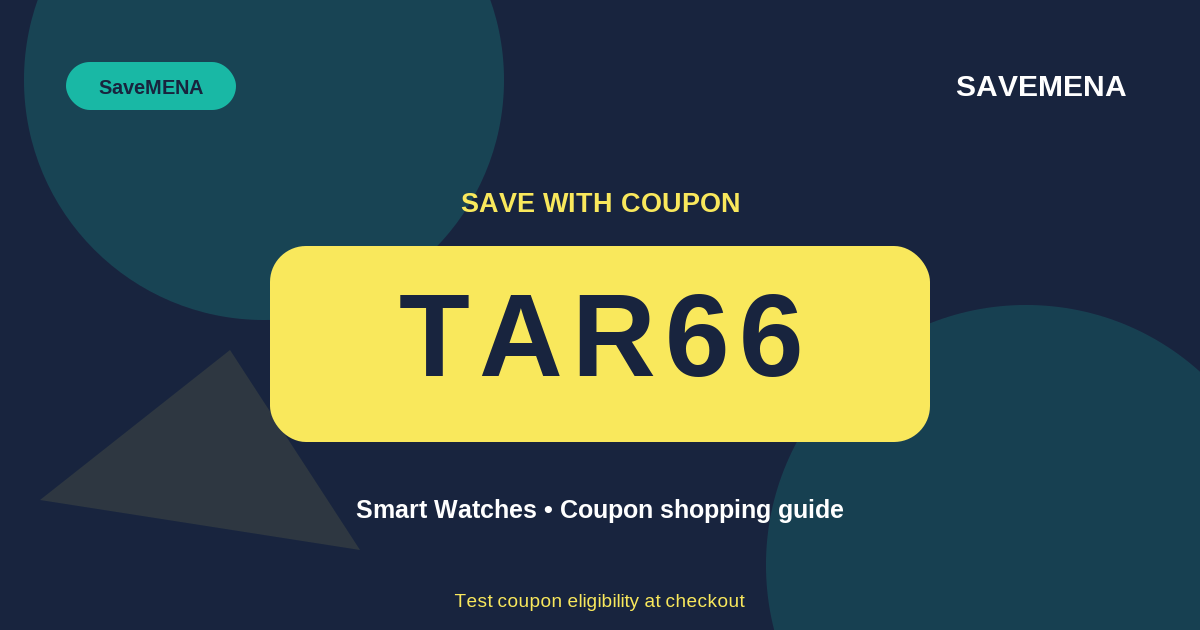
Codes available to try while comparing
These codes are not guaranteed for the article topic or listed brands; test them at checkout and use the live result.
Step 1: Confirm the Exact Variant Before Adding to Cart
Start by locating the Noon UAE variant of the Smart Watch you want. On the product page, scroll to the “Variants” or “Product Details” section and verify the model number, display size, and key features. UAE shoppers should check that the variant’s number of hours, water resistance rating, and connectivity options match what the seller advertises. The variant may differ across regions, so double‑check the product title and specification table precisely.
Once the correct variant is confirmed, add it to your cart. Do not proceed to checkout until you have confirmed that the seller listing shows the same variant details. If the seller’s listing is ambiguous, use the “Compare” option on Noon UAE to view other variants side‑by‑side. This extra step guarantees you won’t be surprised by an unexpected model once the item ships to you.
Step 2: Compare Seller Ratings and Return Policies
After the item is in your cart, examine the seller ratings displayed next to the product. A high rating versus a medium rating can indicate differing levels of customer satisfaction. Take note of the number of reviews and whether any mention the specific variant you selected. UAE shoppers should also check the seller’s return policy, filtering for “Same-Day Return” or “30‑Day Return” options to ensure they can return the watch if it doesn’t meet your expectations.
Additionally, read the policy on warranty claims. Some sellers in Noon UAE may offer a longer manufacturer warranty or matching service agreements. Recording these details before purchase helps you weigh the total value offered by each seller, especially when balancing price against after‑sales support.
Step 3: Verify Delivery Times and Fees
On the cart page, Qatar UAE is where the estimated delivery date is shown. Compare the shipping windows from different sellers; some may offer “Same‑Day” express delivery while others provide standard shipment. UAE shoppers must confirm if additional handling or service charges apply, as these fees can affect the final payable amount.
To make a fair comparison, note the shipping fee for the Noon UAE variant versus the same watch from other sellers. Some sellers might provide a “free” next‑day delivery for a minimum spend, while others charge separately. Keep a record of all anticipated shipment costs to evaluate the real total price each seller offers.
Step 4: Review Payment Method Options
Different sellers may allow distinct payment methods on Noon UAE, such as credit card, debit card, or ‘Pay Later’ options. When the cart sums up, check which payment methods are accessible for each listing. This is crucial because buyers might need to use a specific payment method to be eligible for the TAR66 coupon code.
Additionally, some sellers restrict certain payment options for non‑resident UAE customers. Checking the payment method allowance beforehand will keep you from encountering a checkout wall that suddenly prevents you from proceeding or applying the coupon.
Step 5: Test the Coupon Code at the Checkout Stage
On the checkout page, look for the “Coupon” or “Gift Card” entry field. Input the code TAR66 and observe whether the system accepts it. If the code is accepted, the interface will display a discount amount or a new total – if not, a clear error or no change will appear. UAE shoppers should note whether the code requires a minimum spend or a specific product category.
Remember: the coupon’s availability is “to try,” meaning that while its validity can be checked during checkout, there’s no guarantee it will apply if seller policies or shipping regulations differ. Keep the discount amount in mind, but verify the final payable total after all adjustments appear.
Step 6: Confirm Quantities and Bundle Options
If you plan to purchase more than one Smart Watch or a bundle that includes accessories, ensure that the cart accurately reflects the desired quantity. UAE shoppers should verify that the bundle option correctly adds the correct number of items and any included accessories. Miscounts often happen when the seller lists multiple items under a single product page.
Cross‑check that the specific variant is present in the bundle, especially if bundles carry a different model than the standalone variant. The Noon UAE variant should appear in the list of items before you finalize the order, preventing an accidental purchase of a different watch model.
Step 7: Apply Shipping Fees, Taxes, and Final Review
Before finalizing the order, review the line‑by‑line breakdown. Include any shipping fees that differ by zone and the applicable tax rate for smart wearables in your emirate. These figures are mandatory for the final price calculation on Noon UAE, so contrasting them across sellers helps you spot hidden costs that may erode the coupon’s benefit.
Check that the tax is calculated correctly, and verify that the shipment category for electronics or wearables adheres to the current UAE tax regulations. A simple mistake in tax or shipping can change the final payable amount substantially.
Step 8: Proceed to Confirm Order and Save Confirmation
Once every step above is confirmed, click on the “Place Order” or “Confirm Purchase” button. Then, a confirmation screen with an order number will appear. Save the confirmation screenshot or PDF for your records. This step is important because it locks in the exact variant, applied coupon, payment method, and shipping terms for future reference or dispute resolution.
Finally, give the confirmation email a thorough read. It typically reiterates the coupon’s status, the total payable amount, and the expected delivery date. Checking the email ensures that the e‑receipt matches the details you saw at checkout and gives you a reference point for tracking the shipment through Noon UAE’s tracking system.
Related SaveMENA pages
Related articles
Official sources to check
Frequently asked questions
Can I use the TAR66 coupon on third‑party sellers that are not affiliated with Noon UAE?
While the coupon code TAR66 may be tried on a variety of sellers on Noon, its acceptance depends on the seller’s own coupon policies. It is best to verify eligibility at checkout for each seller and apply the code there if it is accepted.
What if the coupon does not apply after I place my order?
Check the order confirmation page and email; any coupon application will appear there. If the code was not applied, it is likely that the seller does not accept third‑party coupons, or the specific variant is ineligible. Contact Noon UAE customer support for clarification.
Do shipping costs change after applying the coupon code?
On Noon UAE, shipping fees are displayed before and after any coupon application. The coupon usually only affects the base price, so shipping costs remain unchanged. Verify the final totals on the checkout page to confirm.
Is a a minimum-spend condition, if the retailer shows one coupon?
The coupon’s application rules vary by seller; some may require a minimum spend, while others do not. The only definitive way to know is to enter the code during checkout. If a minimum is required, the system will inform you at that stage.