Logitech Office on Noon UAE: seller context — variant and model checks · TAR78
When searching Noon UAE for a Logitech device, the first step for every savvy office shopper is to confirm the exact variant before flipping a price.
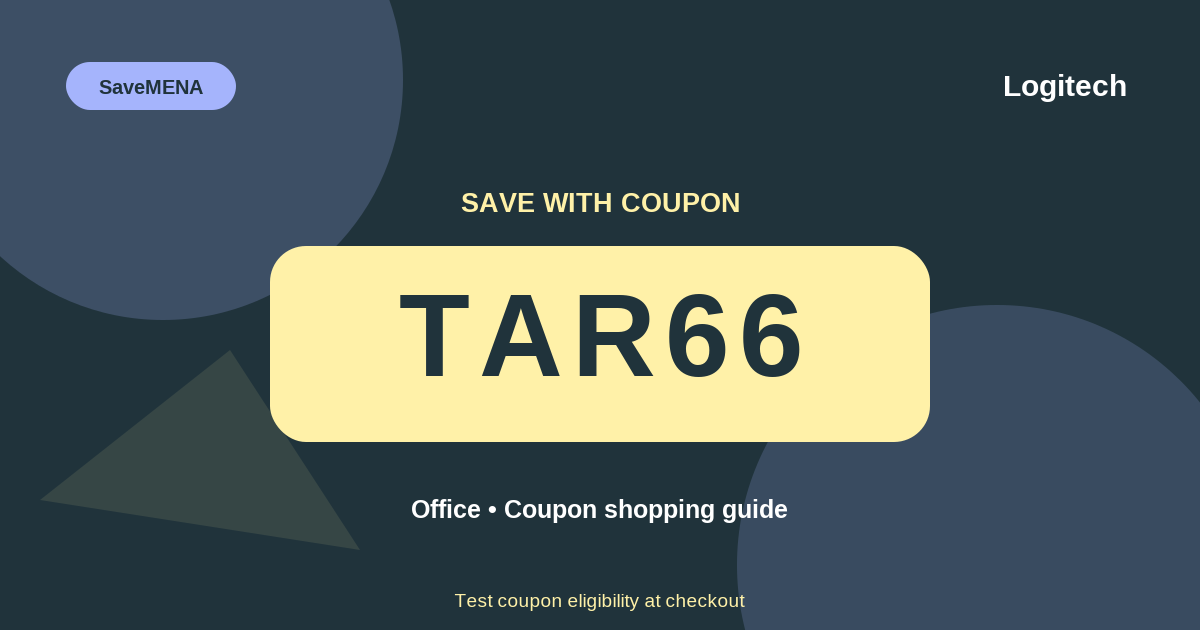
Codes available to try while comparing
These codes are not guaranteed for the article topic or listed brands; test them at checkout and use the live result.
Choosing the Right Logitech Variant on Noon UAE
Begin by navigating Noon UAE’s search bar and entering the full name of the Logitech product you require, such as “Logitech MX Master 3 Wireless Mouse – Black.” Adding the color or specific feature ensures that the seller is listed for that exact variant, avoiding the temptation to pick a similar but different model. The listed title will often contain the Wi‑Fi model number or feature set, which you can cross‑verify with the product description on Noon to guarantee precision.
Once the variant appears, review the detail card. Noon displays a brief spec list: connectivity type, battery life, DPI settings, and body material. Verify each point matches your office requirement. If any discrepancy appears—such as a different DPI range or a wired variant—skip that product.A coupon is not guaranteed; verify its result at the retailer checkout.
Importance of Verified Seller for Office Peripherals
With numerous sellers on Noon, distinguishing between authorized dealers and third‑party resellers is crucial. Choose a seller that explicitly labels themselves as the Logitech official reseller or includes “Logitech” in their shop name. These sellers typically offer guaranteed authenticity, standard warranty terms, and responsive customer support.
A verified seller also simplifies return or exchange situations. If a product is faulty or not as described, an official dealer will usually process returns without extra steps. When selecting a seller, check the “Verified Seller” badge in the product listing; this confirms their legitimacy in Noon’s ecosystem and reduces the risk of later complications that could offset any coupon benefit.
Comparing Noon UAE Sellers on Logitech Mice
After matching the variant and confirming a verified seller, compile a list of three or four top sellers. Note each seller’s current listed price and any visible promotions. Remember that the exact variant dictates if a discount applies; a similar model from another seller may not carry the same coupon eligibility.
During the comparison, look beyond the headline price. Some sellers might bundle free shipping or offer a small credit for future purchases. However, only the coupon TAR78 may bring a discount; the other incentives are unrelated to the coupon. Track the raw price for each seller, then proceed to apply the coupon, if applicable, in the checkout stage to see any possible price reduction.
Utilizing the TAR78 Coupon for Potential Savings
The available coupon code TAR78 may be accepted at checkout when you are purchasing a Logitech product from Noon UAE. Input the code in the coupon field; the system will attempt to apply any benefit associated with the code. Note that some sellers may have restrictions that prevent the coupon from being applied, especially if the seller’s policies differ from Noon’s general coupon guidelines.
If the code does not apply automatically, the merchant can manually adjust the price after reviewing the checkout screen. Since the coupon’s effect is not guaranteed, it is important to confirm whether the discount appears before finalizing the payment. If no discount is shown, consider contacting the seller’s support team to verify whether the coupon is accepted for this particular variant.
Checking Delivery Details and Payment Options
In the UAE market, Noon often offers multiple delivery windows, ranging from same‑day delivery in major cities to standard shipping across the Emirates. Verify the seller’s delivery timeline for the chosen Logitech variant—some sellers ship faster than others—even if the price is identical. Delivery details appear in the product page under “Shipping & Delivery.”
Payment options can vary across sellers; some accept Credit/Debit Cards, NetBanking, and PayPal, while others may only support specific methods. If you plan to use the TAR78 coupon, ensure your chosen payment skill is supported by the seller’s checkout flow. Double‑check any additional charges that might arise, such as handling fees or merchant service fees, before finalizing the purchase.
Reading Seller Ratings and Return Policies
Seller ratings on Noon reflect buyer satisfaction and take into account factors such as product accuracy, condition, and shipping reliability. A rating above 4.5 stars typically indicates a stable seller in the office category. Read reviews that mention Logitech or peripheral products; these provide insight into how well the seller truly handles office gear.
Return policies are especially critical for an office peripheral. Confirm that the seller offers at least a 15‑day return window, and that the return process is straightforward. Look for a clear statement like “Return within 15 days if the device is unused” or a comparable clause. Knowing the return policy early prevents adding inconvenience to any potential savings from the coupon.
Practical Tips for Office Setup: Logitech on Noon
When adding a Logitech mouse or keyboard to your office workflow, think about ergonomic features. For a Logitech MX Master 3, evaluate the thumb rest, adjustable DPI sliders, and battery life. The product description on Noon will list these details, so compare them to your ergonomics needs—such as hand size or preferred battery type.
Coordinate complementary accessories, like a Logitech mouse pad or wrist rest, also available on Noon. If you find bundles, verify that the bundle includes the same variant you’ve chosen.A coupon is not guaranteed; verify its result at the retailer checkout.
Final Checklist Before Checkout
Before hitting “Place Order,” run through this quick audit: 1) Confirm the exact variant title and features match your needs; 2) Verify the seller is authorized and has a strong rating; 3) Compare prices across top sellers; 4) Enter the TAR78 coupon code and see any discount appear; 5) Check delivery window and fees; 6) Review payment method compatibility; 7) Confirm return policy details.
Once all points align, proceed to checkout. The final screen will display the payable amount after any coupon deduction. If the coupon has not applied automatically, enter it manually if allowed. After completing payment, you should receive an order confirmation via email and a notification link within Noon’s app. Keep this confirmation for any future returns or warranty services.
Related SaveMENA pages
Related articles
Official sources to check
Frequently asked questions
Will the TAR78 coupon work for all Logitech variants on Noon UAE?
The TAR78 coupon may be accepted for Logitech items but its application is not guaranteed for every variant. Check the checkout screen for discount confirmation, and if it doesn’t appear, contact the seller or Noon support to verify eligibility.
Do I need to use a specific payment method to use the TAR78 coupon?
There is no mandated payment method for the TAR78 coupon. It can be applied with any standard payment option accepted by the seller. Verify on the checkout page that the total reflects any discount before completing the transaction.
What if my chosen seller does not accept the TAR78 coupon?
Some sellers may have restrictions preventing coupon usage. If the code is rejected during checkout, you may need to select a different verified seller that accepts the coupon, or consider using the item without a discount and later contacting the seller for a possible adjustment.
Are there any delivery fees for Logitech items on Noon UAE?
Delivery fees vary by seller and shipping option. The cost will be displayed under “Shipping & Delivery” on the product page and confirmed on the checkout screen. Verify these fees before finalizing your purchase to ensure the total matches your budget.