Apple Mobiles on Noon UAE: warranty and support — variant and model checks
Noon UAE variant and coupon Mobiles Apple warranty and post-purchase support: If you want to buy an Apple mobile from Noon UAE, the first thing you need to do is
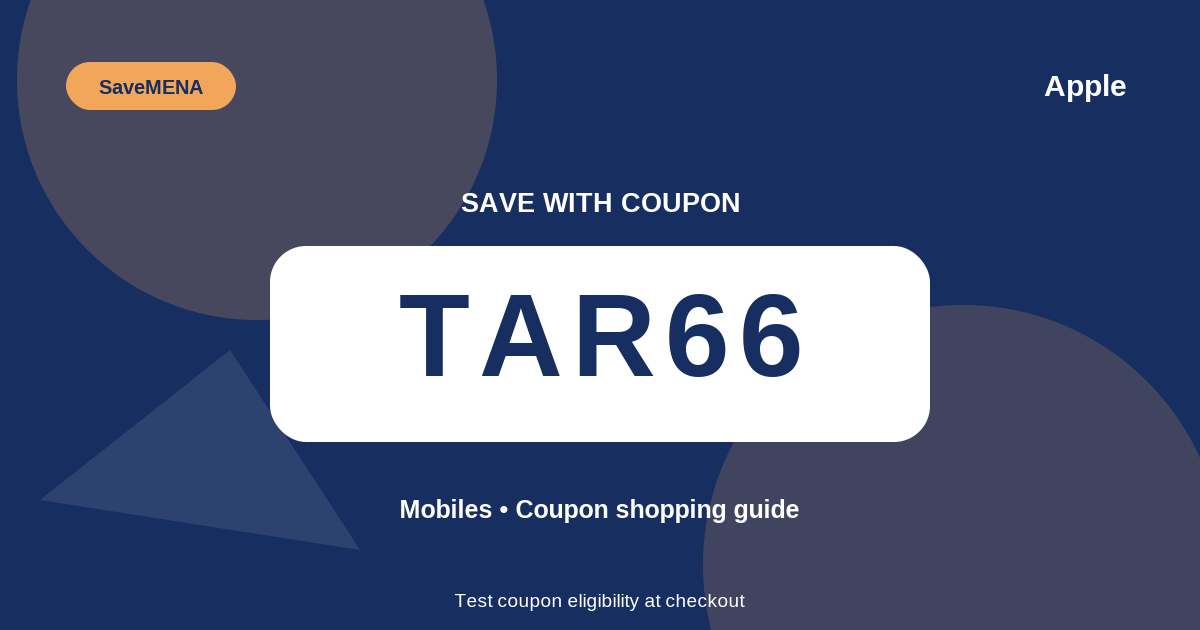
Codes available to try while comparing
These codes are not guaranteed for the article topic or listed brands; test them at checkout and use the live result.
Confirm the Exact Model and Configuration on Noon
Begin by searching for the Apple mobile on Noon UAE and filtering the results by the specific model number, capacity, and color. Pay close attention to the product title and description; they should list the model number that appears on the device’s official Apple support page. By verifying that the Noon variant’s model number matches the one you need, you avoid any mix‑ups that could affect network compatibility or future warranty claims. This step also allows you to confirm that the product’s specifications align with the features you require, eliminating the risk of purchasing a different configuration that might be cheaper but unsuitable for local use.
Assess the Seller’s Warranty Terms
On Noon, each listing should display the seller’s warranty period and the specific conditions under which the Warranty can be activated. Check whether the listed warranty is the standard Apple Limited Warranty, extended coverage, or a local warranty offered by the seller. This information is usually found in the product description or seller profile. Understanding these terms will help you determine if the coverage meets your needs and aligns with Apple’s global warranty policies. You can also look for any mention of “AppleCare+” extensions that could add value if you want additional support.
Review Return and Exchange Policies for Noon Purchases
Warranty support extends to the return and exchange process in case of defects or shipping damage. A clear policy from Noon assures you that the seller will adhere to Apple’s return guidelines, including manufacturing defects or mis‑stated specifications. Look for information about the return window, required proof of purchase, and whether a prepaid return shipping label is provided. This ensures that any part of the warranty service that involves a return can be executed smoothly.
Locate and Use the TAR66 Coupon Code Smartly
The TAR66 code can be entered during the online checkout process on Noon UAE. Because the coupon is available to try, it might apply only to certain sellers or product categories. Before finalizing the purchase, test the code by adding the exact variant to your cart and navigating to the payment screen. Observe whether the coupon provides a discount and confirm that the applied amount matches the code’s intended savings. Only the final checkout screen can confirm its acceptance.
Verify Apple Warranty Activation Guidelines
Once you have purchased the exact variant, you should activate Apple’s Limited Warranty online before using the device. Activation typically involves entering the serial number and proof of purchase. This step confirms Apple’s coverage and records the serial number in their system, ensuring that any future repair or replacement claims are valid. Activation is a routine part of the Warranty process that many users overlook.
Identify Local Authorized Service Centers and Support Channels
Warranty support for Apple products often requires access to official service centers. Search for the nearest Apple authorized repair centers in the UAE, which can be found through Apple’s website or Noon’s seller listings. Knowing the location of a service center allows you to plan for any necessary repairs quickly and reduces downtime. It also confirms that any part of the warranty that requires in‑person service will be covered by Apple’s standards.
Plan for Data Backup and Transfer Before Activating Warranty
Activating the Warranty and using potential repair services may require you to reset or firmware‑upgrade the device. To avoid data loss, create a backup of all important information on your Apple mobile. Use iCloud, iTunes, or a reliable cloud storage option to back up contacts, photos, apps, and system settings. This step protects your data in case a repair process involves fresh installations.
Evaluate Total Ownership Cost Including Warranty and Support
Post‑purchase support and warranty coverage are critical to the overall cost of ownership. When comparing Noon UAE listings for the same Apple mobile variant, factor in the length of warranty, the presence of AppleCare+, and the reliability of service centers. A slightly higher upfront price may yield lower long‑term costs if it includes comprehensive protection.
Related SaveMENA pages
Related articles
Official sources to check
Frequently asked questions
How do I ensure the Noon listing matches my preferred Apple phone variant?
Check the exact model number in the product title and description on Noon. Cross‑reference that model number with the Apple support page for the device. Confirm network band support for UAE carriers in the specs section. This guarantees that the variant will work locally and be covered by warranty.
Will the TAR66 coupon code automatically apply to my Apple mobile purchase?
Enter the TAR66 code during the checkout process on Noon UAE. The discount will only apply if the seller’s listing accepts the code. Verify on the final checkout screen whether the coupon has been applied; if not, the coupon is not valid for that transaction.
What steps should I take to activate Apple’s Limited Warranty?
After receiving the device, locate the serial number on its back or packaging. Visit Apple’s warranty activation page, register the serial number, and submit your proof of purchase. This logs the device in Apple’s database and confirms warranty coverage from the purchase date.
How can I find the nearest authorized Apple service center in the UAE?
Use Apple’s official website or the Official Apple Store UAE app to search for authorized repair centers by city. Alternatively, check noon.com’s seller listings for service contact details. Visiting a local authorized center ensures genuine parts and coverage for repairs under warranty.