Samsung Mobiles on Noon UAE: warranty and support — variant and model checks
Noon UAE variant and coupon Mobiles Samsung warranty and post-purchase support: If you’re looking to match the exact Samsung mobile variant on Noon UAE before
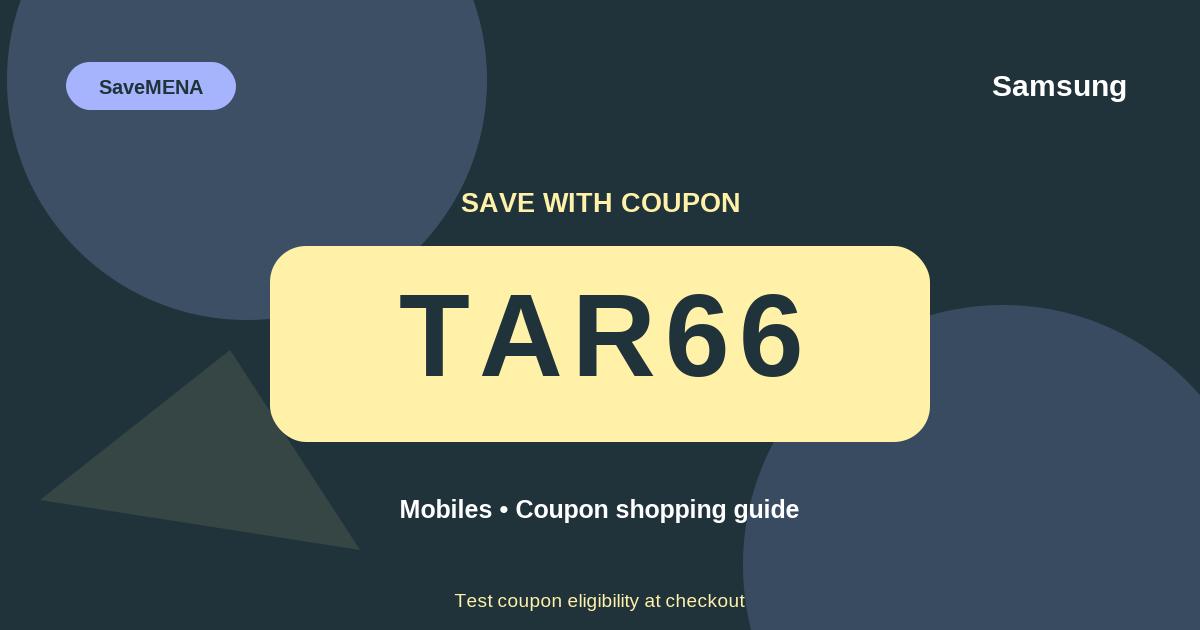
Codes available to try while comparing
These codes are not guaranteed for the article topic or listed brands; test them at checkout and use the live result.
Confirming the Exact Samsung Variant on Noon UAE
Before you even glance at price tags, verify the phone’s variant by noting the full model number and key specifications listed on Noon. The product page should display the region code, storage size, and color. Look for match details such as “SM‑G991B‑B” or “SM‑G999B‑S23” and cross‑reference those with the listing title. Any deviation—like a different code or missing details—may signal a variation that could alter warranty eligibility or post‑purchase support.
Once you have the exact code, bookmark the listing and compare it with other Noon sellers. This ensures you’re not inadvertently comparing a device that has a different software build or hardware revision. Hitting two identical codes across separate sellers confirms consistency in the variant, a crucial first checkpoint for warranty verification.
Samsung Warranty Basics in the UAE
Samsung provides a one‑year manufacturer warranty for most smartphones sold in the UAE. This covers manufacturing defects and hardware malfunctions but does not include accidental damage or battery replacement. The warranty period begins from the date of purchase, and a service tag or serial number is mandatory when initiating a claim.
To confirm that the specific variant you plan to buy is covered by this warranty, check for a clear statement on the Noon listing or contact the seller directly. Verify that the device’s serial number is provided and that the warranty status is listed as active. This step guarantees that any defect will be handled by Samsung without additional costs.
Vendor‑Specific Warranty Insights
Retailers on Noon may extend the warranty or offer different post‑purchase packages. Some sellers provide a 3‑year extended protection plan or a complimentary screen replacement service. Pay close attention to the seller’s warranty description, which should detail coverage duration, what is included, and how to file a claim.
Because SaveMENA is independent of Noon, we recommend checking each seller’s return policy and warranty claim process at checkout. Ensure the seller’s policy aligns with your own expectations for repair ease and response time, and confirm that the extended warranty does not conflict with Samsung’s original coverage.
Post‑Purchase Support Process
After purchase, you may encounter issues such as firmware updates, battery draining, or hardware malfunctions. Samsung’s post‑purchase support relies on Samsung Care+ service centers, typically located in major UAE cities. Use the warranty claim portal on Samsung’s official site or app, providing the serial number and a brief description of the problem.
Some Noon sellers offer dedicated customer support chat or phone lines for warranty queries. Record the seller’s contact information and check the expected turnaround time before you contact them. Knowing how the support workflow operates saves time when you need repairs or replacements, directly affecting overall satisfaction.
Applying the TAR66 Coupon When Eligible
The TAR66 code is available for shoppers to try during checkout. To see if it applies, proceed to the payment page after adding the Samsung device to your cart. The coupon field will attempt to validate its eligibility based on your cart contents and the seller’s conditions.
No guarantees exist that the coupon will reduce the price; if it does not, proceed without penalty. Always double‑check the final amount shown in the order summary before confirming the transaction. The coupon code can be a useful cost‑saving tool, but it should never replace the warranty and support evaluation laid out earlier.
Choosing the Right Seller on Noon
Selecting a reputable seller is critical for accessing reliable warranty and support services. Look for sellers that offer comprehensive return policies, respond to inquiries within 24‑48 hours, and carry clear evidence of product authenticity.
Review seller ratings and read customer feedback about their experience with post‑purchase support. A seller with a high satisfaction rating and a record of smooth warranty claims is more likely to cooperate when you encounter defects, ensuring the warranty you rely on is upheld effectively.
Timing and Stock Confirmation
Variant availability can fluctuate. If you’ve locked in a specific model, verify the stock status at the point of checkout. No warnings exist about impending stockouts unless the listing itself indicates low inventory or a pending restock.
To avoid being locked into a different variant due to stock changes, confirm that the exact product code remains consistent from detection to purchase. When the page reloads, double‑check the code and color options. Accurate confirmation at this stage ensures that the variant you intend to buy is indeed the one you receive.
Final Checkout Checklist
Before clicking the purchase button, run a quick audit: confirm the model code matches the initial listing, verify the warranty description on the seller’s page, and ensure the post‑purchase support contact details are listed. Then apply the TAR66 coupon if you wish to explore potential savings.
Once the order summary displays the final payable amount, accept the terms of service, confirm the shipping address, and complete payment. Record the order number and save a copy of the receipt. This step protects you should any warranty claim arise and gives you a reference point for the seller’s support team.
Related SaveMENA pages
Related articles
Official sources to check
Frequently asked questions
What should I do if the Samsung variant I want is out of stock?
If the variant is unavailable, check alternative listings with the same exact model code. If none exist, consider waiting for restock or contacting the seller for a future date. Always verify warranty applicability for any new variant before purchase.
How can I confirm that the seller’s warranty matches Samsung’s standard warranty?
Ask the seller for a written warranty policy detailing coverage duration, included repairs, and claim procedures. Compare this to Samsung’s one‑year manufacturer warranty to ensure compatibility and avoid overlaps that might complicate claims.
Will the TAR66 coupon apply to all Samsung mobile listings on Noon?
The coupon is available to try, but its application depends on seller conditions and cart contents. Test it during checkout; if it does not apply, the price remains unchanged.
Where can I file a warranty claim if my Samsung phone has a defect?
Contact the seller’s support at checkout or use Samsung’s official claim portal with your device’s serial number. If using a Noon seller, ensure their claim process is clear and meets your turnaround expectations.