Xiaomi Mobiles on Noon UAE: warranty and support — variant and model checks
Begin by cross‑referencing every detail on the Noon listing—model number, storage, colour, network compatibility, and any regional firmware marks.
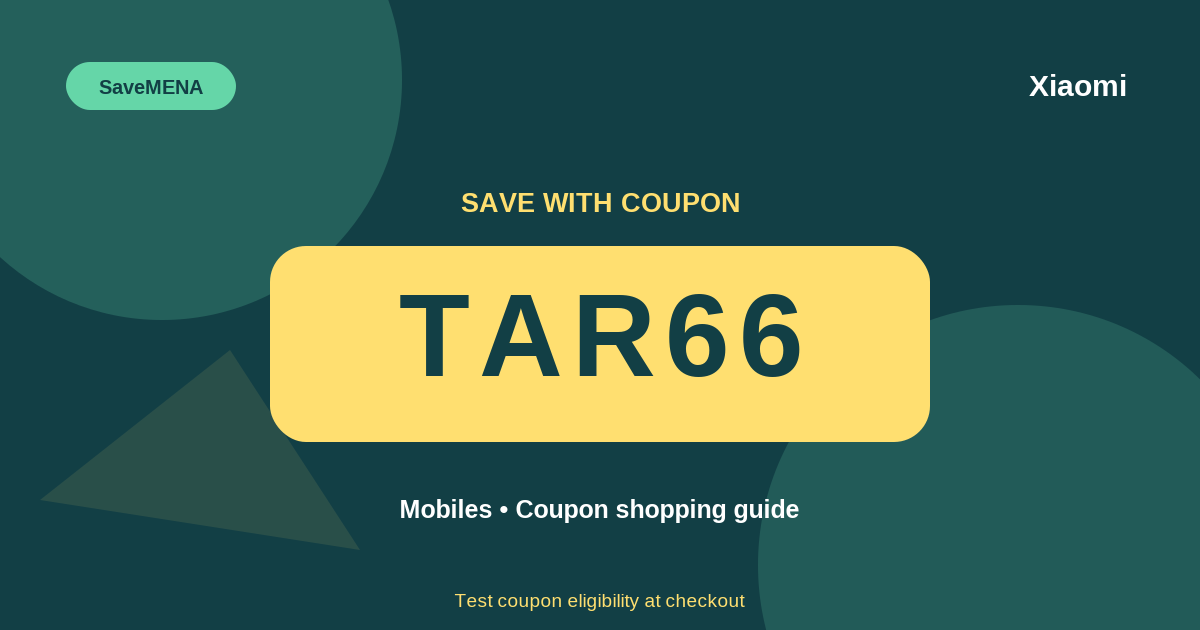
Codes available to try while comparing
These codes are not guaranteed for the article topic or listed brands; test them at checkout and use the live result.
Pinpoint the Exact Model and Specified Variant
Begin by cross‑referencing every detail on the Noon listing—model number, storage, colour, network compatibility, and any regional firmware marks. Variants that differ even slightly can trigger separate warranty pools or lead to manufacturer support restrictions. Verify that the listed SKU matches the specifications you need by comparing it to the official Xiaomi catalogue or the phone’s internal settings dashboard. Correcting a mismatch at this stage prevents future confusion when you call the warranty hotline or file a claim and saves you time and money on ultimately invalidated support.
During this search, note whether the variant is marketed as a “Noon UAE edition” or simply “UAE variant.” A third‑party reselling tag usually indicates a difference in certification or trade‑in eligibility, which can affect the warranty’s enforceability. Capture screenshots or printouts of the exact variant page, noting the version code and any country‑specific labels. This documentation will be useful if you need to prove authenticity when contacting Xiaomi support or when seeking assistance through the retailer.
Verify the Seller’s Credibility and Return Channels
After confirming the variant, scrutinize the seller’s profile on Noon. Look for clear contact information, a long-standing seller history score, and an explicit statement about return or exchange policies. The warranty you rely on is still only effective if the seller consistently adheres to the stated return procedures for defective units. Excluding sellers with no recorded returns or pending disputes ensures that you’re not entrapped in a murky post‑sale scenario where Xiaomi’s support is bypassed.
Deep‑dive into customer reviews that mention after‑sales experience, especially those referencing delivery of spare parts or on‑site repair options. While you can’t force a seller to provide a warranty, a strong buyer‑trust rating usually correlates with better redress mechanisms. If the seller’s account lacks visible proof of authenticity, consider reaching out directly for clarification before proceeding. This precaution strengthens the likelihood you’ll have clear, reliable support post‑purchase.
Confirm the Warranty Coverage Explicitly Provided
The warranty period presented by the seller will hinge on Xiaomi’s regional policies for the UAE. Rather than relying on assumptions, contact the seller or visit the official Xiaomi UAE portal to confirm the exact duration—whether it is a 12‑month, two‑year, or a more extended coverage. Also verify what the warranty covers: hardware failure, battery degradation, or accidental damage, and if extended coverage is offered. Knowing those parameters shapes your expectations for post‑purchase assistance.
A key point is whether the warranty includes “replacement” or “repair” at any Xiaomi service centre in the UAE. Written information about authorized repair centres assures you that you’ll receive genuine parts and not temporary fixes from third parties. You can request a copy of the warranty agreement, and you should read it carefully for notice periods, documented claim processes, and any service fees that may apply. Storing this agreement file allows quick reference if any issue arises after you start using your phone.
Locate Post‑Purchase Support Channels and Documentation
While a warranty certificate outlines legal coverage, the day‑to‑day support hinges on the ease of accessing service calls, chat support, or service centre visits. Xiaomi’s officially listed support numbers and the Noon seller’s dedicated hotline should match; any discrepancy may lead to missed assistance or delays. Test the call and chat response times on a normal weekday by subscribing to a free temporary line, if available, to gauge real‑time support quality.
Additionally, find explicit instructions on how to register the device post‑purchase—whether through the Xiaomi Companion app, an online portal, or by filling out a support request on Noon’s platform. Successfully registering the phone ensures you’re on the official maintenance pathway and that the warranty stamp is acknowledged by all parties. Keep a record of your device’s serial number and the date of purchase to expedite future claim submissions.
Evaluate Return and Refund Policies with Warranty in Mind
Even though a valid warranty may cover certain defects, it’s prudent to understand the return window and refund conditions that Noon offers for any defect not covered by the manufacturer. Relying on a short return window could leave you stranded if the device malfunctions before you register the complaint. Ask the seller for a policy statement that explicitly states the return period and what documentation is required for a refund or replacement.
The “no‑questions‑asked” return climate is often better suited to early‑stage buyer reward programs. For a device that you plan to keep, confirm that the return policy will allow you to cancel the purchase within a stated timeframe without penalty. Keep the conversation recorded digitally for accountability, and ensure it addresses whether the warranty claim is separate from the store’s return policy.
Inspect Delivery, Handling, and In‑Transit Support
Assess how Noon handles shipping to the UAE, especially for high‑value electronics. Verify whether the carrier provides insurance, protection against loss, or damage during transit. A warranty only guarantees the device after it reaches you; if the package is damaged before arrival, you’ll be stuck with an unserviceable unit. Therefore, seek a seller offer that includes transit insurance or proof of safe delivery.
Ask about the time frame for delivery and how to track the shipment. A refrigerated or climate‑controlled transit argument can protect against temperature‑related battery issues that might not manifest until after the warranty date. Also check if the seller offers an “express” shipping option that guarantees a faster hand‑over so that you can verify the device’s condition immediately upon receipt.
Understand Payment Options and Coupon Verification Procedures
The TAR66 coupon can only “be tried” if you follow the specific checkout steps on Noon. During payment, locate the coupon code entry field before confirming the order. The application of the code should appear in the order review section before you finalize payment. If you don’t see the discount reflected, the coupon may not apply to your particular variant or seller.
Because warranty coverage is unaffected by the coupon’s success, double‑check that the phone’s warranty details are still prominent after coupon application. Ensure the applied price does not change the device’s SKU or variant, as this could alter the warranty eligibility. Document the final invoice screen, and keep a copy for your records should the coupon need future reference.
Final Checkout Verification and Post‑Purchase Follow‑Up
When you reach the final review page before payment, carefully re‑confirm the phone’s model, variant, and the seller’s name. Cross‑check whether the warranty confirmation is still present, and ensure that the phone’s serial number matches the information you have. This step protects you from accidental cross‑product purchases that could break the warranty chain.
After completing the purchase, note the receipt or order confirmation ID. Store this safely for warranty inquiries. Within a few days, it can be wise to contact the seller or Xiaomi support to confirm the device registration in the warranty system. This confirmation ensures there is no administrative lag that might otherwise void a claim, especially if the phone encounters an issue early on. Mark your calendar for warranty expiry and set a reminder to maintain the phone properly before that date.
Related SaveMENA pages
Related articles
Official sources to check
Frequently asked questions
What if the Cotag TAR66 doesn’t apply to my purchase?
The coupon is only a “try” and may not apply to all variants or sellers. If not deducted at checkout, you can still proceed with the normal price but the warranty and postsupport remain unaffected. Verify at checkout and keep the invoice copy for future reference.
How do I report a defect covered under the warranty?
Contact the seller’s warranty hotline or use the official Xiaomi UAE service portal. Provide your device’s serial number and purchase proof. The seller or manufacturer will guide you through repair, replacement, or refund steps. Remember to keep all correspondence documented.
Can I return the phone if it’s not approved for warranty after delivery?
Check Noon’s return policy, which usually allows returns within a specified window if the device is defective or not as described. Ensure you have the seller’s return instructions and that the defect is documented. The warranty status should not affect the return eligibility if it meets the stated criteria.
Will delivery insurance cover phone damage during shipping?
Many sellers or couriers offer transit insurance; confirm during checkout. If the package arrives damaged, file a claim with the carrier and submit photographic evidence. Warranty coverage for internal defects is separate and post‑delivery.